Using iView
8-6 Manual # 42-02-7223
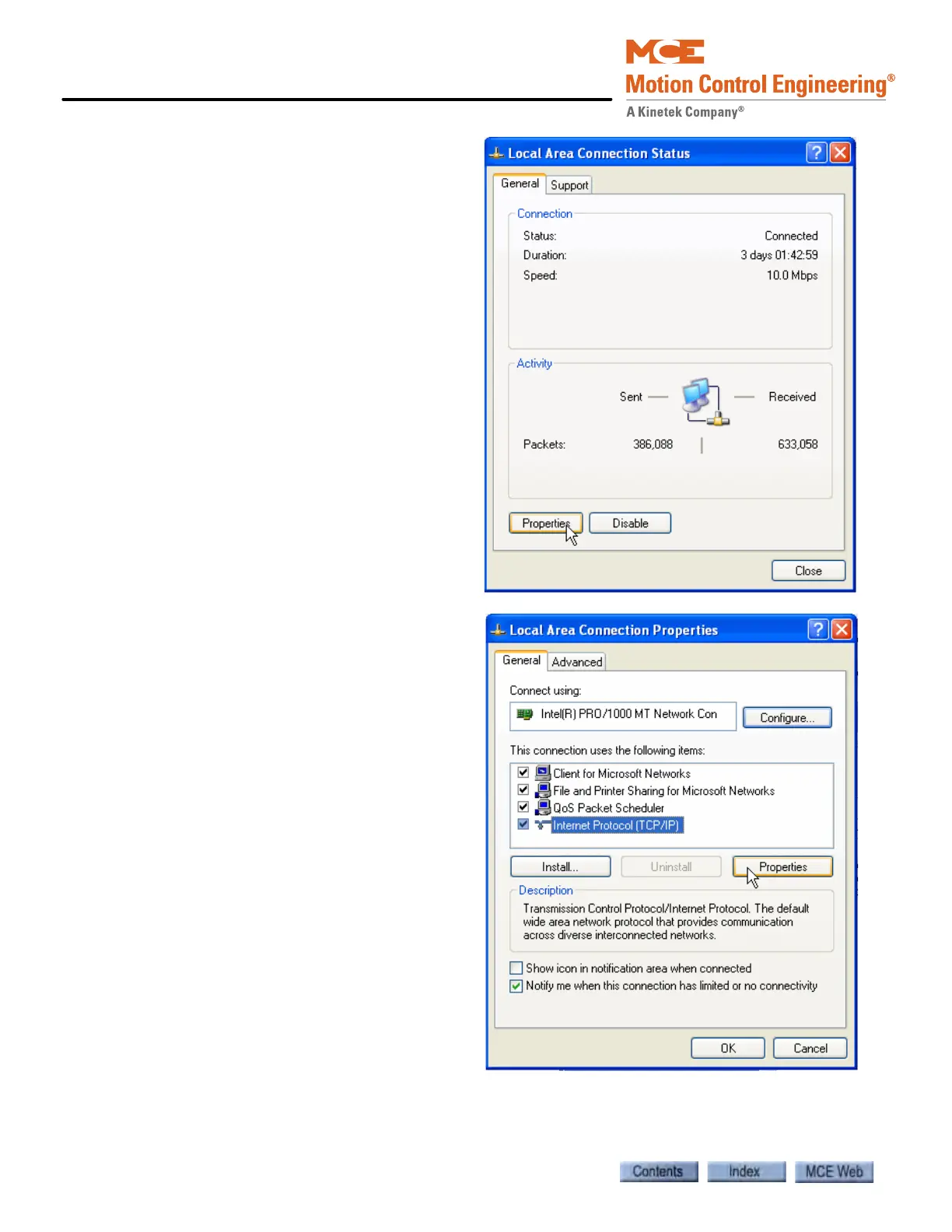
5. Click Properties to open the Local
Area Connection Properties dialog.
Sample screens are Windows XP
TM
operating system.
6. In the Local Area Connection
Properties dialog, select Internet
Protocol (TCP/IP).
7. Click Properties to open the
Internet Protocol (TCP/IP)
Properties dialog



 To Next Page