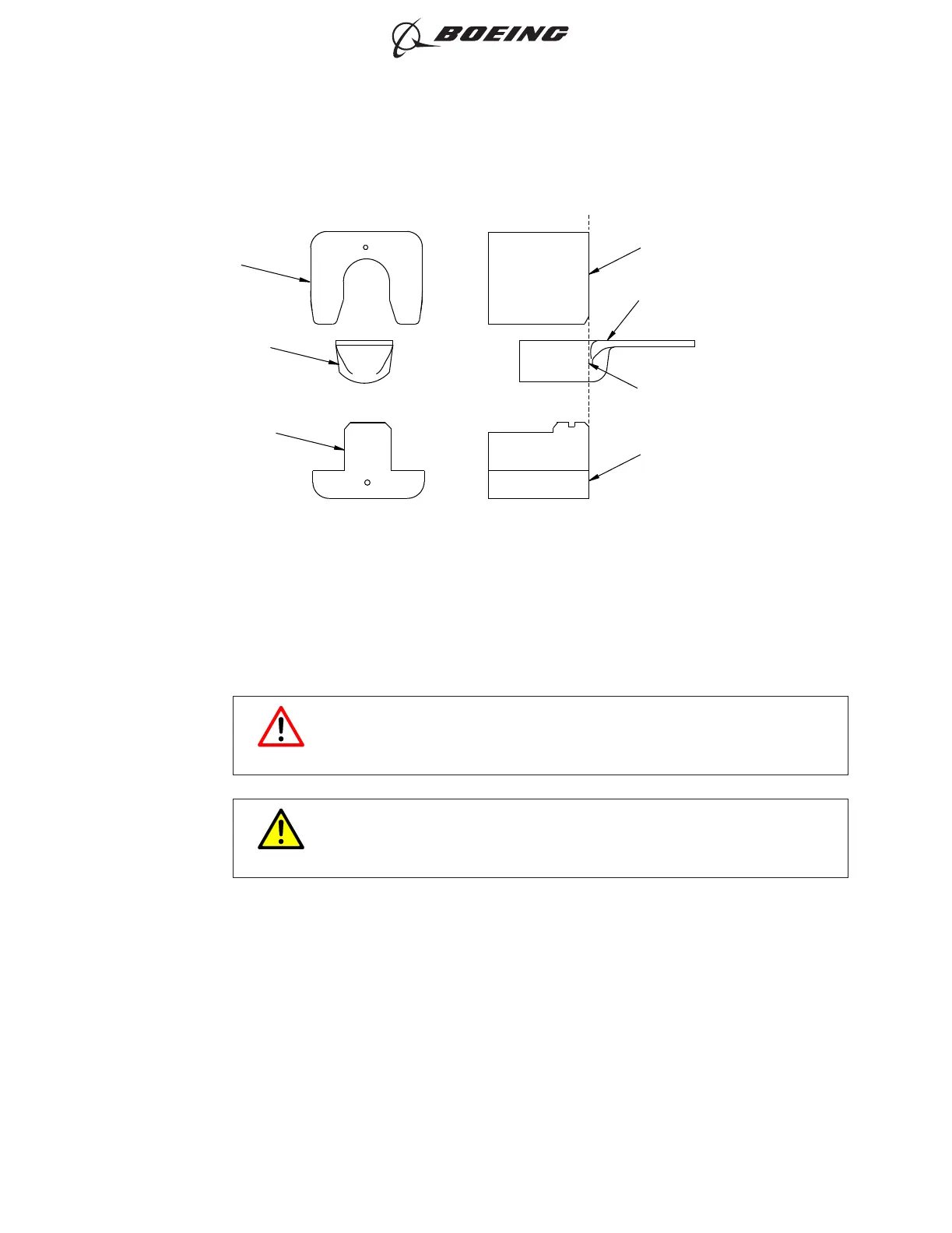
(j) Crimp the terminal lug.
(k) To remove the terminal lug from the crimp tool:
1) Hold the terminal lug at the rear end of the tongue that is adjacent to the stationary die.
WARNING
DO NOT ACCIDENTLY PUSH THE FOOT PEDAL OR THE HANDLE
CONTROL OF THE CRIMP TOOL. INJURY TO PERSONNEL CAN
OCCUR
CAUTION
DO NOT HOLD THE TERMINAL LUG AT THE HOLES IN THE TONGUE.
DAMAGE TO THE TERMINAL LUG CAN OCCUR.
2) Carefully move the terminal lug back and forth until it is released from the stationary die.
NEST DIE
TERMINAL LUG TONGUE
MOLDED LINE ALIGNED
WITH THE FRONT FACE
OF THE DIES
INDENTER DIE
INDENTER DIE
TERMINAL LUG
TONGUE
NEST DIE
2528269 S0000597209_V1
Alignment of the Terminal Lug in the Crimp Dies
Figure 3
ASSEMBLY OF BACT12BC TE ALUMINUM TERMINALS
707, 727-787
STANDARD WIRING PRACTICES MANUAL
20-30-08
Page 6
Oct 15/2017D6-54446
ECCN 9E991 BOEING PROPRIETARY - See title page for details



 To Next Page