696 EDIUS — User Reference Guide
Section 8 — Exporting/Project Output
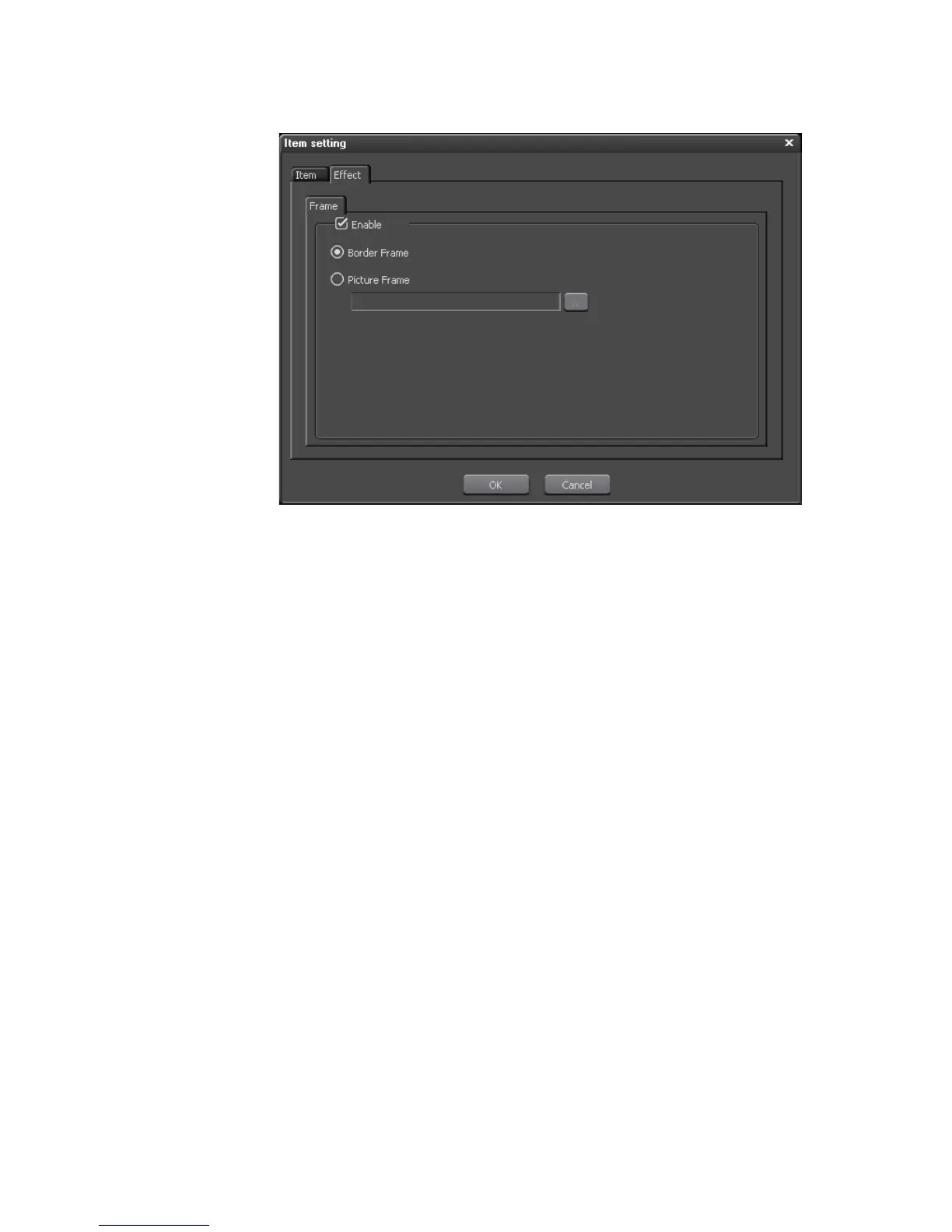
Figure 848. Burn to Disc Item Setting Picture Effect Dialog
Click the OK button to close the Item Setting dialog.
11. Click the “Write” tab to set the project output parameters.
The Burn to Disc Output to DVD dialog shown in Figure 849 appears.



 To Next Page