Troubleshooting
6-138 Manual # 42-02-7223
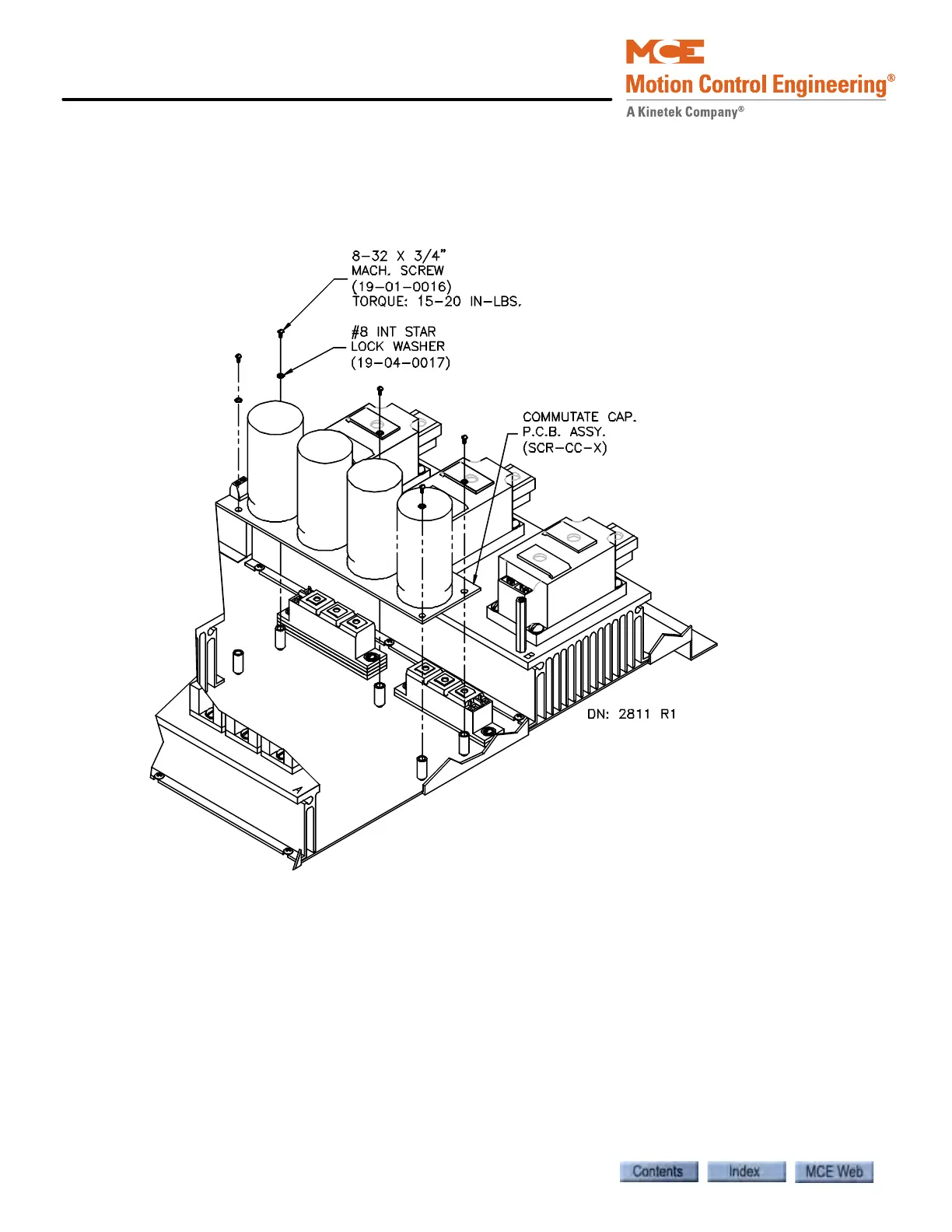
Replacing the SCR-CC H/L Board To gain access to the SCR-CC-H/L board, the
SCR-DS board must be removed. Label the wires you disconnect so they can be reconnected
correctly. The three studs (X1, A, AX) on the board should be torqued with care.
Figure 6.33 Replacing the SCR-CC H/L Board



 To Next Page