System 12 SCR Drive
6-139
6
iControl DC
1. Label and disconnect the wires on the studs (X1, A, AK) and J1 of the SCR-CC-H/L
board.
2. Remove the mounting screws and the board.
3. Install the new SCR-CC board and torque the mounting screws to 15-20 inch pounds.
4. Install all the wires that connect to J1.
5. Reconnect the wires to the studs (X1, A, AK). Torque the nuts to 22-30 inch pounds.
6. Reinstall the SCR-DS board.
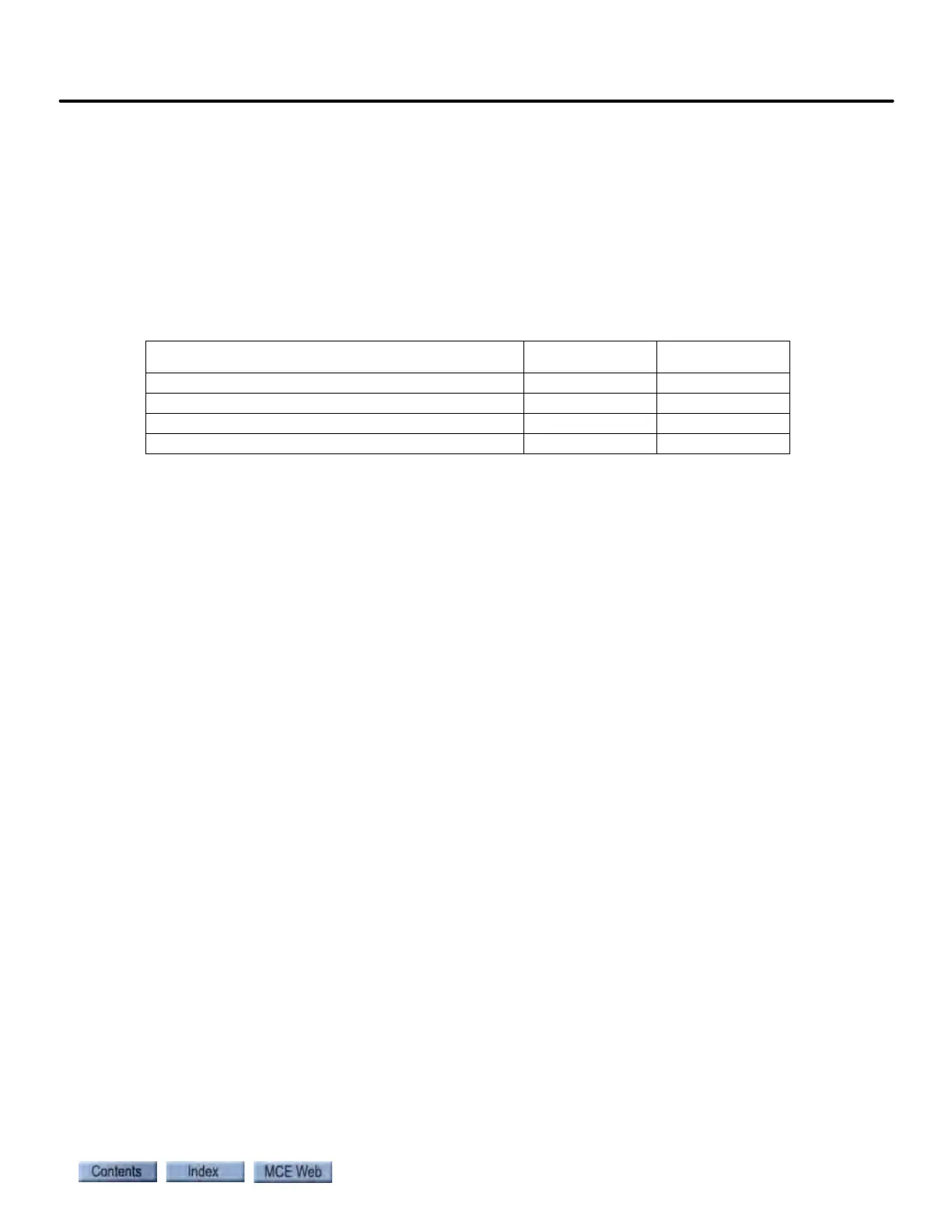
Table 6.44 Replacement Parts for SCR-CC
ITEM (DESCRIPTION) MCE PART # UNIT
SCR-CC-L (commutation Board Low Voltage) SCR-CC-L Each
SCR-CC-H (Commutation Board High Voltage) SCR-CC-H Each
Mach. Screw (8-32 x 3/4" Mach. Screw) 19-01-0016 Each
Star Lock Washer (#8 Star Lock Washer) 19-01-0017 Each



 To Next Page