Construction Mode
2-40 Manual # 42-02-7223
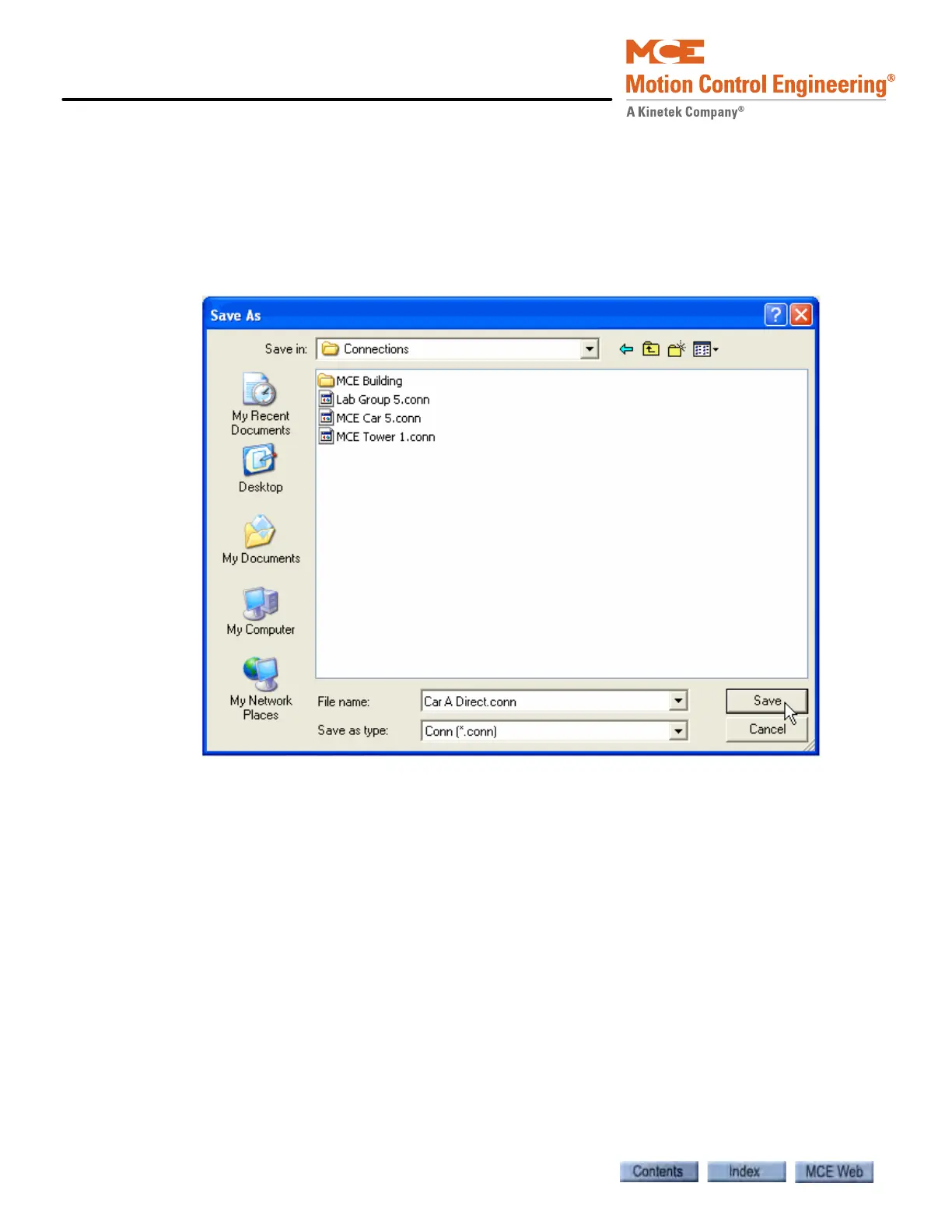
8. Enter a File name for this connection in the Save As dialog. The suggested file name will
be the same as the one you entered in the Connection dialog.
9. The suggested (default) location for a connection is the Connections folder (My Docu-
ments > Motion Control Engineering > iView > Connections). You may choose another
location using standard windows methods. You may also create sub-folders inside the
Connections folder in which groups of connections can be stored.
10. Click Save to save the connection.



 To Next Page