(continued)
Screen element Description
Help
Opens the software help system.
(Settings)
Displays the selections for the default Save location for plate files, connecting the
Plate Manager software to an instrument, and accessing libraries.
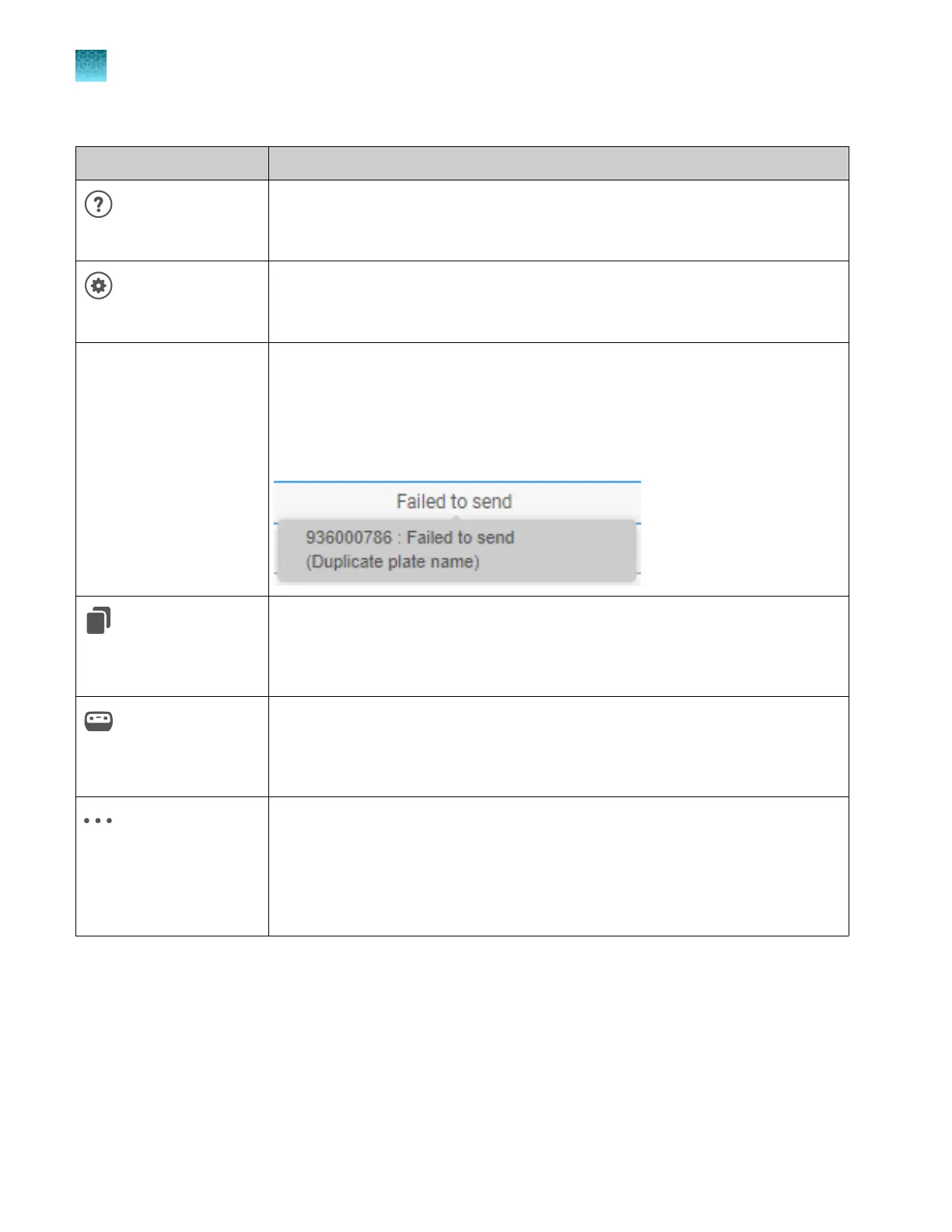
Recent plate files list Lists the 10 most recently created or edited plate files and their status. The status
indicates if a plate file was sent to an instrument. New plate files are added to the
top of the list. The oldest plate file is automatically removed when a new plate file is
added.
If a Failed to send status is shown, place the cursor over the status to display the
reason for the failure.
(Copy & edit, in Recent
plate files list)
Makes a copy of the selected plate file with _Copy appended to the plate name.
(Send to instrument, in
Recent plate files list)
Allows you to select one or more instruments, then sends the selected plate file to the
Inbox on the instrument(s).
(Actions, in Recent plate
files list)
Contains the following commands:
•
Export (plate file)
•
Remove from Recent Files
•
Delete permanently
•
Cancel send to instrument
Chapter 5 Create a plate file in the Plate Manager software
Get started with the Plate Manager software (desktop)
5
102
SeqStudio
™
Flex Series Genetic Analyzer with Instrument Software v1.0 User Guide













 To Next Page