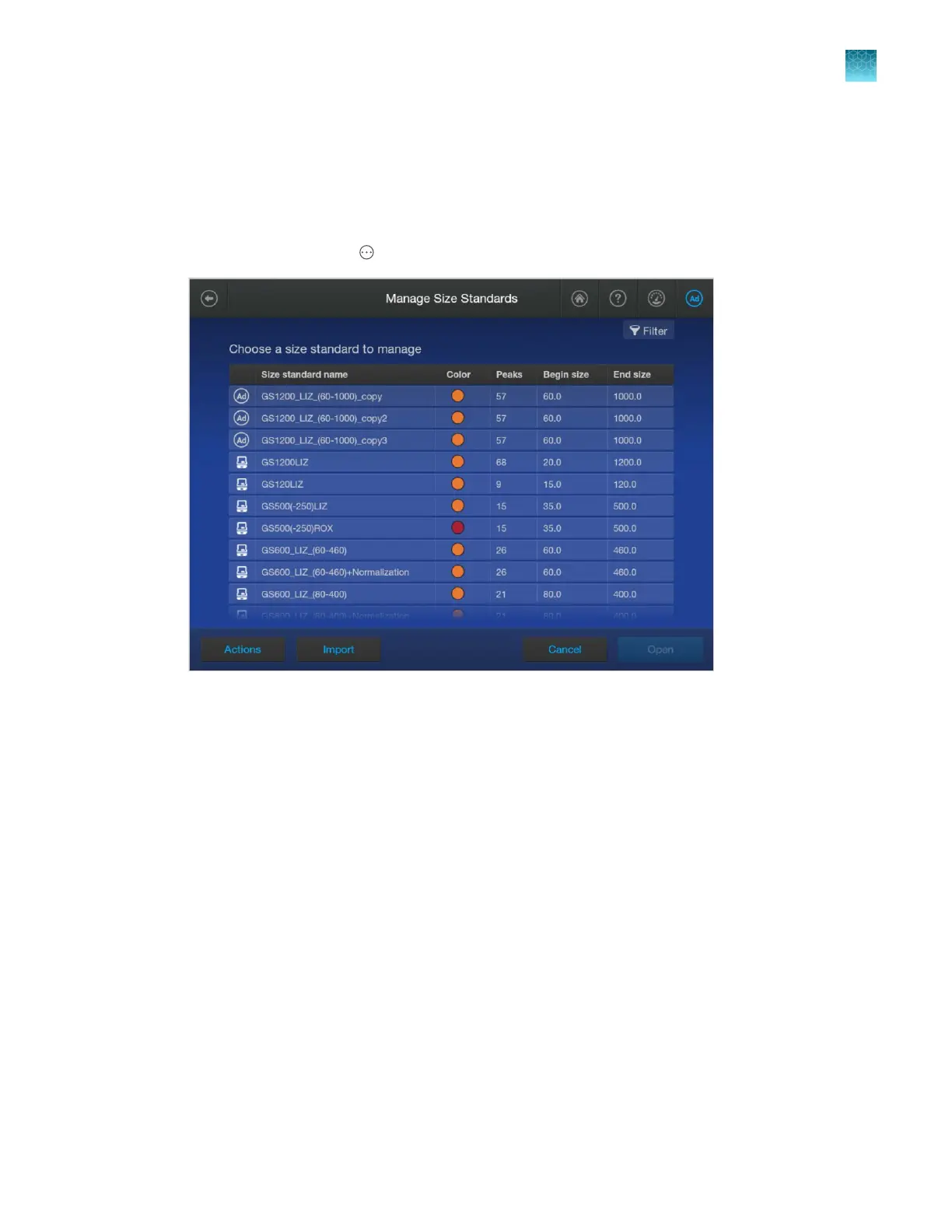
6.
Enter peak sizes.
7.
Tap Save.
Modify a factory-provided normalization size standard
1.
In the home scr
een, tap
Actions4Libr
ary4Size standard.
2.
T
ap a normalization size standard, click Open, then tap Copy.
3.
Enter a name for the size standard, then tap Enter.
4.
Tap the dye color to assign to the standard.
5.
Specify the number of peaks in the standard.
6.
Enter sizes of the peaks in the standard.
7.
Tap Save.
Chapter 11 Manage libr
ary resources on the instrument
Size standards library
11
SeqStudio
™
Flex Series Genetic Analyzer with Instrument Software v1.0 User Guide
277













 To Next Page