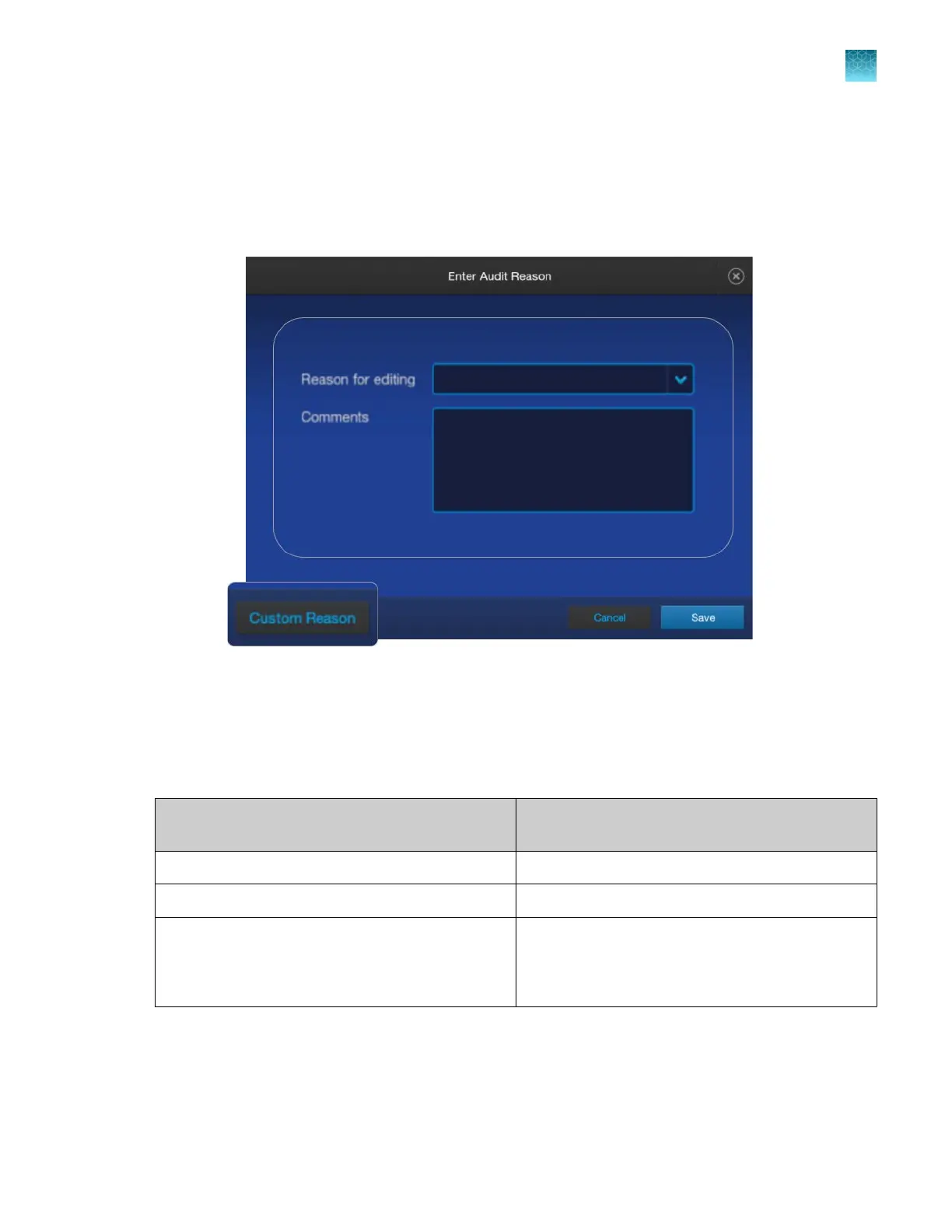
Audit reason requirements
Depending on the way that your SAE administrator configures audit settings, the Enter Audit Reason
screen may be displayed when you make changes to a plate file or a library item.
Select a reason or add a custom reason, then click Save.
E-signature requirements for starting a spectral, install, or
r
egular run
The e-signature function can be configured to require signed objects when you start a run.
Action that can be configur
ed to require signed
objects
Signed object that can be required for an action
Start a spectral run Spatial calibration
Start an install run Spectral calibration
Start a regular run Sequencing install run
Fragment analysis install run
Plate file
If a signed object is required, but has not yet been signed, you are prompted to sign the required object
befor
e you can start a run.
Chapter 10 Use the instrument with the Security, Auditing, and E‑signatur
e (SAE) v2.1 module
Audit reason requirements
10
SeqStudio
™
Flex Series Genetic Analyzer with Instrument Software v1.0 User Guide
245













 To Next Page