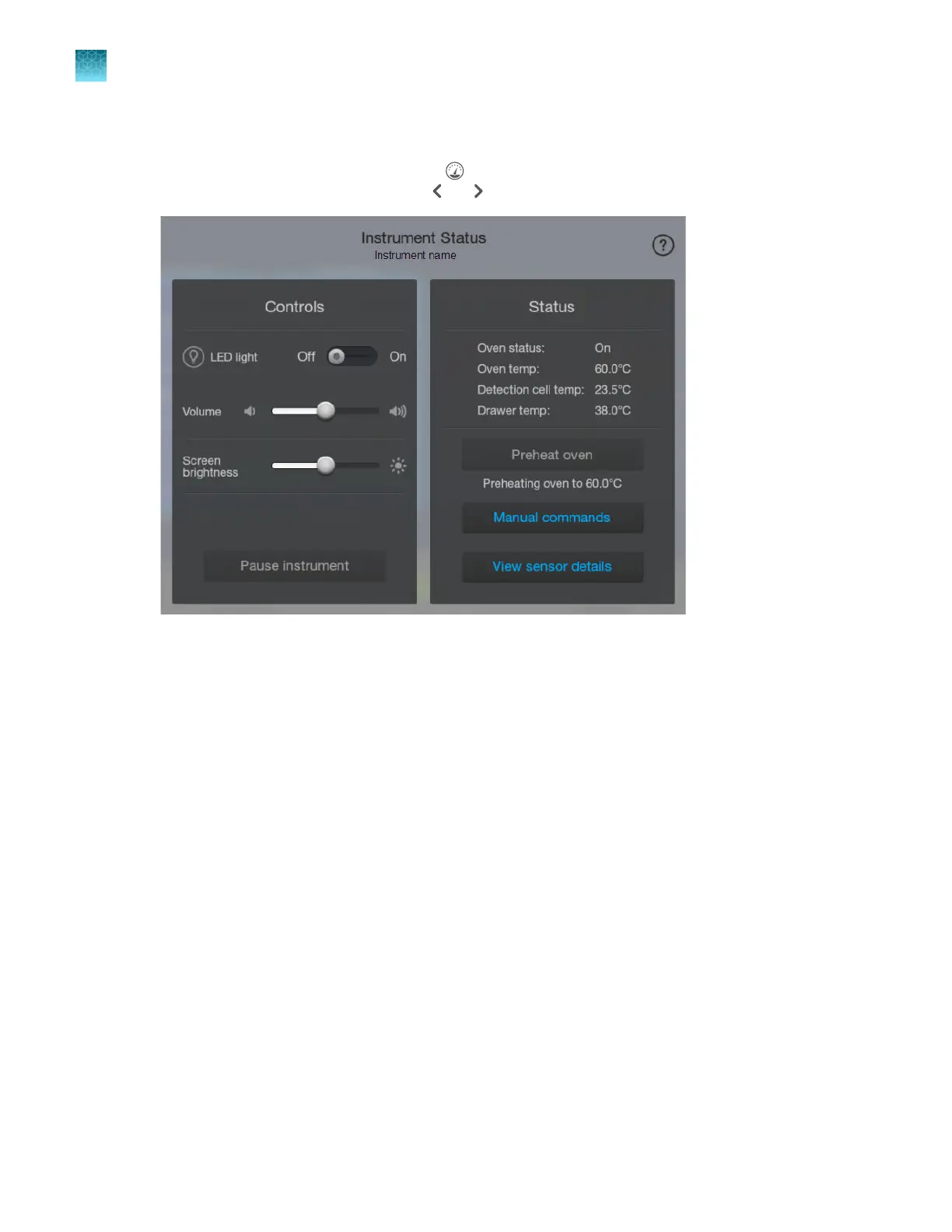
Control the LED light, speaker volume, and screen brightness
1.
Display the instrument status by tapping (Dashboard) at the top right of the screen (if the
instrument status is not displayed, tap or ).
2.
As needed, adjust the settings for LED light, V
olume, and Screen brightness.
Chapter 2 Get star
ted
Prepare the instrument
2
72
SeqStudio
™
Flex Series Genetic Analyzer with Instrument Software v1.0 User Guide













 To Next Page