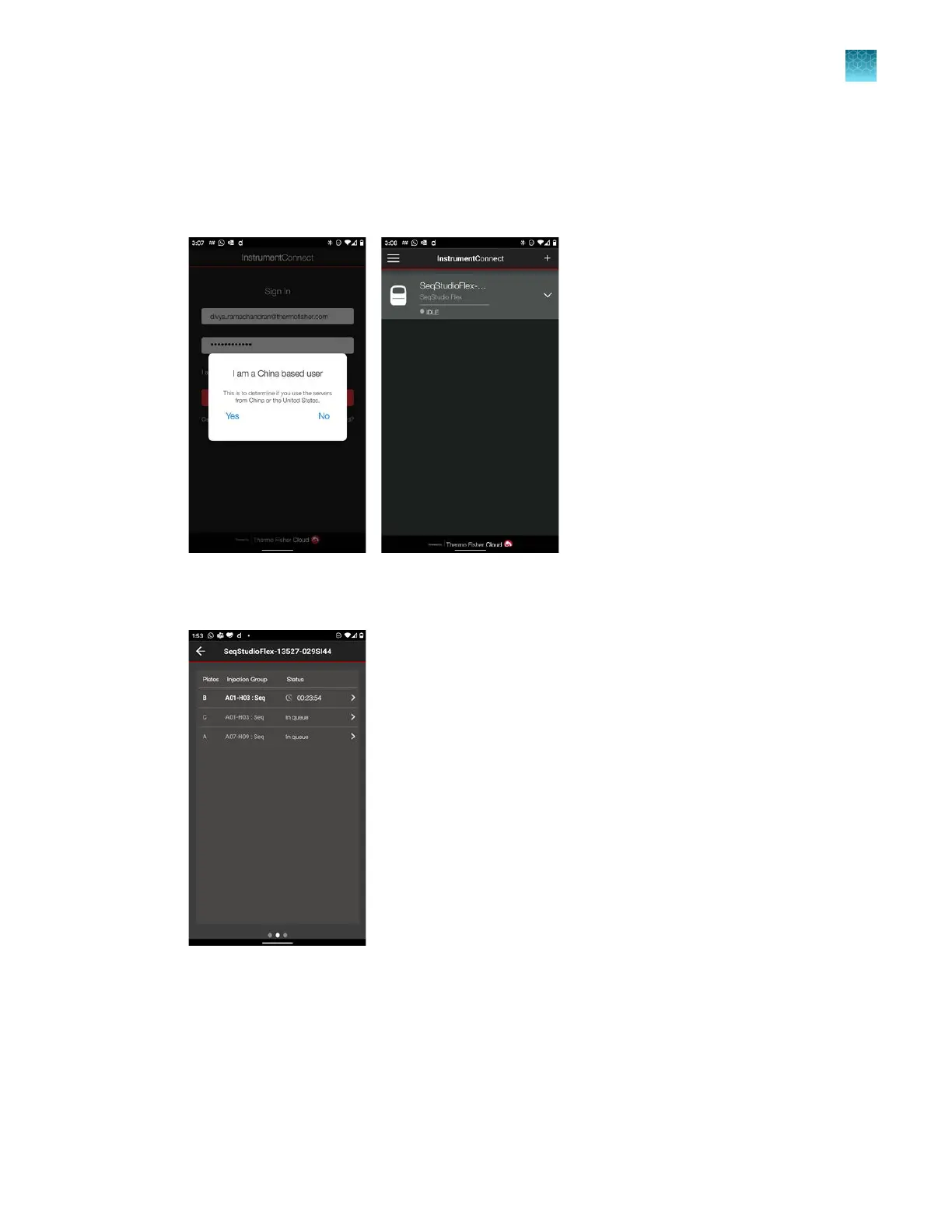
Monitor a run from a mobile device
1.
On your mobile device, launch the InstrumentConnect app, then sign in.
2.
Tap Yes or No to select your region, then tap the instrument to monitor.
3.
T
ap the instrument, tap a plate position, then swipe right to display the injection list for the
instrument.
Chapter 8 Use the Remote Monitoring software to monitor runs, view results, and use cloud analysis
Monitor a run from a mobile device
8
SeqStudio
™
Flex Series Genetic Analyzer with Instrument Software v1.0 User Guide
195













 To Next Page