Disable SAE mode on the instrument (administrator only)
You can disable SAE mode when you are signed in with an SAE administrator account or a local
administrator profile. You must enter your SAE administrator account user name and password to
complete the procedure.
1.
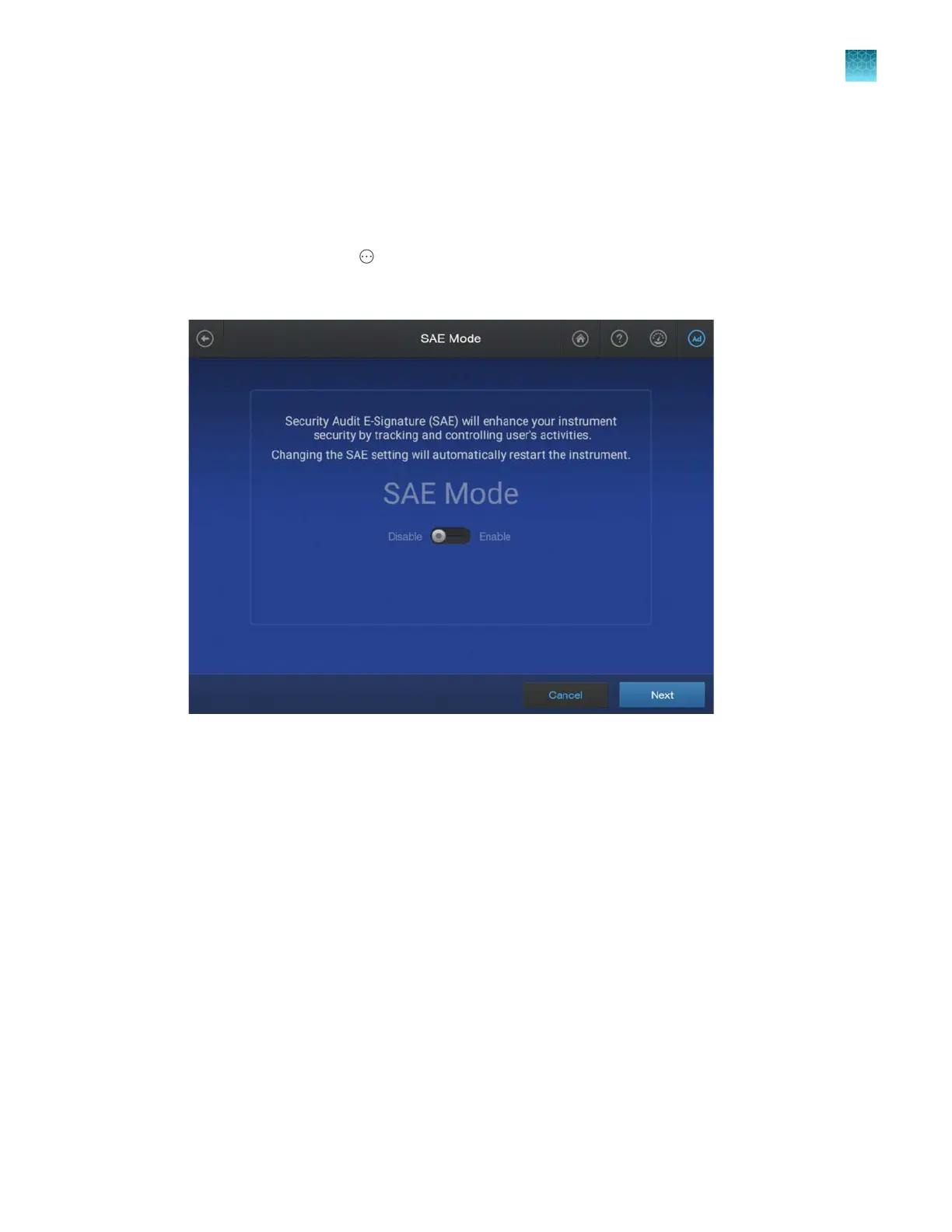
In the home screen, tap Actions4Settings4SAE.
2.
In the SAE Mode screen, press-drag the slider to the Disable setting, then tap Next.
3.
Ent
er your SAE administrator account user name and password, then tap Disable.
SAE mode is disabled. The home screen is displayed.
Chapter 10 Use the instrument with the Security, Auditing, and E‑signatur
e (SAE) v2.1 module
Disable SAE mode on the instrument (administrator only)
10
SeqStudio
™
Flex Series Genetic Analyzer with Instrument Software v1.0 User Guide
243













 To Next Page