View instrument notifications in your Thermo Fisher
™
Connect account
1.
In any screen in Thermo Fisher
™
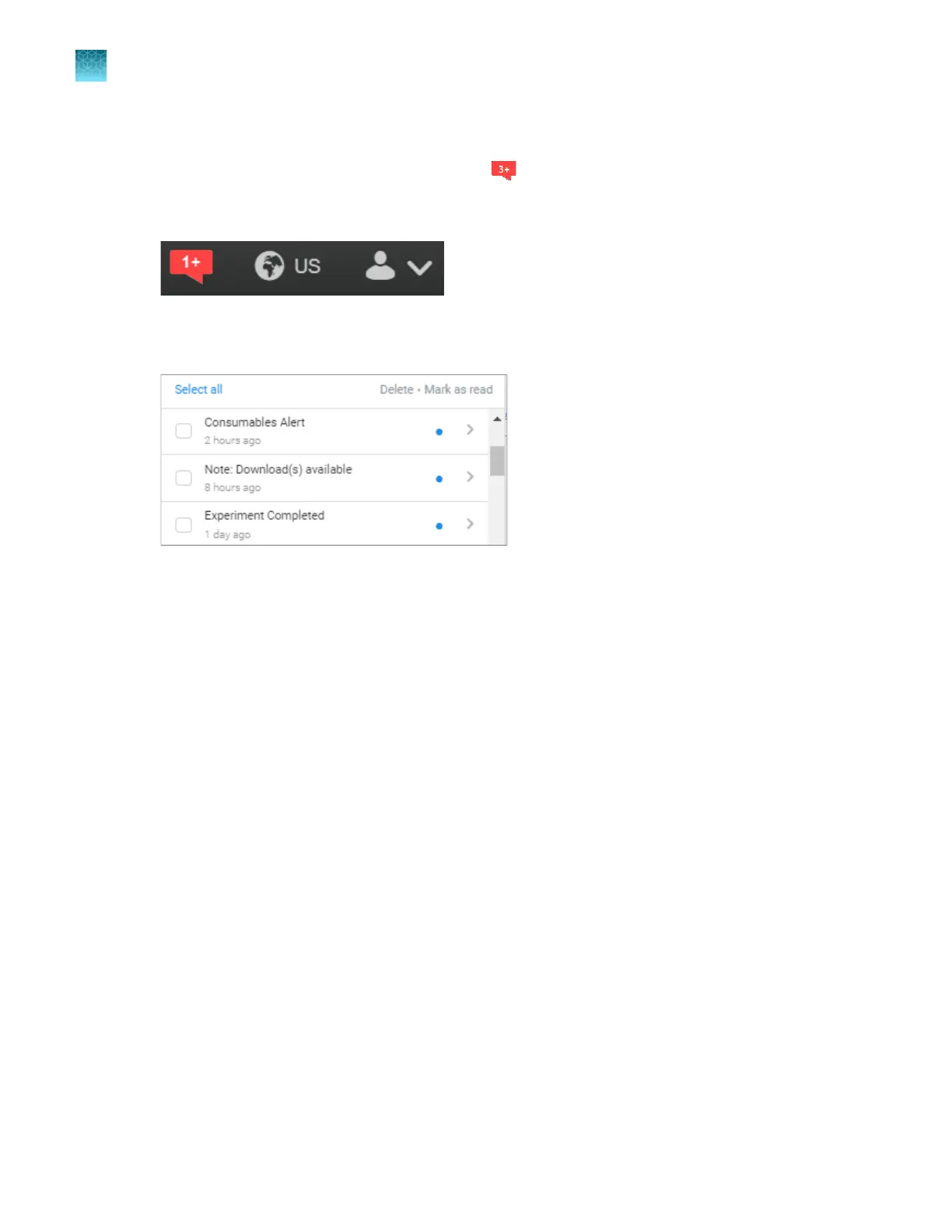
Connect, click .
If the icon is gray and does not display a number, no notifications are available, or all notifications
have been marked as "read".
Information about run completion, consumables, downloaded ZIP files that ar
e available, and other
instrument notifications is displayed. (A run is referred to as an experiment in notifications.)
2.
Click a notification, then click Mark as r
ead or Delete as needed.
Chapter 8 Use the Remot
e Monitoring software to monitor runs, view results, and use cloud analysis
Monitor a run from the Remote Monitoring software
8
188
SeqStudio
™
Flex Series Genetic Analyzer with Instrument Software v1.0 User Guide













 To Next Page