3.
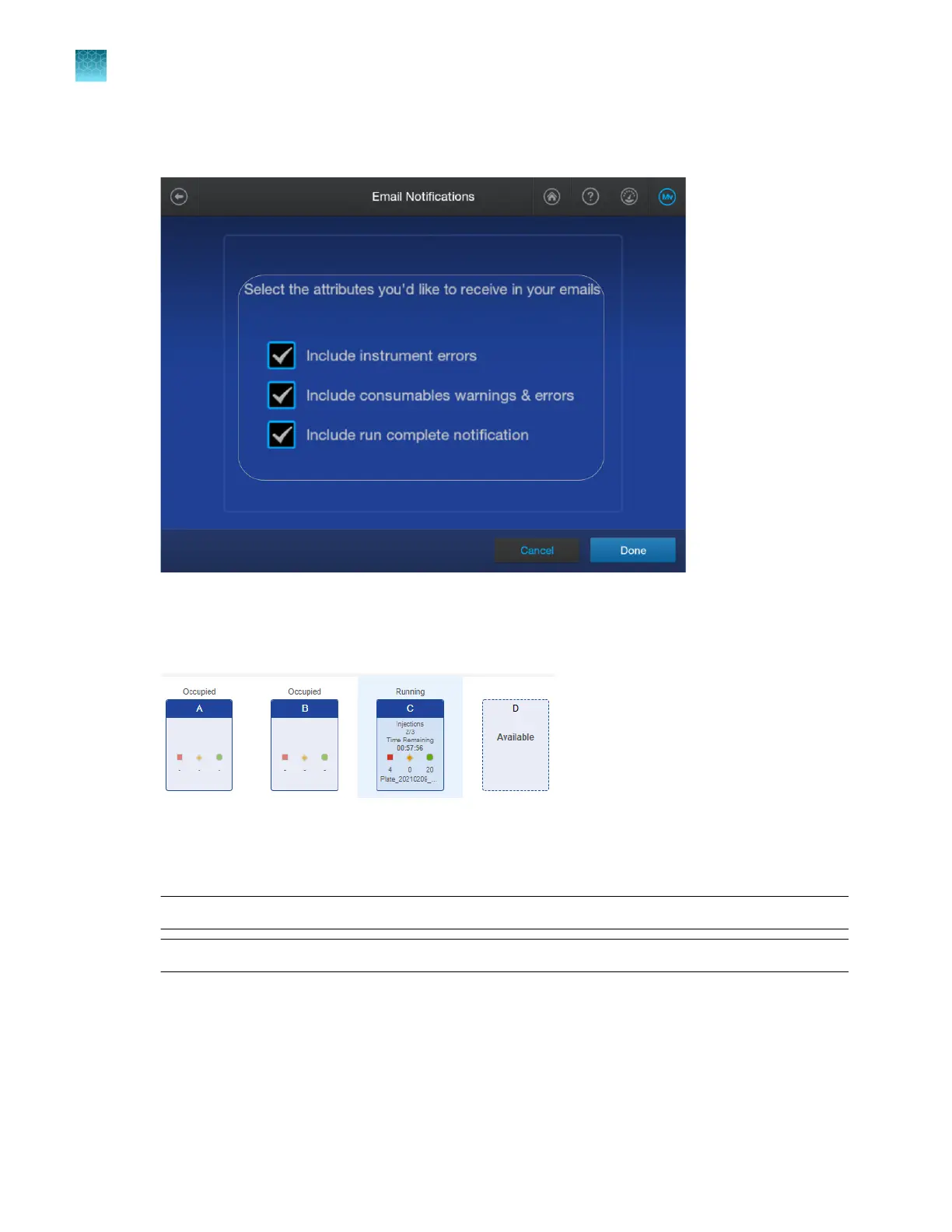
In the Email Notifications screen, select or deselect the options for which you want to receive
email notifications, then tap Done.
View real-time results in the Remote Monitoring software
1.
In the Plat
es tab, click a running plate position.
2.
Click a well t
o display the electropherogram view.
The raw data is displayed by default. The Analyzed tab is blank if analysis is not complete, or if the
results are not saved to Thermo Fisher
™
Connect.
Note: On the instrument, the Analyzed tab is displayed by default.
Note: Y
ou can use the mouse scroll wheel to zoom on the trace.
Chapter 8 Use the Remote Monitoring software to monitor runs, view results, and use cloud analysis
Monitor a run from the Remote Monitoring software
8
190
SeqStudio
™
Flex Series Genetic Analyzer with Instrument Software v1.0 User Guide













 To Next Page