(continued)
Attributes Settings
Fragment analysis only
Panel
Size standard
Sample type
Panel is a text-only field that can be used by secondary fragment analysis software
Size standard is the definition file for the standard that is present in the well.
Sample type identifies the sample as a Sample, Positive Control, Negative Control,
or Allelic Ladder.
Custom field 1 through
Custom field 10
Text-only fields that can be used by filename conventions and secondary analysis
software. See “Define custom fields” on page 262.
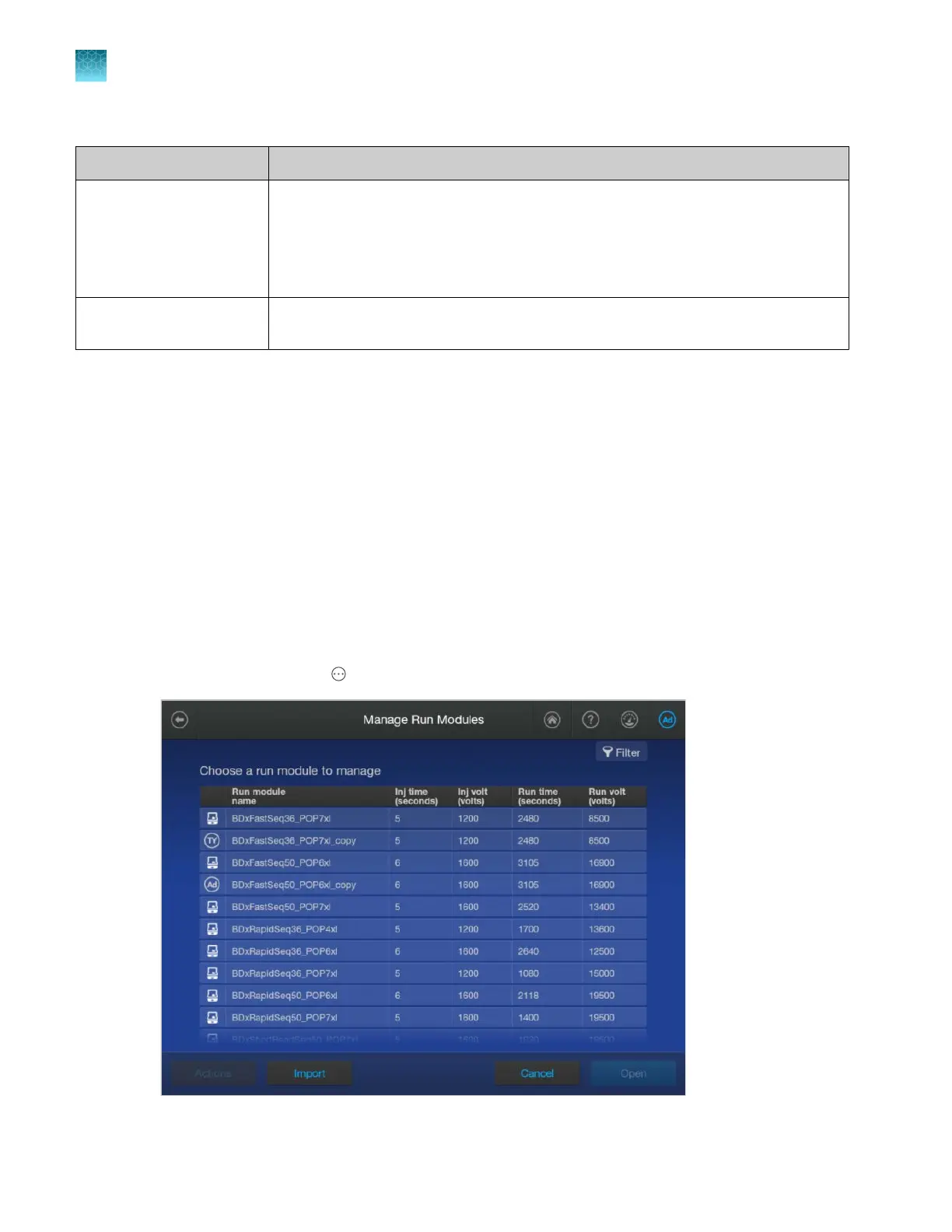
Run modules library
Run module overview
A run module contains the parameters that control the instrument during data collection.
Run module provided
For a list of the run modules that are provided in the software, see “Run modules, read lengths, size
ranges, and run times” on page 526.
Create a new run module
1.
In the home screen, tap Actions4Library4Run module.
Chapter 11 Manage library resources on the instrument
Run modules library
11
272
SeqStudio
™
Flex Series Genetic Analyzer with Instrument Software v1.0 User Guide













 To Next Page