8.
Tap the plate position that corresponds to the location of the plate in the instrument.
9.
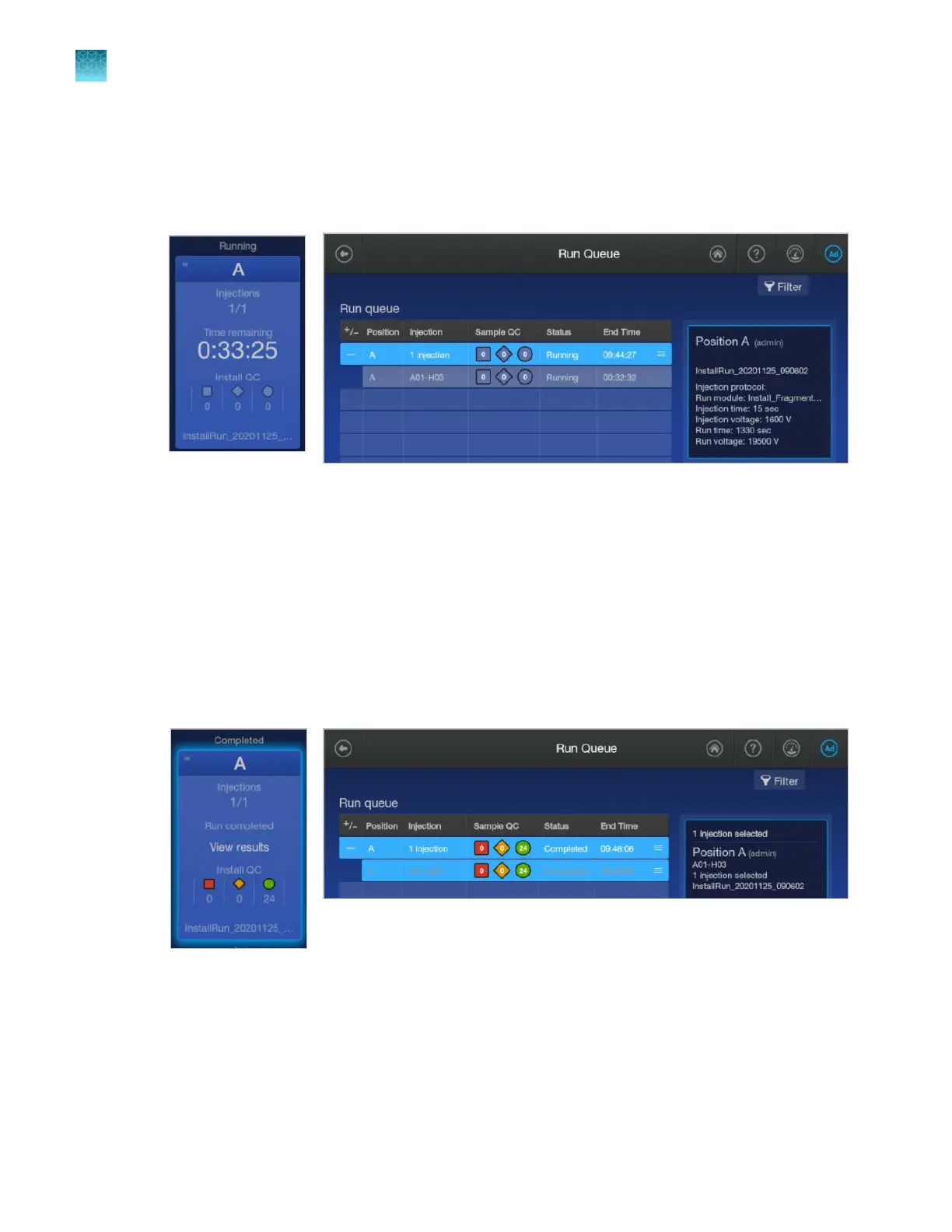
Tap Start Run.
The home screen is displayed and shows the status of the install run in the appropriate plate
position. The install run is also listed in the Run queue.
When the install run is complete, the home screen and the Run queue status displays Complet
ed.
Proceed to the appropriate section:
•
“View sequencing install run results” on page 334
•
“View fragment analysis install run results” on page 347
View sequencing install run results
See also “QC errors—Sequencing or fragment analysis install run” on page 494.
1.
When the install run is complet
e, tap the plate position in the home screen or in the Run queue.
Chapter 12 Run calibrations and install checks
Perform an install run
12
334
SeqStudio
™
Flex Series Genetic Analyzer with Instrument Software v1.0 User Guide













 To Next Page