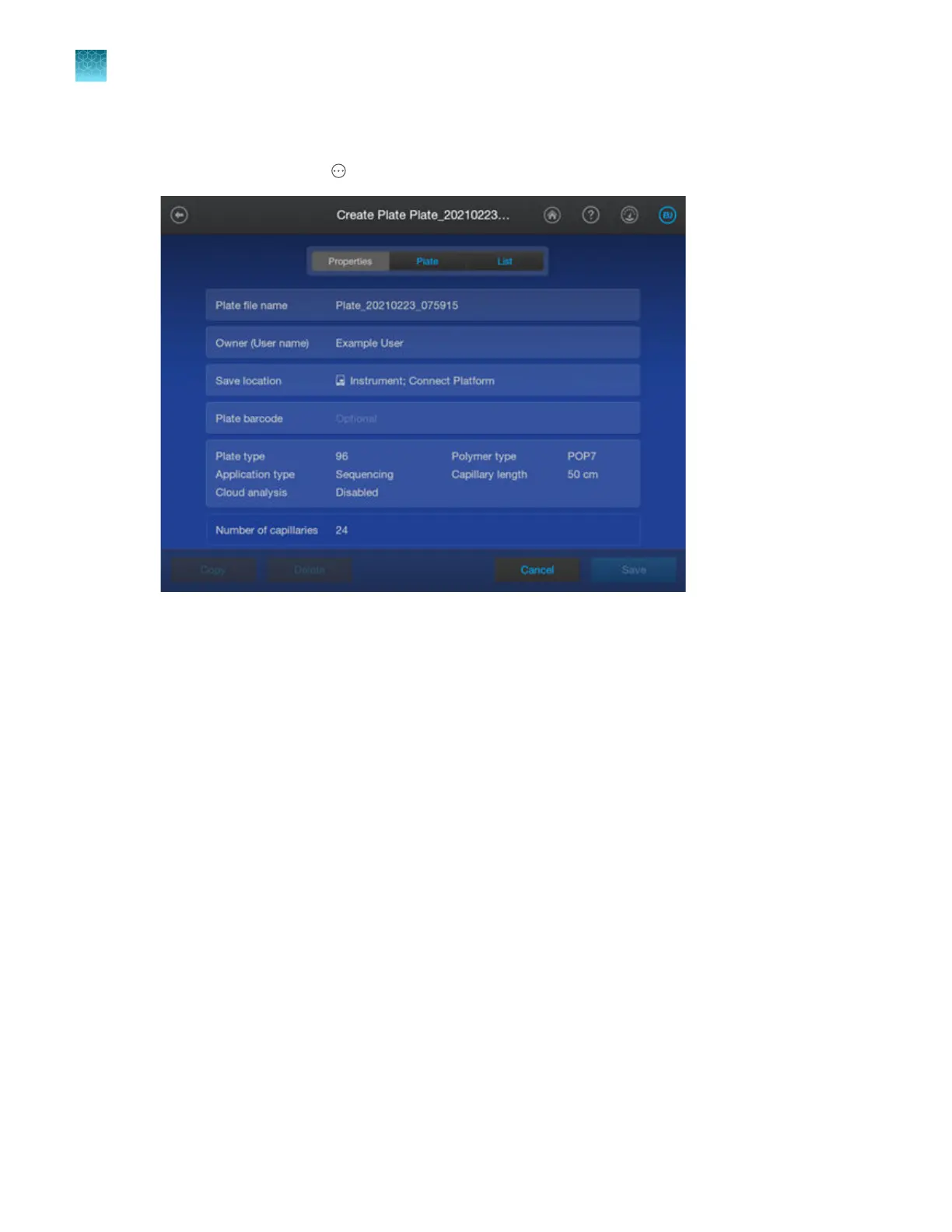
Create a plate file
1.
In the home screen, tap Actions4Create plate file.
Note: This function is the same function you access fr
om the Create a new plate file option on
the Link Plate screen and the Copy function in the Plate files library.
2.
Proceed to “Enter plate properties” on page 88.
Chapter 4 Cr
eate a plate file on the instrument
Create, copy, or import a plate file
4
84
SeqStudio
™
Flex Series Genetic Analyzer with Instrument Software v1.0 User Guide













 To Next Page