Injection protocols library
Injection protocol overview
An injection protocol contains the parameters that control the instrument during data collection and the
settings for analysis of the data:
•
Dye set
•
Run module
•
Analysis settings
•
Size standard (fragment analysis only)
An injection protocol is an optional setting in a plate file. Alternatively, you can individually select the
elements listed above in a plate file.
Create a new injection protocol
1.
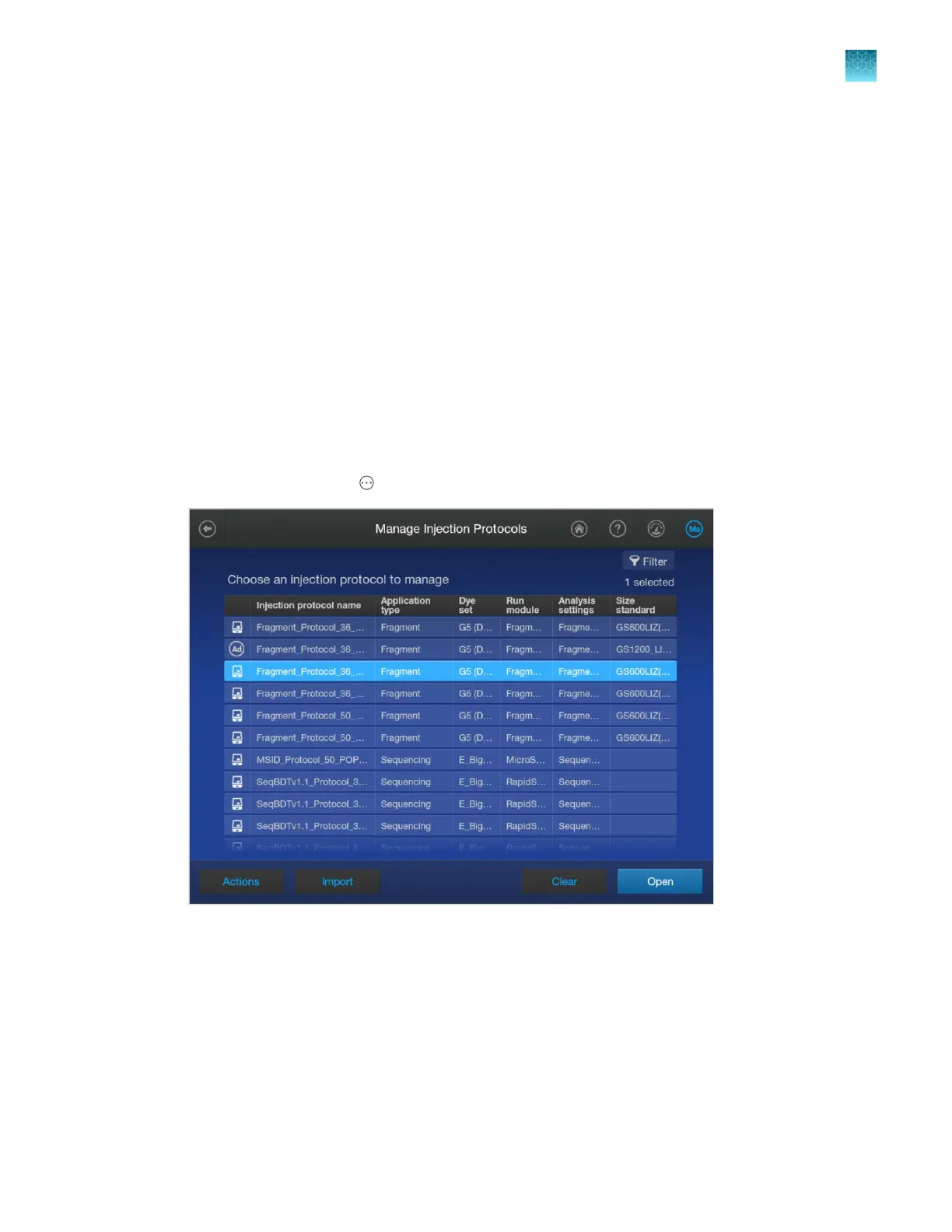
In the home screen, tap Actions4Library4Injection protocols.
2.
T
ap an injection protocol, tap Open, then tap Copy.
3.
Enter a name for the injection protocol, then tap Enter.
4.
Tap sections of the screen and modify settings as needed (see “Injection protocol settings” on
page 284).
5.
Tap Save.
Chapter 11 Manage libr
ary resources on the instrument
Injection protocols library
11
SeqStudio
™
Flex Series Genetic Analyzer with Instrument Software v1.0 User Guide
283













 To Next Page