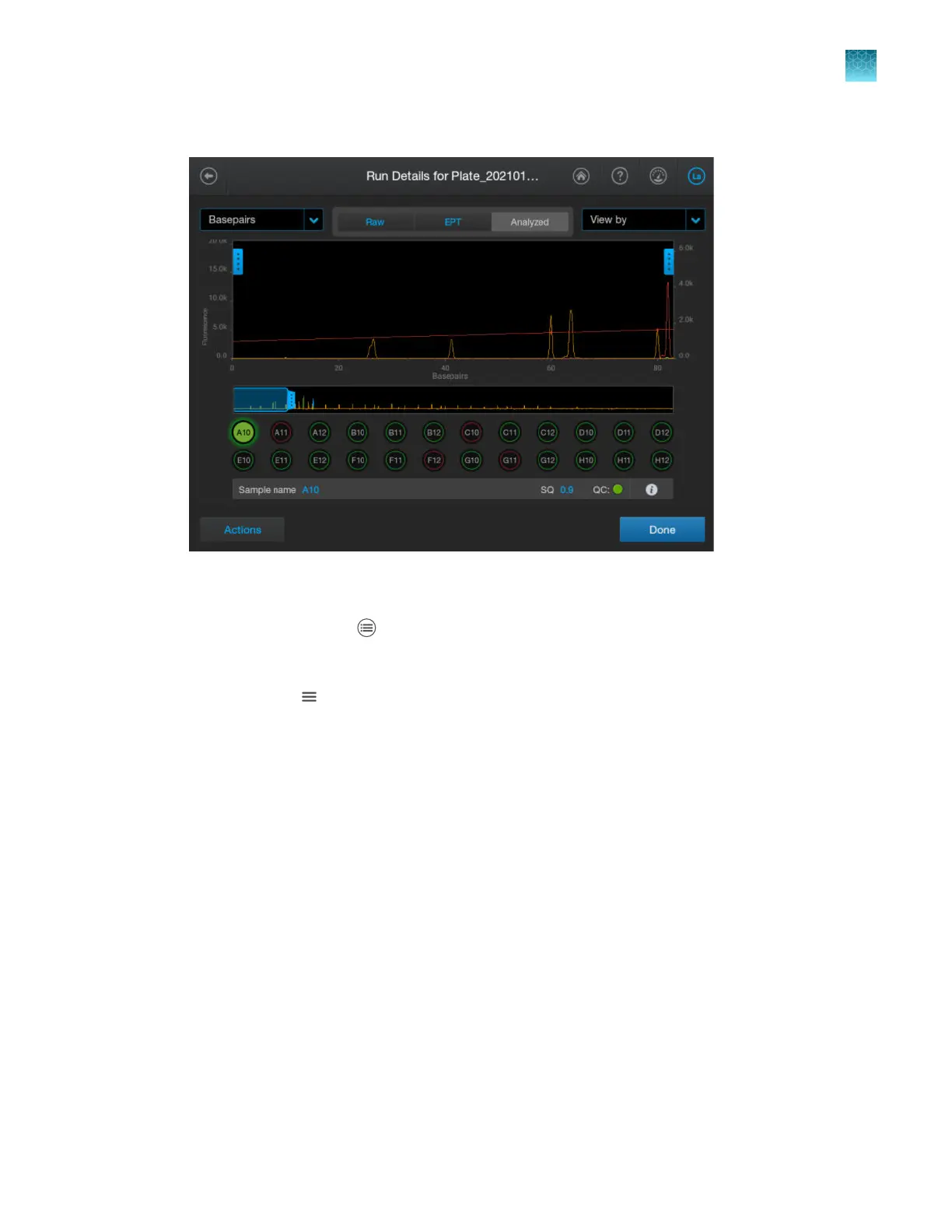
The Run Details electropherogram view or the plate view is displayed.
Change the injection list order
1.
In the home scr
een, tap
Run queue.
2.
Use either of the following options t
o change the order.
•
Press-drag
(Move) t
o move an injection or a plate position in the list and change the
injection order.
Chapter 6 S
tart and monitor a run
Use the Run queue to monitor a run on the instrument
6
SeqStudio
™
Flex Series Genetic Analyzer with Instrument Software v1.0 User Guide
163













 To Next Page