4.
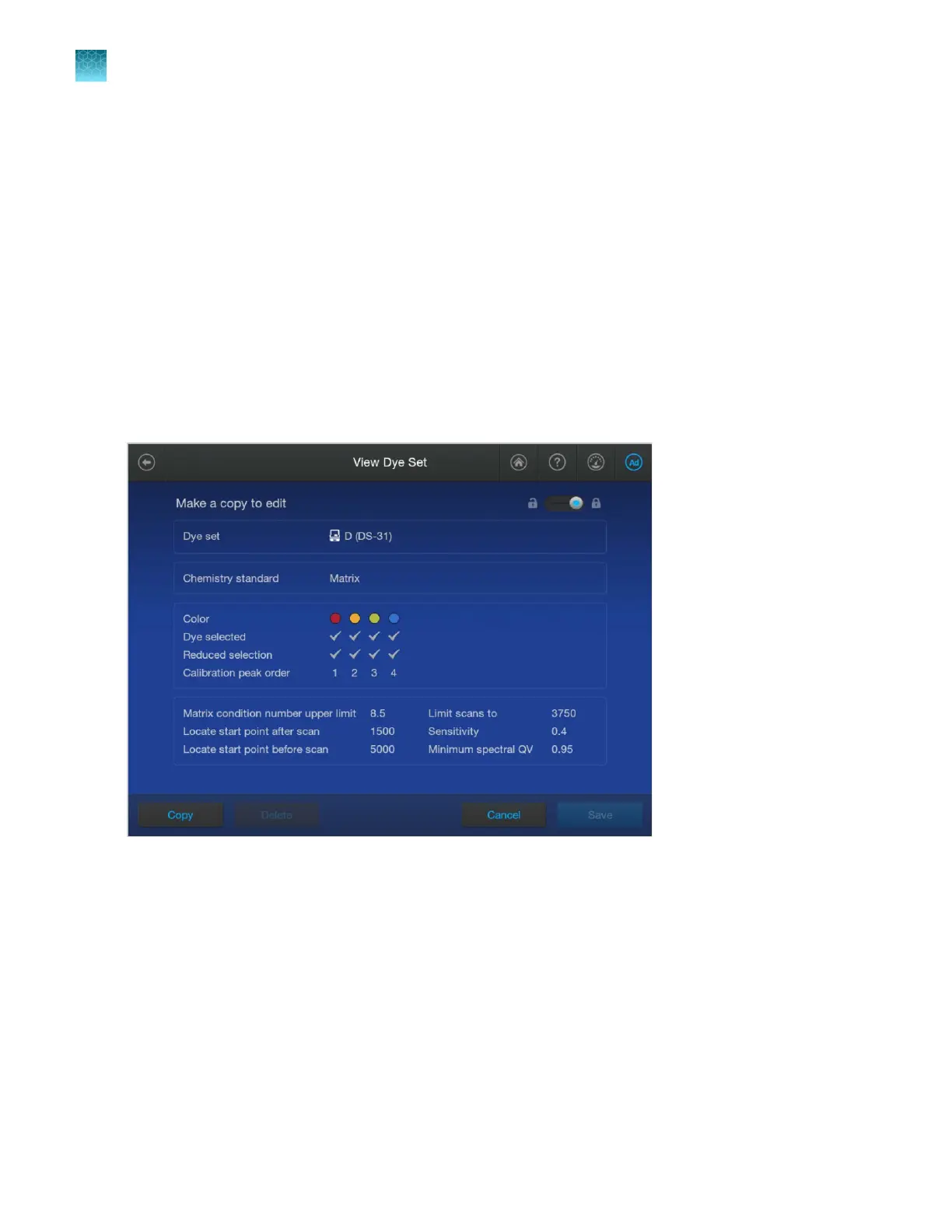
Tap sections of the screen and modify settings as needed (see “Dye set settings” on page 286).
5.
Tap Save.
Create a custom dye set
A custom dye set defines the dyes and the dye migr
ation order for dyes that are not provided by
Thermo Fisher Scientific. For more information, see “System dye sets versus custom dye sets” on
page 312.
To create a custom dye set, make a copy of a factory-provided dye set, then modify it for the custom
dye set. The custom dye set will be listed in the library and available for selection during spectral
calibration.
Dye set settings
Chapter 11 Manage library resources on the instrument
Dye sets library
11
286
SeqStudio
™
Flex Series Genetic Analyzer with Instrument Software v1.0 User Guide













 To Next Page