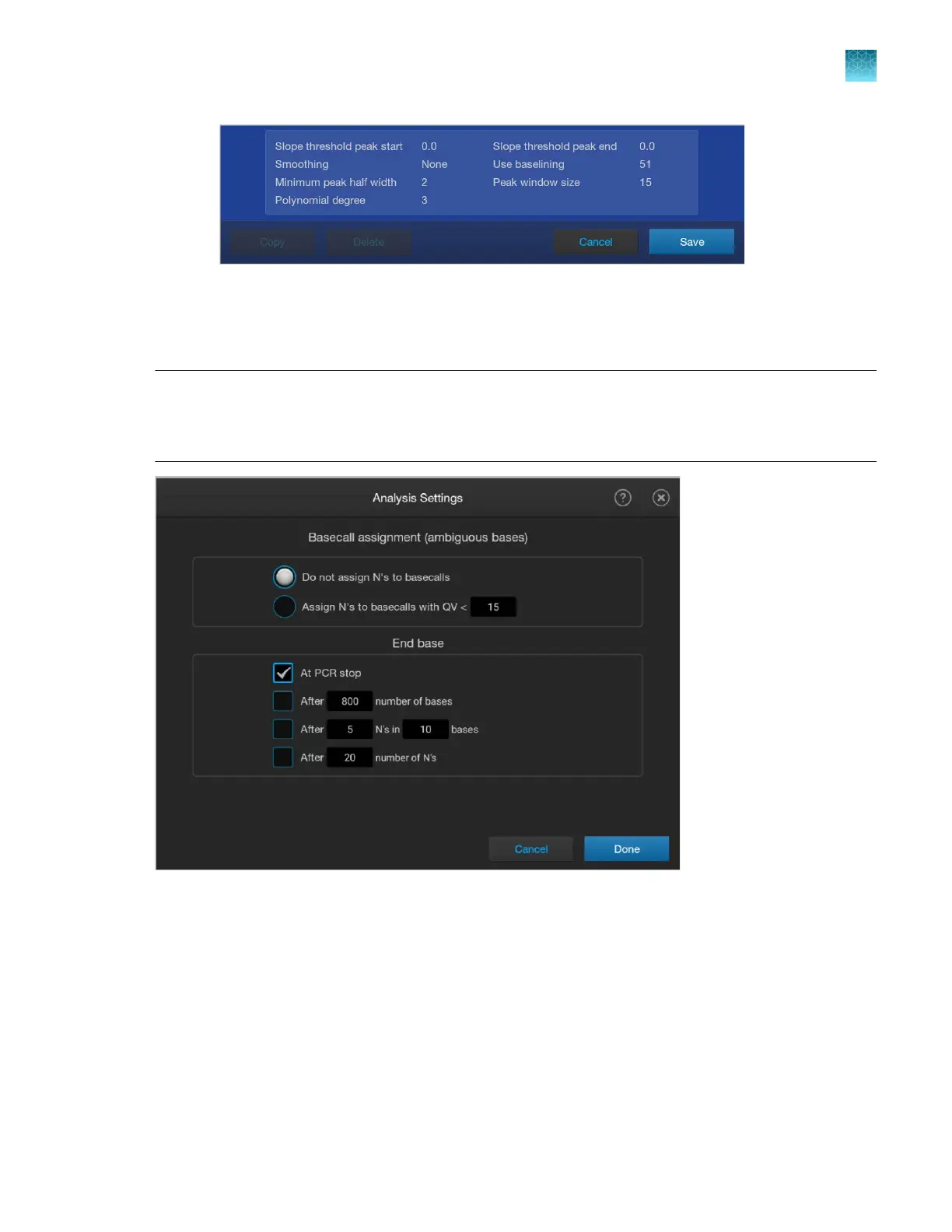
5.
T
ap Save.
Analysis settings—Sequencing
Note: In other Applied Biosystems
™
genetic analyzer software, for example, 3500 Series Data
Collection Software, you have to specify a mobility file in analysis settings. In the SeqStudio
™
Flex
Series Instrument Software, the mobility information is automatically selected based on the dye set that
is used to collect the data.
Chapter 11 Manage library resources on the instrument
Analysis settings library
11
SeqStudio
™
Flex Series Genetic Analyzer with Instrument Software v1.0 User Guide
291













 To Next Page