4.
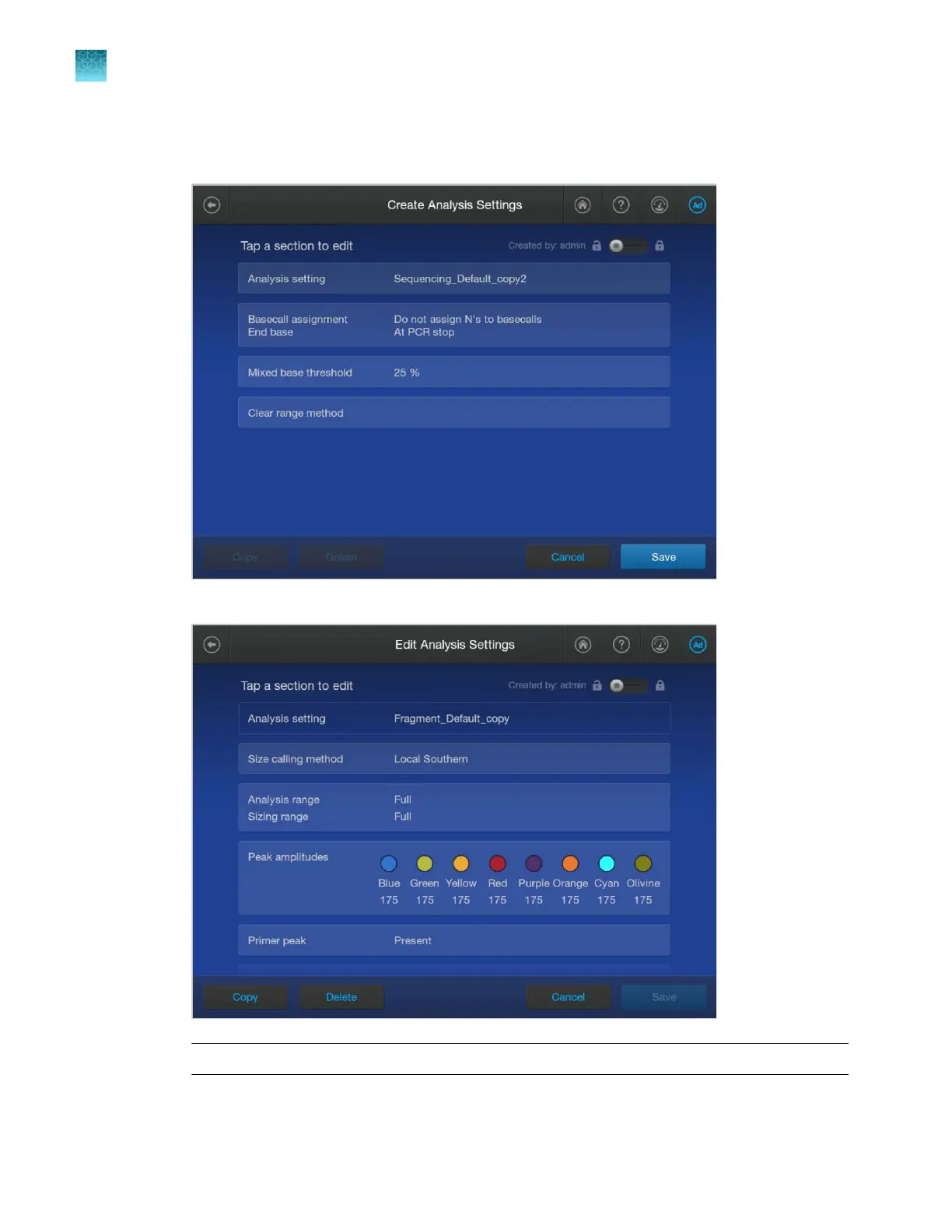
Tap sections of the screen and modify settings as needed.
•
For sequencing analysis, see “Analysis settings—Sequencing” on page 291.
•
F
or fragment analysis, see “Analysis settings—Fragment analysis” on page 295.
IMPORTANT! Swipe up t
o see additional settings.
Chapter 11 Manage library resources on the instrument
Analysis settings library
11
290
SeqStudio
™
Flex Series Genetic Analyzer with Instrument Software v1.0 User Guide













 To Next Page