Observation Possible cause Recommended action
Spectral calibration failed
(continued)
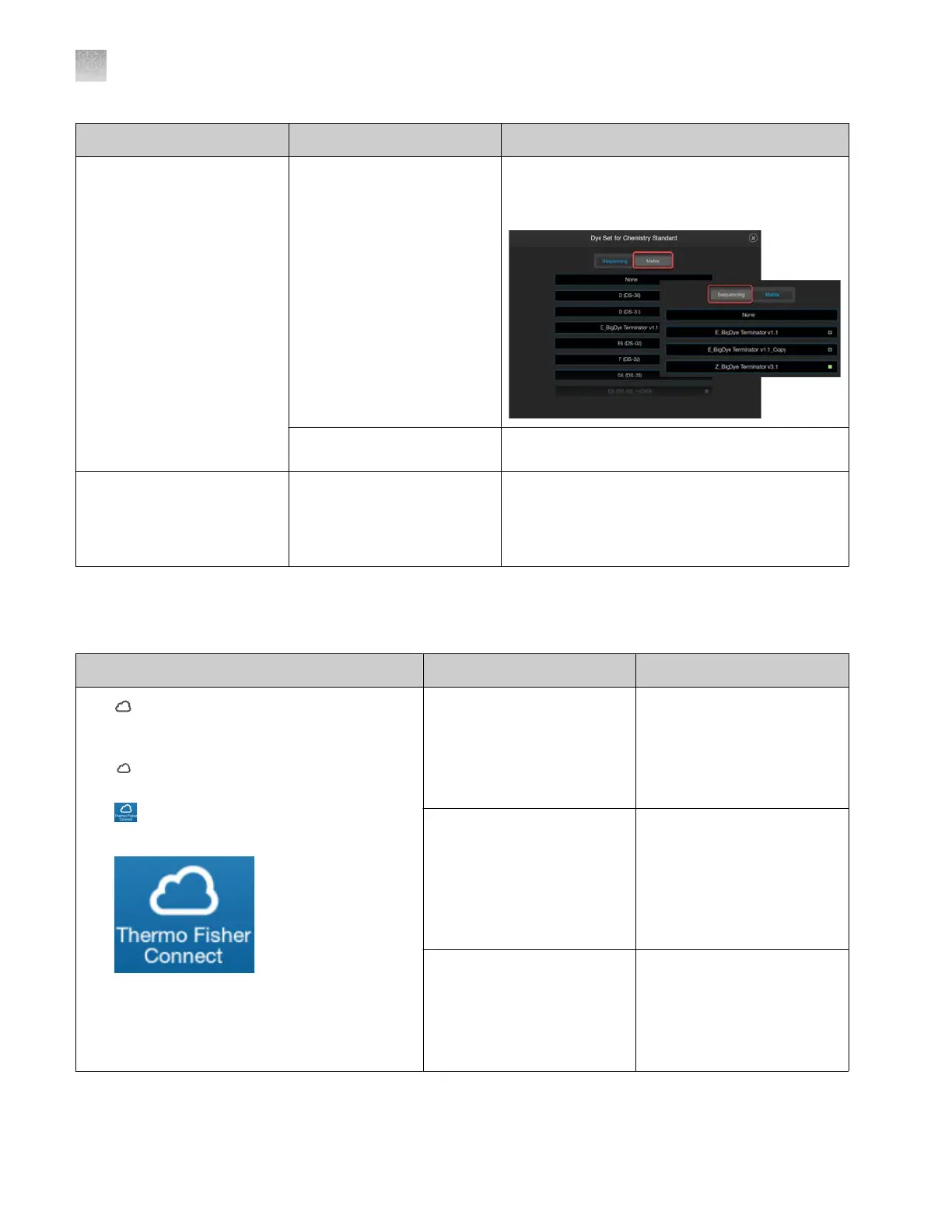
You are running a spectral
calibration and selected the
dye set from the Matrix tab
instead of the Sequencing
tab.
When setting up a sequencing spectral
calibration, tap the Sequencing tab before
selecting the dye set.
The matrix standard has
degr
aded.
Repeat the spectral calibration with fresh matrix
standard.
Unable to re-inject from a
spectral calibration or install
run plate because the Edit &
Re-inject button is inactive in
the Run Queue screen
Re-injection is not allowed for
a spectral calibration or install
run plate.
If re-injection is required, prepare a new spectral
calibration or install run plate.
Thermo Fisher
™
Connect tr
oubleshooting
Observation Possible cause Recommended action
The (Cloud) icon is not displayed in the home
scr
een or the Thermo Fisher
™
Connect icon does
not appear in the software
•
(Cloud) is not displayed at the bott
om left
of the home screen.
•
is not displayed in save or open
locations.
The Thermo Fisher
™
Connect
option is not enabled in the
softwar
e.
Contact the instrument
administrator to enable. See
“Enable or disable Thermo
Fisher
™
Connect access on
the instrument (administrator
only)” on page 228.
A cloud administrator
removed you from the
instrument, disconnected
the instrument in the
InstrumentConnect software
(which unlinks all users), or
you disconnected yourself.
Contact the instrument
administrator to determine
your next action. For more
information, see “Re-link the
instrument to your cloud
profile” on page 223.
Thermo Fisher
™
Connect
access was interrupted.
Contact the instrument
administrator to determine
your next action. For more
information, see “Re-link the
instrument to your cloud
profile” on page 223.
Appendix A Troubleshooting
Thermo Fisher
™
Connect troubleshooting
A
524
SeqStudio
™
Flex Series Genetic Analyzer with Instrument Software v1.0 User Guide













 To Next Page