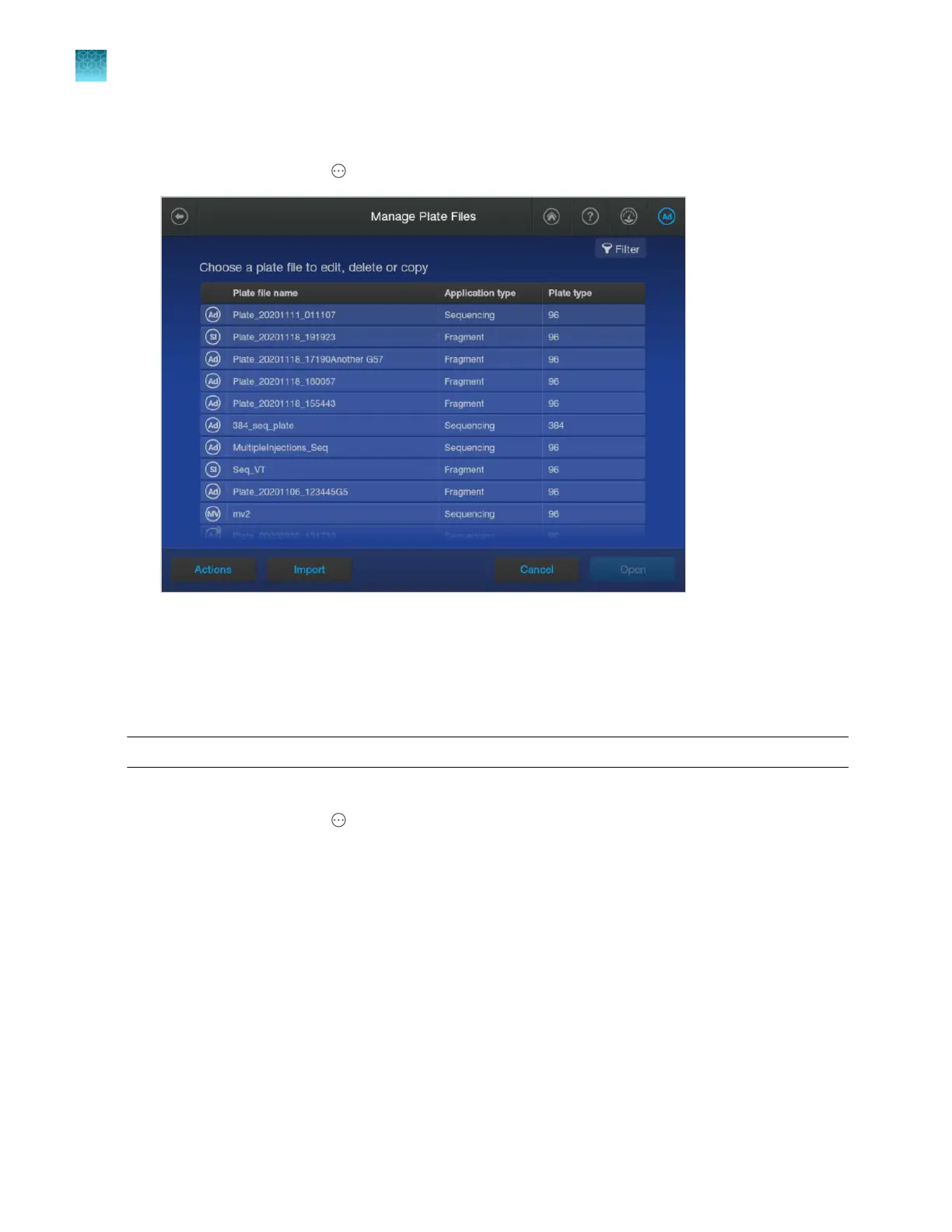
Export or delete a plate file
1.
In the home screen, tap Actions4Library4Plate files.
2.
Select one or mor
e plate files.
3.
Follow the instructions on the screen to export or delete the selected files.
Import a plate setup from a CSV or PSM file
Note: Y
ou can create a plate file in CSV or PSM format in the Plate Manager software.
Before importing a plate file, see “PSM and CSV plat
e files for import into the instrument” on page 86.
1.
In the home screen, tap
Actions4Libr
ary4Plate files4Import.
2.
Tap the location of the plate file.
3.
Navigate to, then select a CSV or PSM file.
Chapter 11 Manage libr
ary resources on the instrument
Plate files library
11
264
SeqStudio
™
Flex Series Genetic Analyzer with Instrument Software v1.0 User Guide













 To Next Page