Manage settings
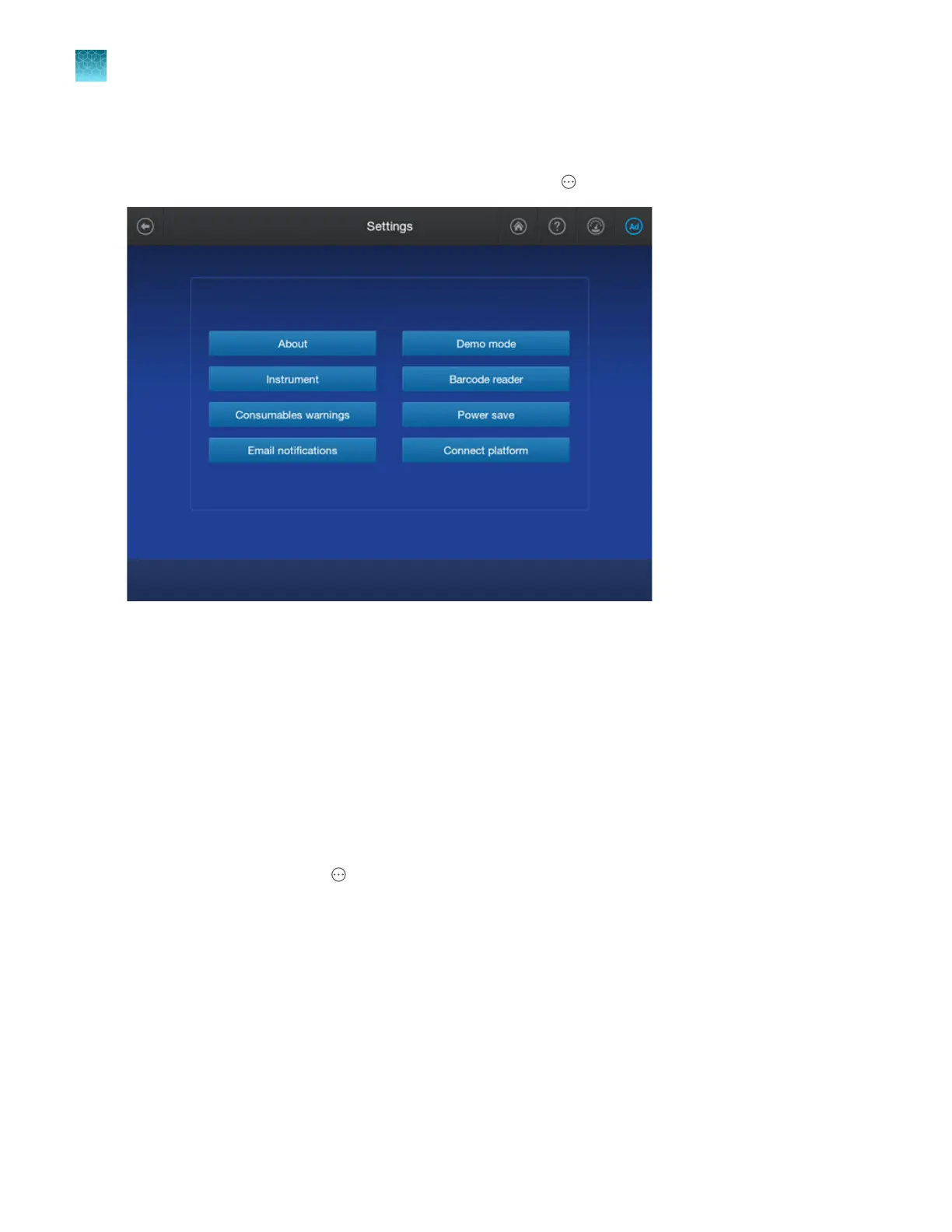
Access the Settings screen from the home screen by tapping Actions4Settings.
Figure 87 Settings screen
If you are signed in with a local administrator profile and only the About and SAE buttons are enabled, it
indicates that SAE mode is enabled on the instrument.
If the SAE button is not displayed, the function has not been enabled by a service representative.
Contact Technical Support.
If you are signed in with a cloud profile and only the About, Instrument, Email notifications,
and Demo mode buttons are enabled, it indicates that Thermo Fisher
™
Connect is enabled on the
instrument.
Display instrument hardware and software information
1.
In the home screen, tap Actions4Settings 4About to access the instrument information:
•
Model name
•
Instrument name
•
Instrument serial number
•
Instrument software release
•
Ethernet IP address
•
Ethernet MAC address
•
Wireless IP address
•
Wireless MAC address
Chapter 14 Manage the software (instrument)
Manage settings
14
452
SeqStudio
™
Flex Series Genetic Analyzer with Instrument Software v1.0 User Guide













 To Next Page