Observation Possible cause Recommended action
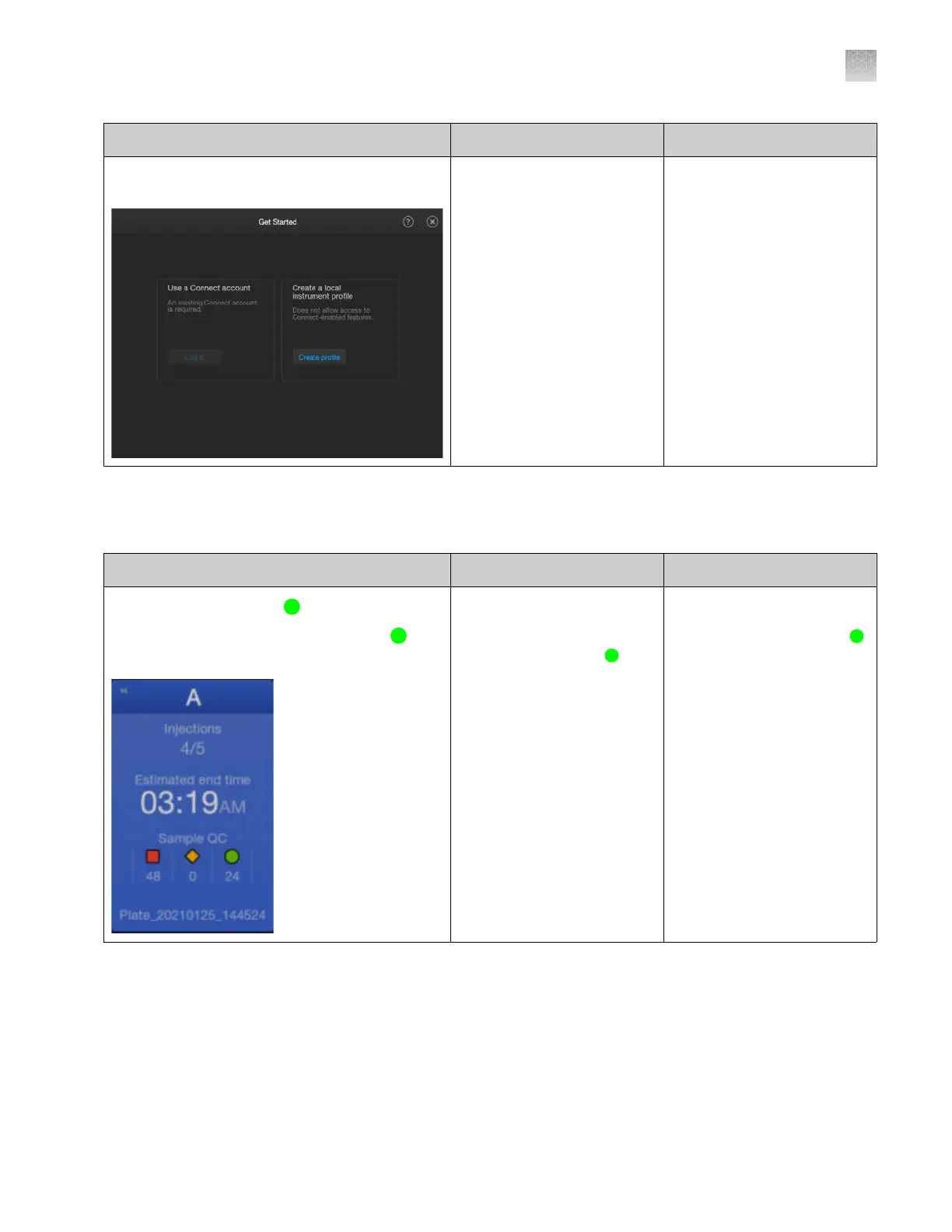
The Log in button is inactive in the Get Started
screen
Common Callouts and Arrows
1. Copy-paste a callout or arrow to use in this SVG.
Note: If you need more advanced callouts or arrows
use the TechComm_Inkscape_Callout&Arrow_Libary.
3. Delete this text, this rectangle, and unused
callouts, arrows, or other SVG elements
before adding this SVG to the repository.
2. Edit number and/or line-length, as needed.
1 1
1
1
Thermo Fisher
™
Connect
access is not enabled on the
instrument.
Enable access. See “Enable
or disable Thermo Fisher
™
Connect access on the
instrument (administrator
only)” on page 228.
Software troubleshooting
Observation Possible cause Recommended action
The Sample QC status is
(green) in the home
scr
een but the Plate tab does not display
(green) wells
The Plat
e tab and the Wells
tab display the first injection
by default, which may not
contain samples with
(green) Sample QC status.
Tap the Injections tab,
then select an injection that
contains samples with the
(green) Sample QC status.
Appendix A Troubleshooting
Software troubleshooting
A
SeqStudio
™
Flex Series Genetic Analyzer with Instrument Software v1.0 User Guide
521













 To Next Page