Clean the instrument
IMPORTANT! Wear appropriate protection, including gloves, laboratory goggles, and coat whenever
you work with the fluids used on this instrument, or parts that may come into contact with these fluids.
IMPORTANT! Use only the cleaning agents list
ed in this guide. Use of cleaning agents not listed in this
guide can impair instrument function.
Do a quick cleaning every day. Do a full cleaning monthly.
1.
Clean the e
xterior of the instrument using lint-free wipes and pure water.
IMPORTANT! Do not use organic solvents for cleaning.
2.
Open the instrument doors.
3.
Clean the CBC holder on the buer aut
osampler:
a.
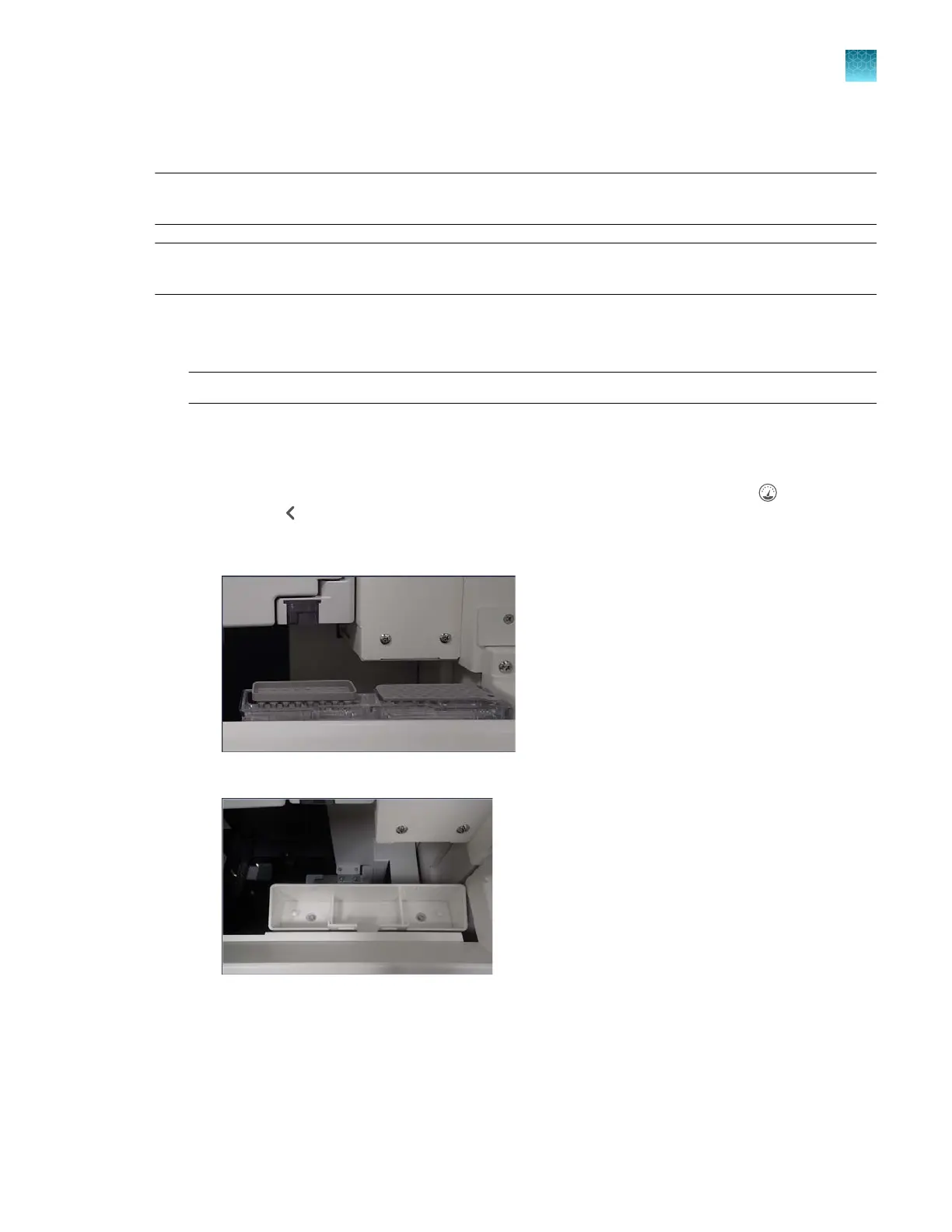
Move the CBC holder to the forward, home position: In the home screen, tap
(Dashboard),
then tap to display the Instrument S
tatus screen.
b.
Tap Manual commands, tap Move buer container, then tap Send command.
CBC in the forward, load position
Empty CBC holder
c.
Remove the CBC and place it on a clean, flat surface.
Chapter 13 Maintain the Instrument
Clean the instrument
13
SeqStudio
™
Flex Series Genetic Analyzer with Instrument Software v1.0 User Guide
361













 To Next Page