Use the instrument
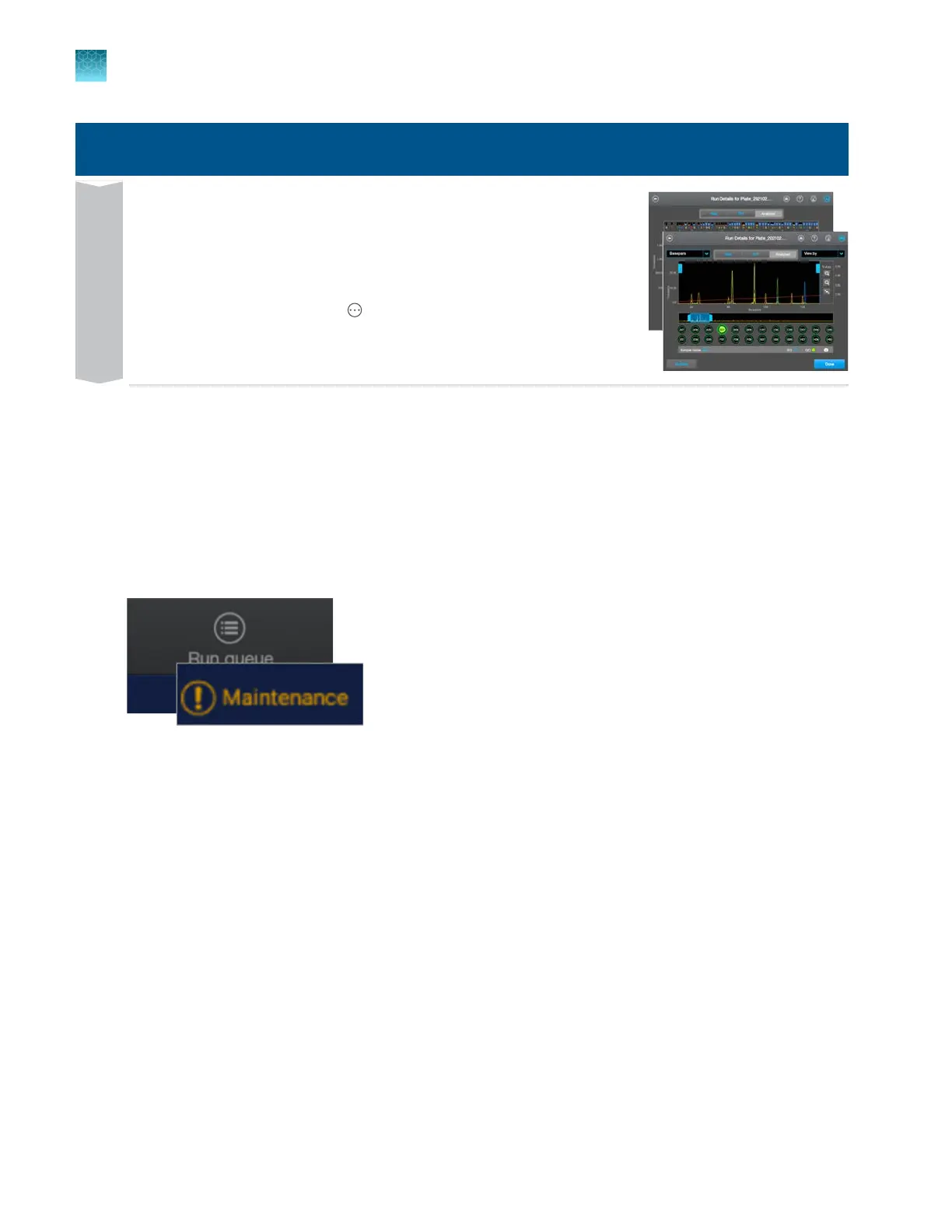
View and analyze results in any of the following locations:
•
In the home scr
een, tap the plate position.
•
In the Run Queue screen, tap an injection.
•
In the home screen, select
Actions4Run hist
ory.
•
In SeqStudio
™
Flex Remote Monitoring, tap the plate position.
View
Prepare the instrument
Review upcoming maintenance
Review the upcoming maintenance task list daily, perform the scheduled tasks, then mark the tasks
as complet
e. In addition to the upcoming maintenance list, the home screen displays an alert when
a task is due to be performed. For information on maintenance tasks, see Chapter 13, “Maintain the
Instrument”.
Chapter 2 Get started
Prepare the instrument
2
64
SeqStudio
™
Flex Series Genetic Analyzer with Instrument Software v1.0 User Guide













 To Next Page