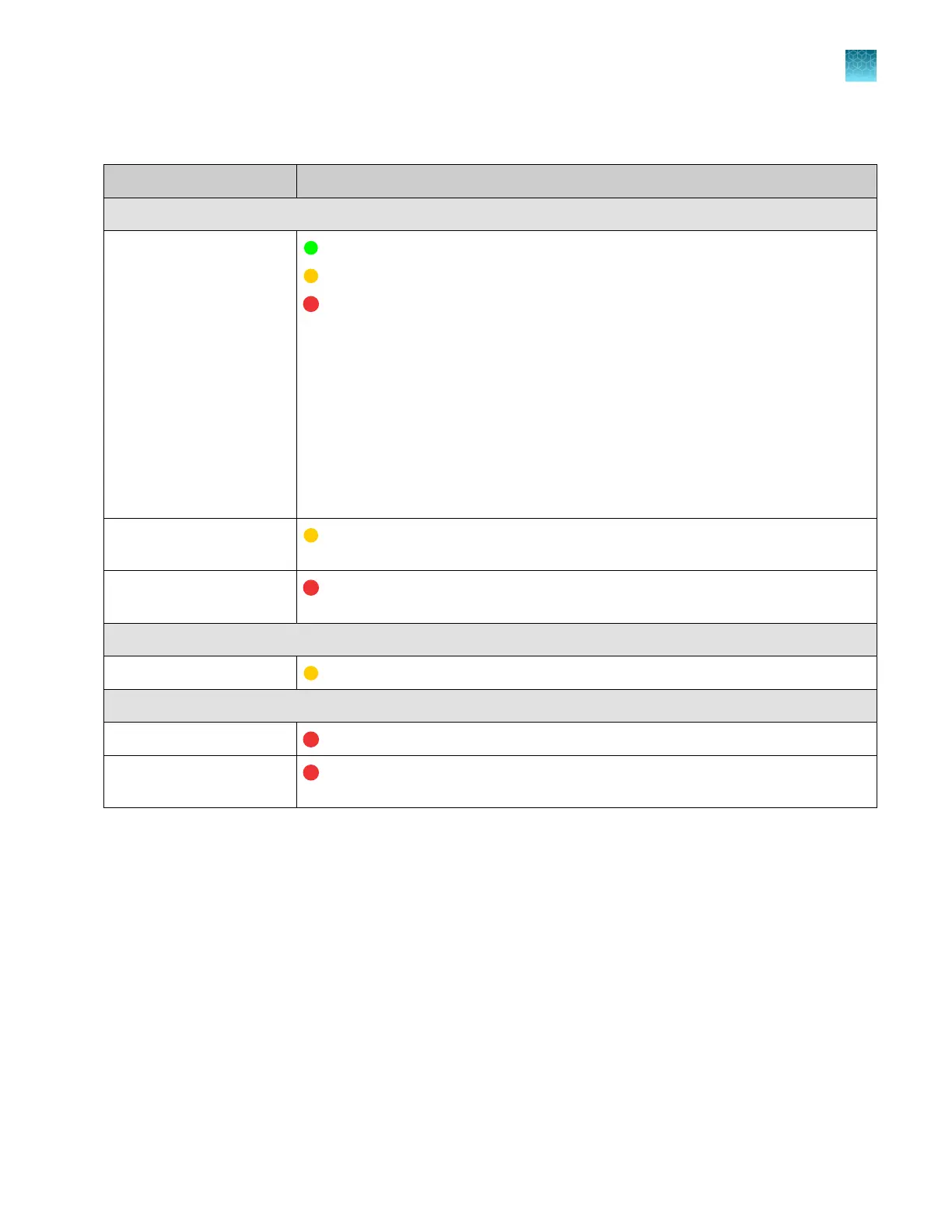
Table 2 QC thresholds and quality alerts that are used to determine Sample QC (these tests and alerts are
not shown in the software) (continued)
QC tests Quality alert
Fragment analysis QC tests
SQ (size quality)
(green, good)—≤0.75
(yellow, caution)—0.25–0.74
(red, error)—<0.25
How Size Quality is determined
The Size Quality algorithm evaluates the similarity between the fragment pattern
for the size standard dye specified in the size standard definition and the actual
distribution of size standard peaks in the sample, then calculates an interim SQ (a
value between 0 and 1).
For more information, see the following sections:
•
“QC error and alert troubleshooting” on page 489
•
“Sample and data troubleshooting” on page 512
Broad peak in size
standard peaks
(yellow, caution)—Broad peaks are detected in the size standard.
Number of size standard
peaks
(red, error)—Fewer than the expected number of standard peaks are detected.
Manual spectral calibration QC test
Borrowed capillary
(yellow, caution)—Spectral data was borrowed for the capillary.
Install run QC test
CRL value (sequencing) (red, error)—CRL value is below the internally specified limit.
Alleles within bins
(fragment analysis)
(red, error)—At least one allele is not within an internally specified bin.
Use the electropherogram screen
This section describes using the electropherogram screen on the instrument.
For more information on accessing the electropherogram screen and the parts of the screen, see:
•
“View real-time results in the Run Queue screen” on page 162
•
“View real-time results in the home screen” on page 153
•
“View results for a completed run (Run history)” on page 170
•
“Parts of the sequencing electropherogram screen” on page 175
•
“Sequence analysis results” on page 175
•
“Parts of the fragment analysis electropherogram screen” on page 179
•
“Fragment analysis results” on page 179
Chapter 7 View results on the instrument
Use the electropherogram screen
7
SeqStudio
™
Flex Series Genetic Analyzer with Instrument Software v1.0 User Guide
173













 To Next Page