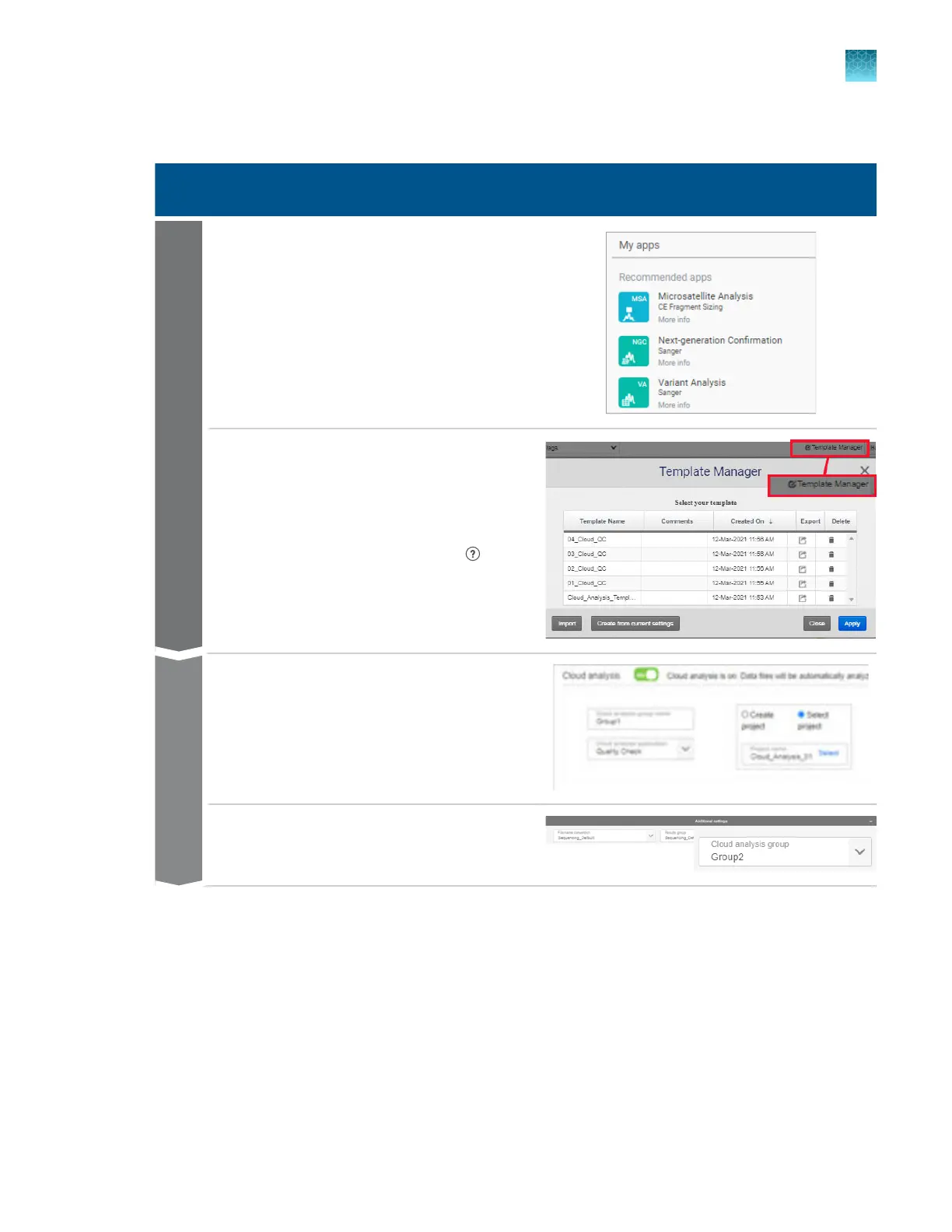
Workflow: cloud analysis
Cloud analysis
Open the secondary analysis application.
F
or a list of the supported applications, see
“Automated cloud analysis with secondary
analysis software” on page 202.
Analysis template
Create a template that contains settings for
secondary analysis.
For help on creating a template, click (Help)
in the application.
Create a plate file in the Plat
e Manager software
(cloud).
In the Properties tab, enable cloud analysis and
create cloud analysis groups.
Plate file
In the Plates tab, select the cloud analysis group
for each injection.
Chapter 8 Use the Remote Monitoring software to monitor runs, view results, and use cloud analysis
Use cloud analysis in the Remote Monitoring software
8
SeqStudio
™
Flex Series Genetic Analyzer with Instrument Software v1.0 User Guide
203













 To Next Page