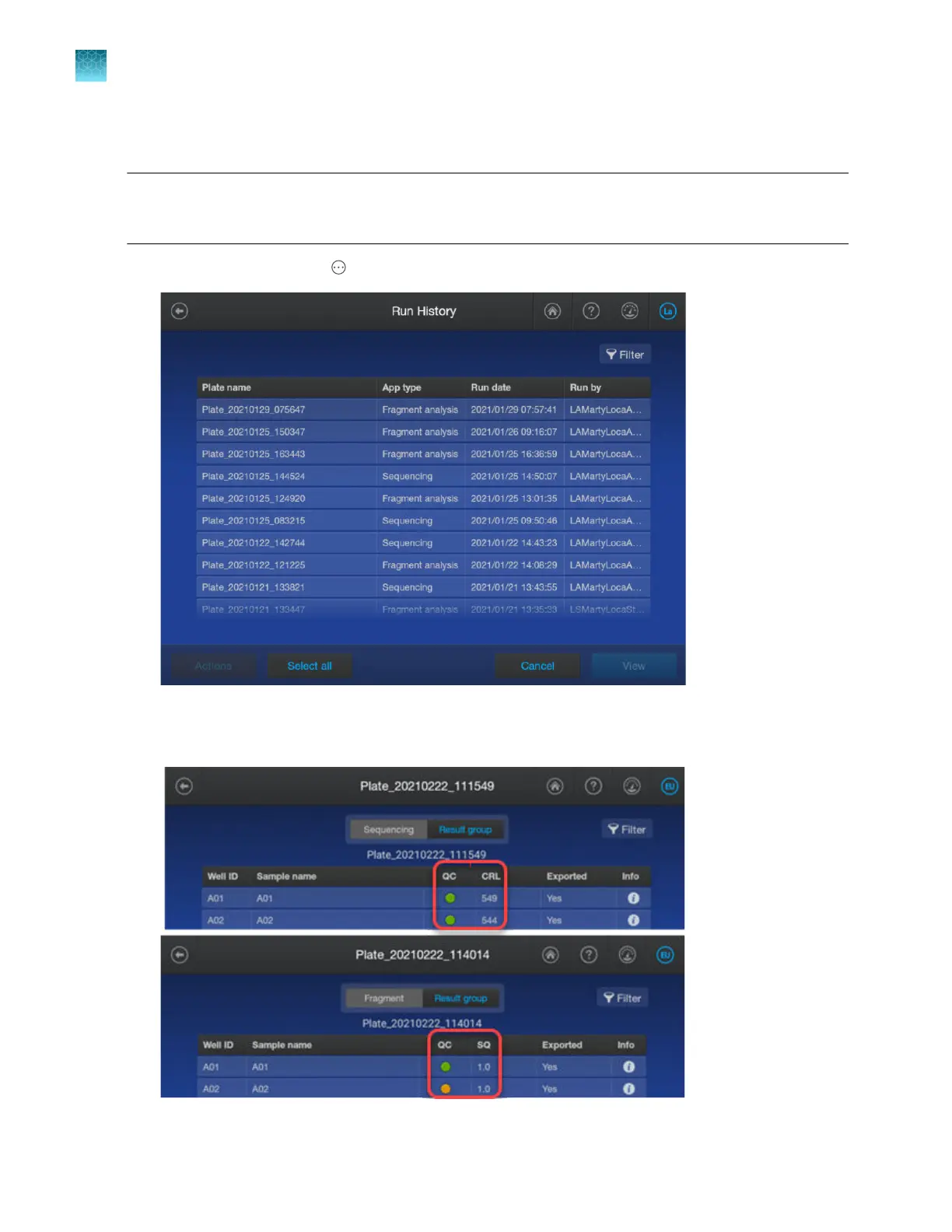
View results for a completed run (Run history)
Note: For information on viewing completed results for a spectral calibration or an install run, see “View
and export the spectral calibration history” on page 326 or “View, export, or delete an install run history”
on page 352.
1.
In the home screen, tap Actions4Run history.
2.
T
ap a plate, then tap View.
The results for the plate are displayed.
Chapter 7 View results on the instrument
View results for a completed run (Run history)
7
170
SeqStudio
™
Flex Series Genetic Analyzer with Instrument Software v1.0 User Guide













 To Next Page