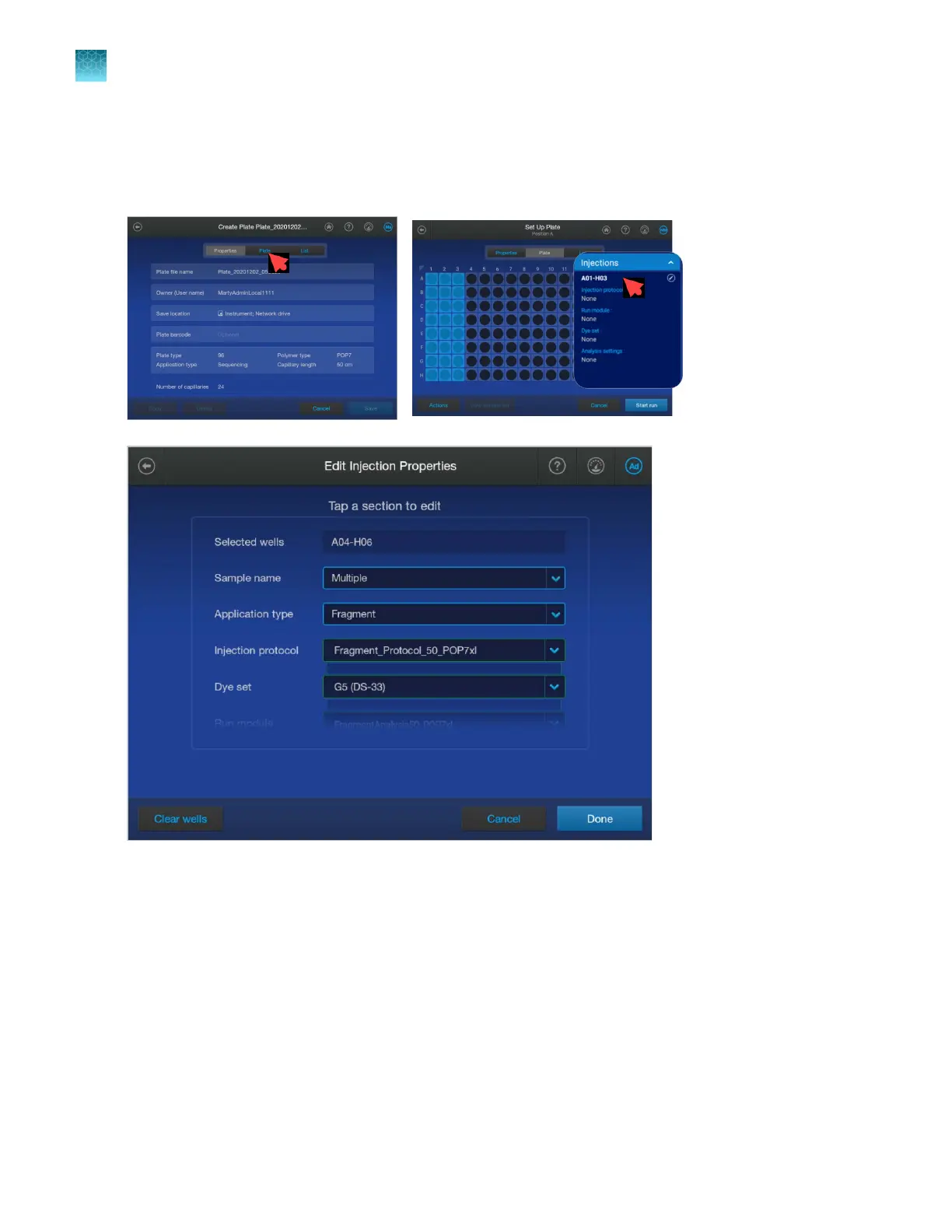
Plate file Edit Injection Properties screen
To display the Edit Injection Properties screen, tap the Plate tab, then tap under the Injections
heading.
When you select an injection protocol, the remaining fields are automatically filled in with the names of
the items in the injection protocol. You can override any item.
Alternatively, you can select the individual items. Selecting a field below the Injection protocol field
overrides an injection protocol selection and clears the injection protocol field and all of the elements
specified by the injection protocol.
Swipe up to see all settings.
Chapter 11 Manage library resources on the instrument
Plate files library
11
268
SeqStudio
™
Flex Series Genetic Analyzer with Instrument Software v1.0 User Guide













 To Next Page