(continued)
Size standard definition For use with GeneScan
™
size standard Analysis range
GS600LIZ(60-600)+Normalization GeneScan
™
600 LIZ
™
Size Standard v2.0 60–600 bp with normalization,
for applications that have primer
peaks that obscure the 20-mer
and 40-mer peaks of the GS600
size standard
GS600LIZ+Normalization GeneScan
™
600 LIZ
™
Size Standard v2.0 20–600 bp with size standard
normalization
[1]
T
he 250-bp peak is not included in the size standard definition because it is sensitive to small temperature variations.
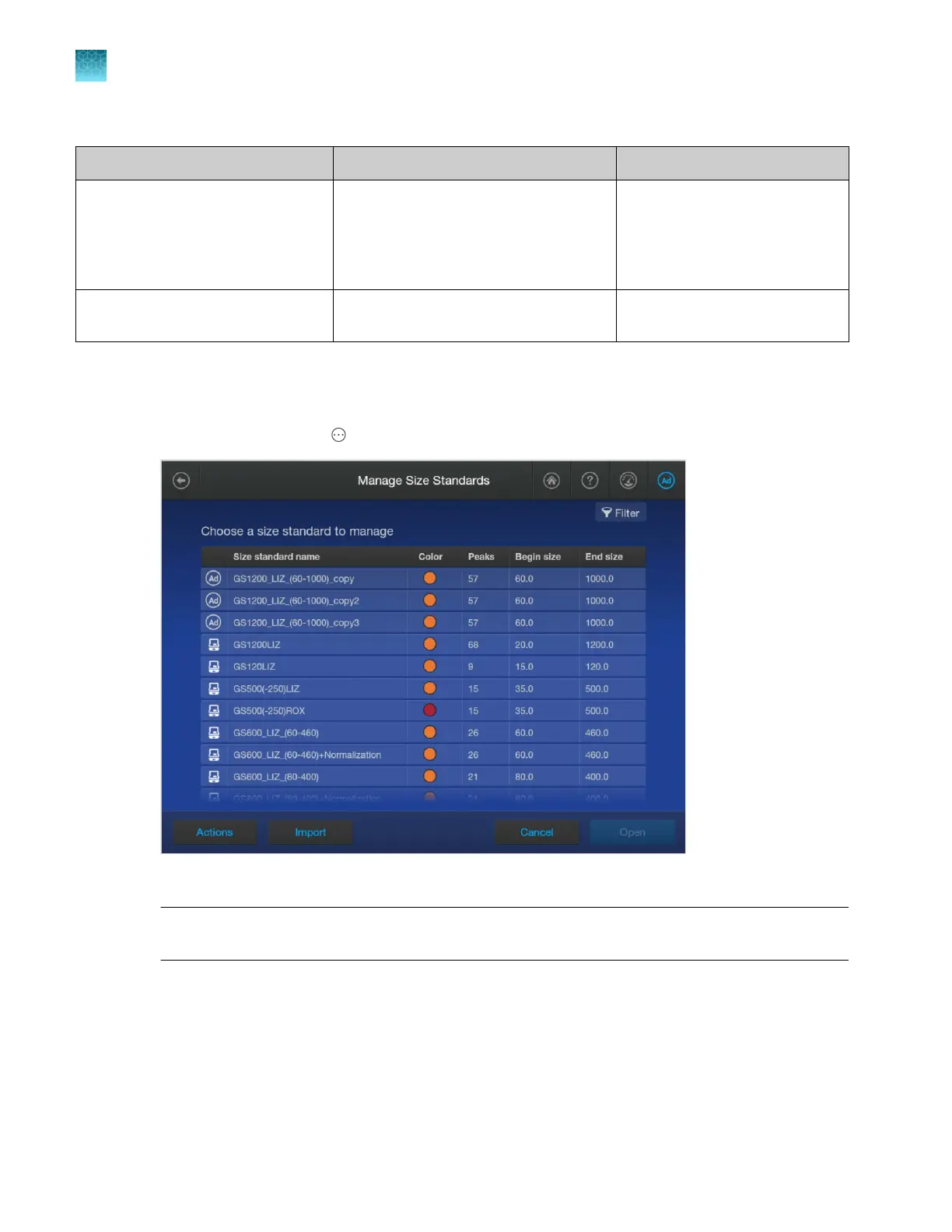
Create a new size standard
1.
In the home scr
een, tap Actions4Library4Size standard.
2.
T
ap Actions4Create new.
Note: You can also create a new size standard by opening, then copying, a factory-provided or
user-created size standard.
3.
Ent
er a Size Standard Name.
4.
Select a dye color, then tap Next.
5.
Specify the number of peaks in the standard.
Chapter 11 Manage libr
ary resources on the instrument
Size standards library
11
276
SeqStudio
™
Flex Series Genetic Analyzer with Instrument Software v1.0 User Guide













 To Next Page