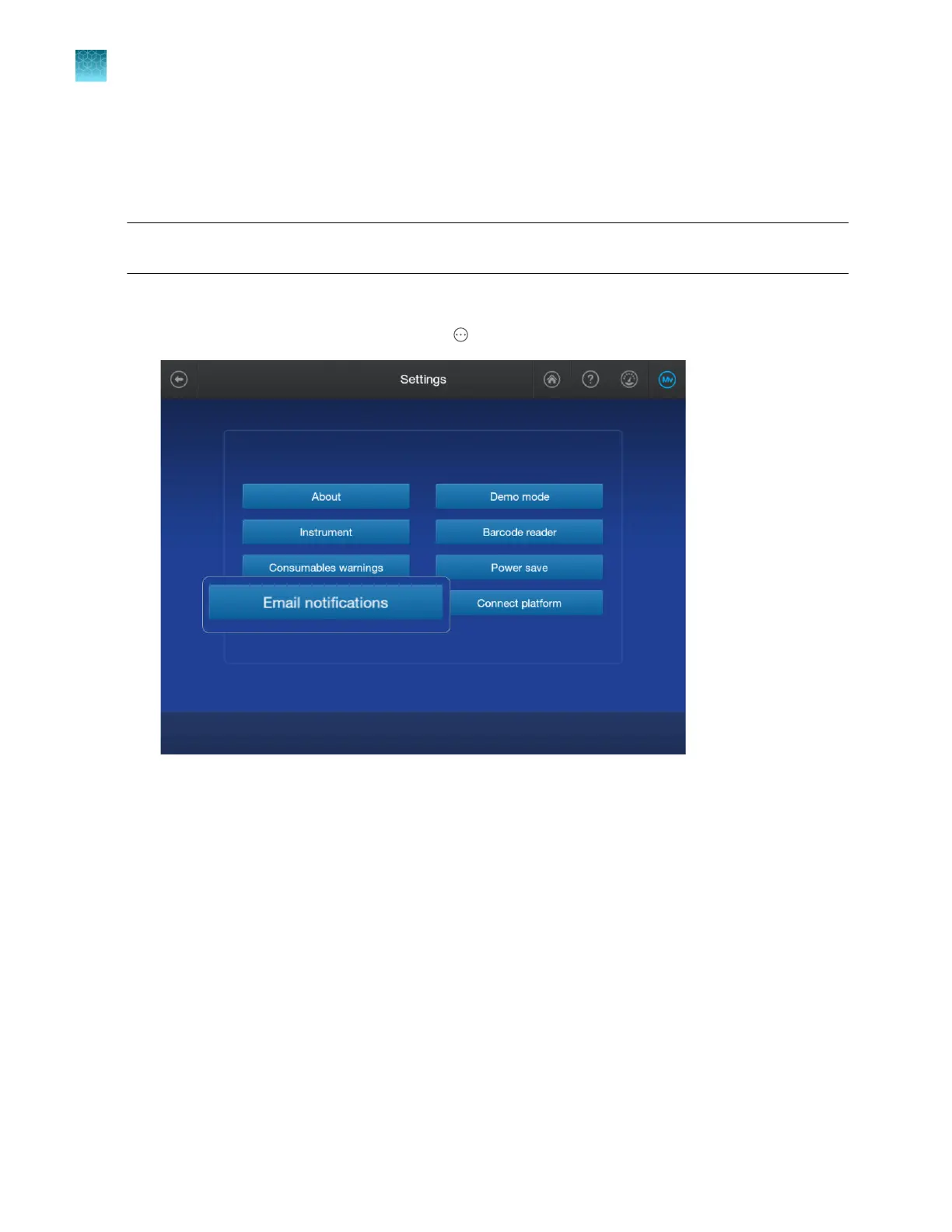
Set up email notifications from the instrument
When an instrument is linked to your cloud profile, email notifications from the instrument are
automatically sent to the email address that is associated with your Thermofisher.com account.
Note: Plate alerts are not instrument errors. Therefore, plate alert information is not emailed to you. For
more information, see “View alert and notification details” on page 149.
1.
Sign in to the instrument with your cloud profile and PIN.
2.
In the home screen of the instrument, tap Actions4Settings4Email notifications.
Chapter 9 Use the instrument with Thermo Fisher
™
Connect
Set up email notifications from the instrument
9
226
SeqStudio
™
Flex Series Genetic Analyzer with Instrument Software v1.0 User Guide













 To Next Page