5.
Push the drawer closed.
IMPORTANT! To avoid injury, keep your hands away from any empty spaces in the drawer when
you push the drawer closed.
Proceed to “Link a plate file and star
t a run” on page 140.
Unload a plate from the instrument
1.
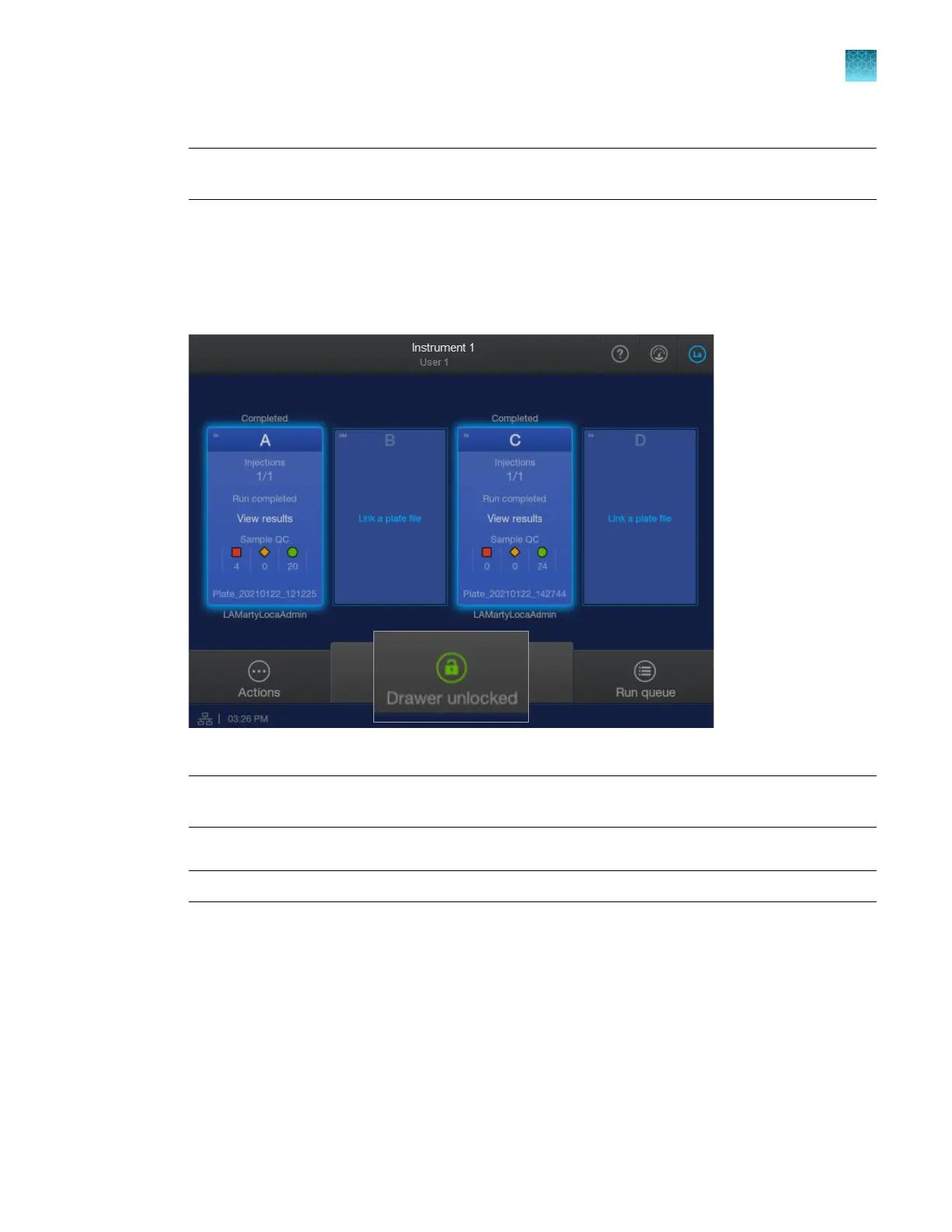
Ensure that the Drawer unlocked status is displayed in the home screen.
2.
P
ull the drawer open.
IMPORTANT! Do not open and close the drawer rapidly. Doing so can cause vibration and
disruption of the samples in the plates. Results may be adversely aected.
3.
Remove a plat
e.
IMPORTANT! To avoid injury, do not place your hands into any empty spaces in the drawer.
A message is displayed asking if you intentionally removed the plate. Tap Remove fr
om queue.
The status of the plate position changes to Available.
Chapter 6 S
tart and monitor a run
Load and unload a plate
6
SeqStudio
™
Flex Series Genetic Analyzer with Instrument Software v1.0 User Guide
139













 To Next Page