Cancel or add injections or specify re-injections in the Run Queue screen
1.
In the home screen, tap Run queue.
2.
In the Run Queue screen, do any of the following: select a plate or an injection, then specify the
action:
•
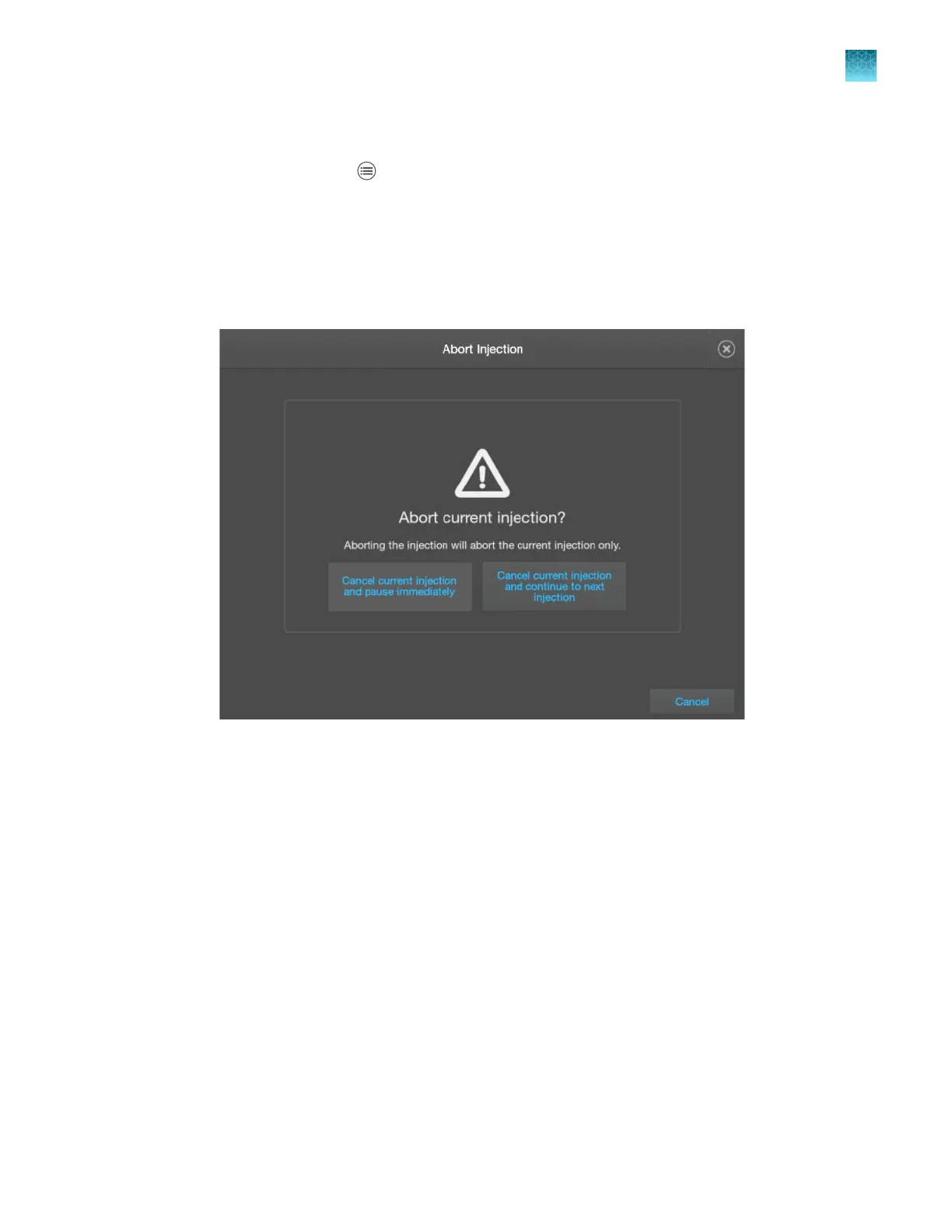
To cancel injections—Select a plate or one or more injections, then tap Cancel injections.
Select an option: cancel the injection immediately and then pause the instrument, or cancel
the current injection and start the next injection.
Chapter 6 Start and monitor a run
Use the Run queue to monitor a run on the instrument
6
SeqStudio
™
Flex Series Genetic Analyzer with Instrument Software v1.0 User Guide
165













 To Next Page