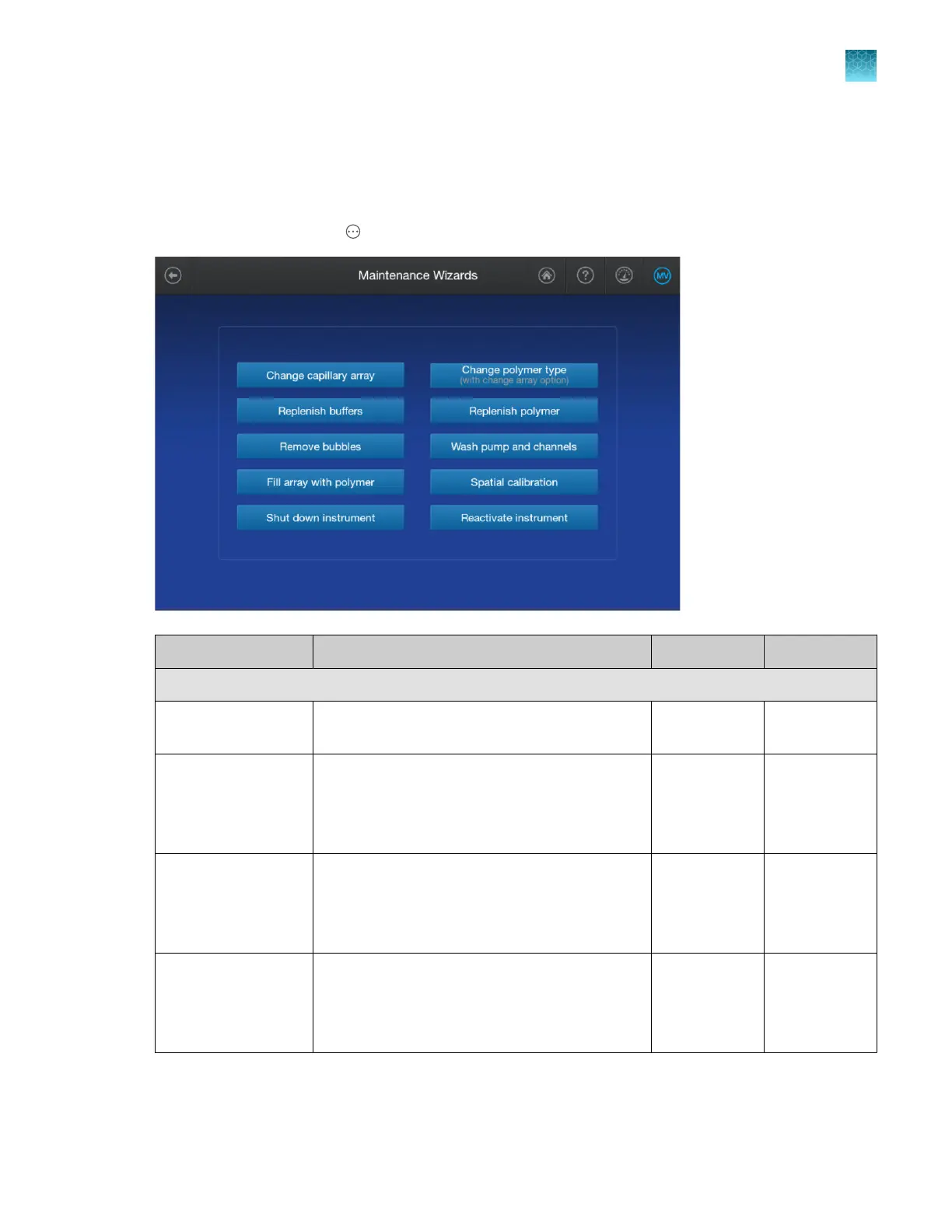
Maintenance wizard overview
Step-by-step wizards are available for many of the required maintenance tasks. The materials required
to run the wizard are listed in the first few wizard screens.
To access the wizards, tap Actions4Maintenance4Maintenance wizards.
Maintenance wizard Task Time required Procedure
Routine functions
Change capillary
arr
ay
Change the capillary array with store and discard
options.
~15 minutes page 382
Change polymer
type with option to
change the capillary
array
Install a dierent polymer type with the option to
change the capillary array.
Allow the polymer to equilibrate to room
temperature (15–30°C) before you run the wizard.
60–75 minutes page 394
Replenish buers Install fresh anode buer container (ABC) and
cathode buer container (CBC).
Allow buers to equilibrate to room temperature
(15–30°C) before you run the wizard.
~4 minutes page 413
Replenish polymer Install a new pouch of the currently installed
polymer type.
Allow the polymer to equilibrate to room
temperature (15–30°C) before you run the wizard.
~12 minutes page 417
Chapter 13 Maintain the Instrument
Maintenance wizard overview
13
SeqStudio
™
Flex Series Genetic Analyzer with Instrument Software v1.0 User Guide
359













 To Next Page