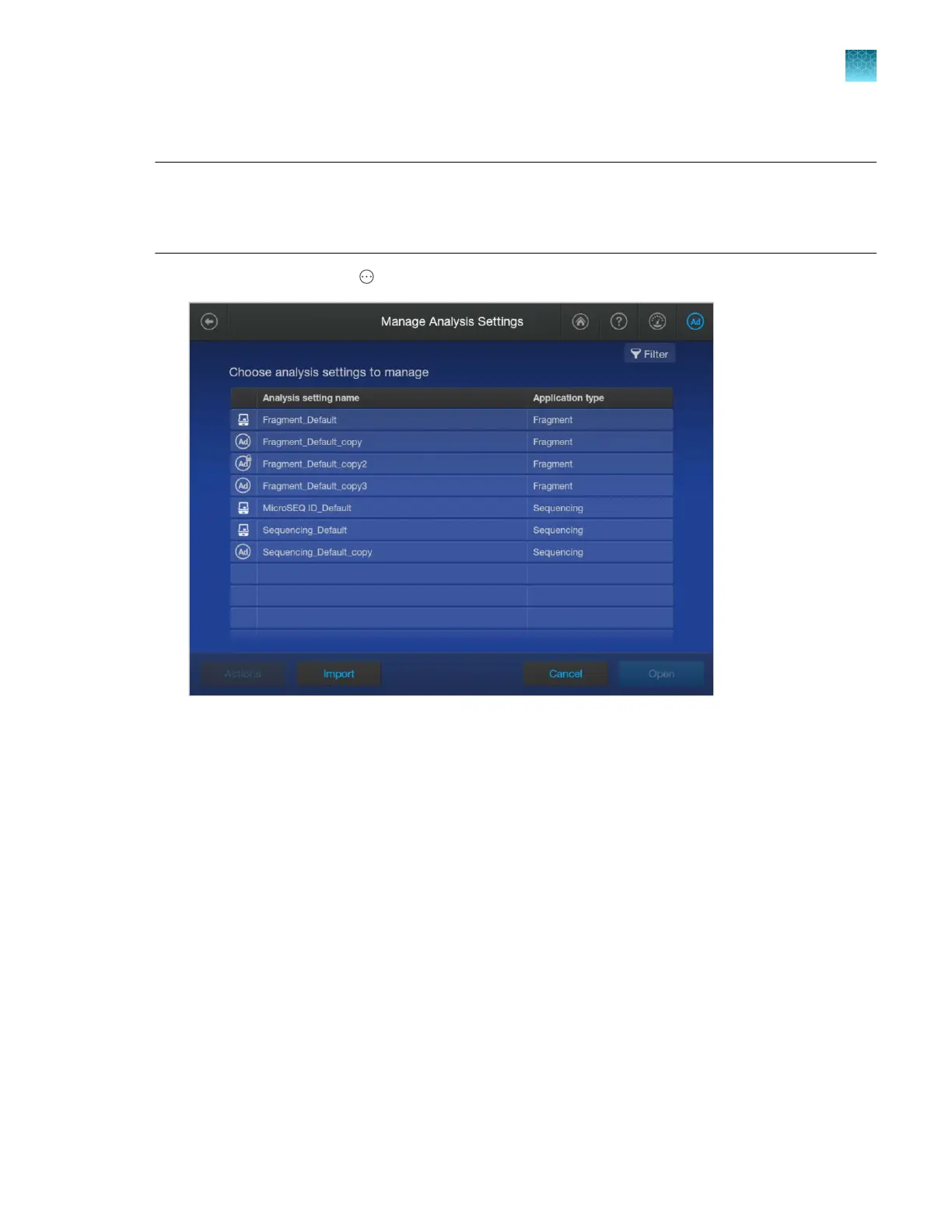
Create a new analysis settings
Note: The default sequencing analysis settings are optimized for PCR amplicon sequencing. For
sequencing of plasmid templates, create analysis settings with the following selections: for the End
base setting, deselect At PCR stop; for the Mixed base threshold setting, deselect Use Mixed base
identification.
1.
In the home screen, tap Actions4Library4Analysis settings.
2.
T
ap a default analysis setting for your application, tap Open, then tap Copy.
3.
Enter a name for the analysis settings, then tap Enter.
Chapter 11 Manage libr
ary resources on the instrument
Analysis settings library
11
SeqStudio
™
Flex Series Genetic Analyzer with Instrument Software v1.0 User Guide
289













 To Next Page