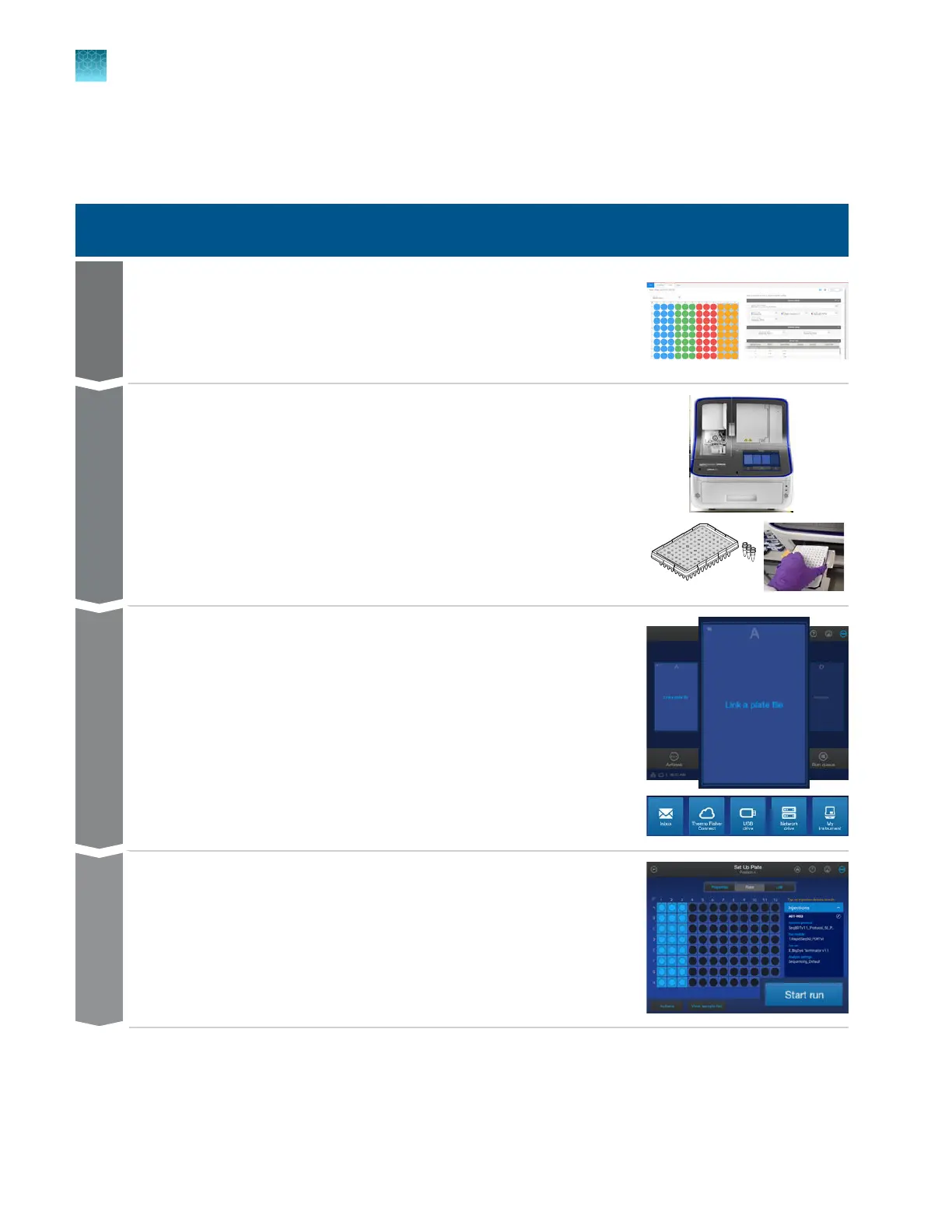
Workflow: Create a plate, start and monitor a run, then view
results
Use the instrument
Create a plate file in the Plate Manager software and print the plate layout.
Create
Prepare the instrument, prepare the samples and the plate, then load the
plate into the instrument.
Prepare
Link a plate file located in the Inbox, on the instrument, on a network or
USB drive, or on Thermo Fisher
™
Connect.
Link
Set injection properties, then start the run.
Start
Chapter 2 Get started
Workflow: Create a plate, start and monitor a run, then view results
2
62
SeqStudio
™
Flex Series Genetic Analyzer with Instrument Software v1.0 User Guide













 To Next Page