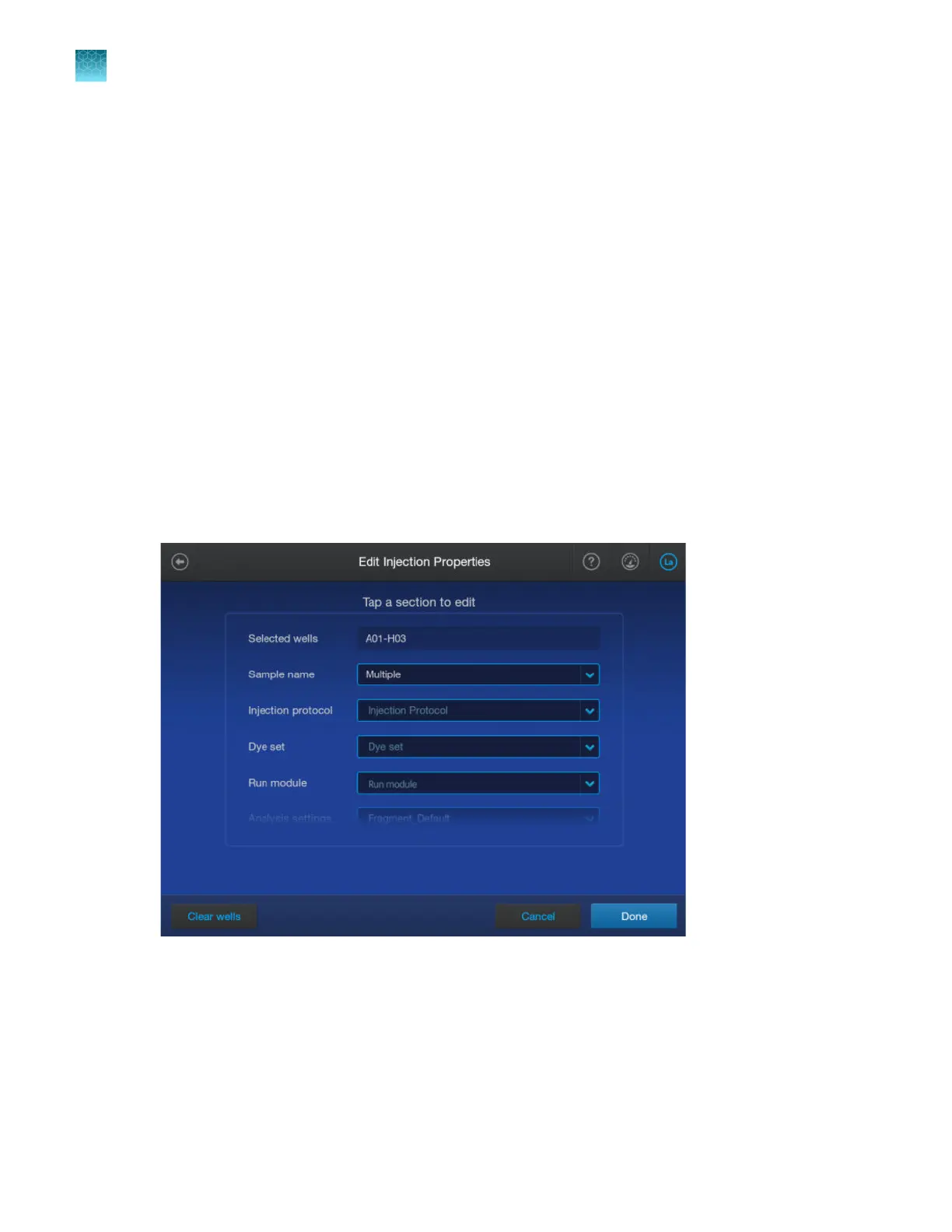
5.
(Optional) Select a file name convention or a results group.
•
A file name convention determines the naming of results files.
The default sequencing file name convention appends WellID_SampleName_Timestamp
to the file name. The default fragment file name convention appends
WellID_SampleName_SampleType_Timestamp to the file name.
•
A results group determines the organization of results files.
The default results group organizes and groups files by start run time. On the instrument,
results are not grouped into subfolders specified by the results group, but you can view results
by results group name.
6.
(Optional) Specify replicate injections. See “Specify replicate injections” on page 92.
7.
Tap the Sample name field, then proceed to “Enter sample names, sample types, and custom
fields” on page 93.
Specify replicate injections
1.
In the Edit injection properties screen, tap Run module.
2.
Select up t
o 6 dierent run modules.
Samples will be re-injected using each run module.
To re-inject using the same run module or using modified run module settings, see “Cancel or add
injections or specify re-injections in the Run Queue screen” on page 165.
Chapter 4 Cr
eate a plate file on the instrument
Specify replicate injections
4
92
SeqStudio
™
Flex Series Genetic Analyzer with Instrument Software v1.0 User Guide













 To Next Page