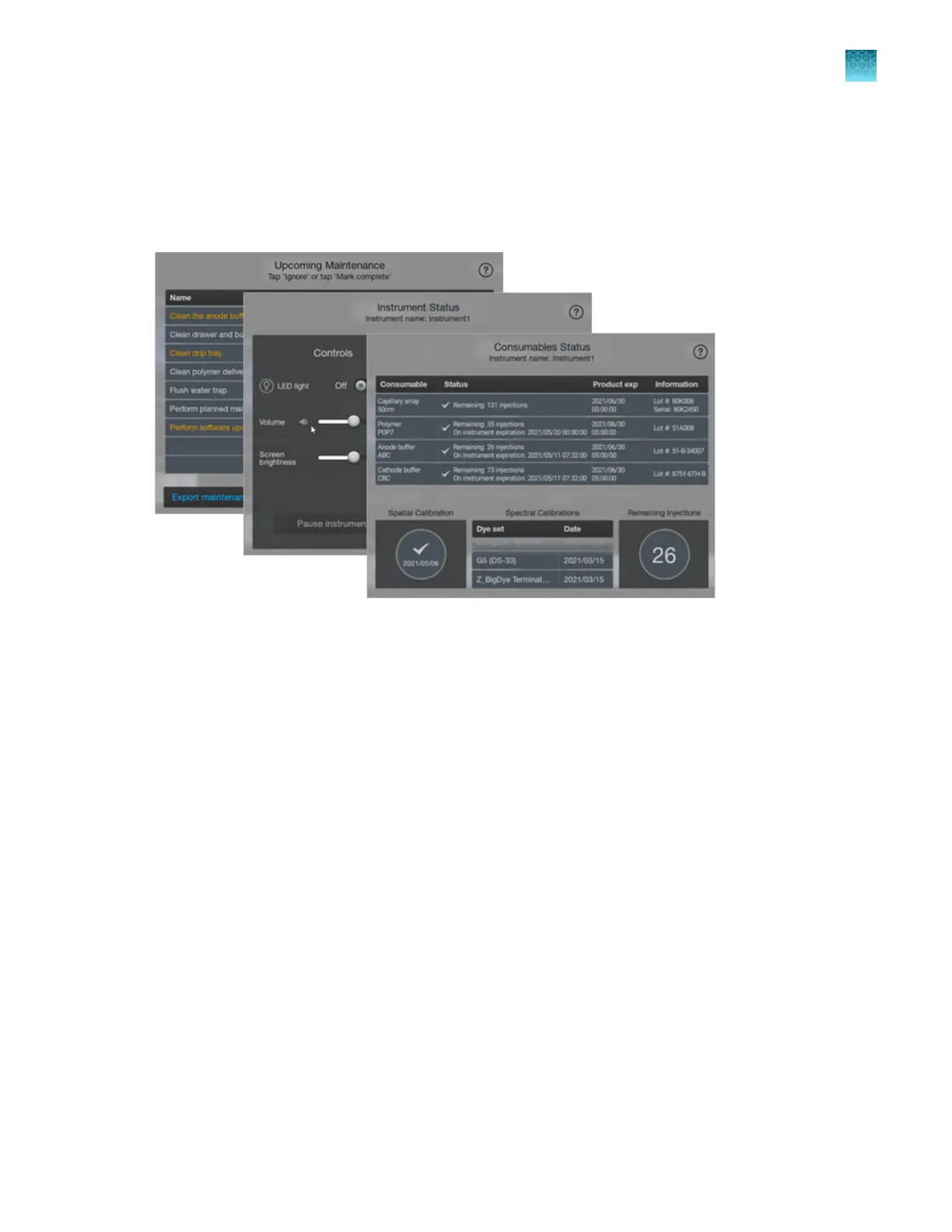
Dashboard screens—Instrument Status, Consumables Status, and Upcoming
Maintenance
The Dashboard screens provide access to consumables status, instrument status, and upcoming
maintenance tasks. For more information, see “Prepare the instrument” on page 64.
Companion software
The instrument can be used with the following software:
•
Plat
e Manager software (desktop)—An application for creating plate files and sending them to
the Inbox on the instrument.
•
Plate Manager software (cloud)—An application with the same features as the desktop option,
plus the additional features of setting up automatic cloud analysis and accessing SeqStudio
™
Flex
Remote Monitoring software. This application requires connection to Thermo Fisher
™
Connect.
•
SeqStudio
™
Flex Remote Monitoring software—An application that allows you to monitor
instrument runs from a remote computer or from a mobile device. This application requires
connection to Thermo Fisher
™
Connect.
•
Security, Auditing, and E‑signature software—Optional module that controls user access, grants
permission to specific functions and actions, provides an audit trail, and supports electronic
signature.
Chapter 1 P
roduct information
About the SeqStudio
™
Flex Series Instrument Software v1.0
1
SeqStudio
™
Flex Series Genetic Analyzer with Instrument Software v1.0 User Guide
49













 To Next Page