Basic voice commands
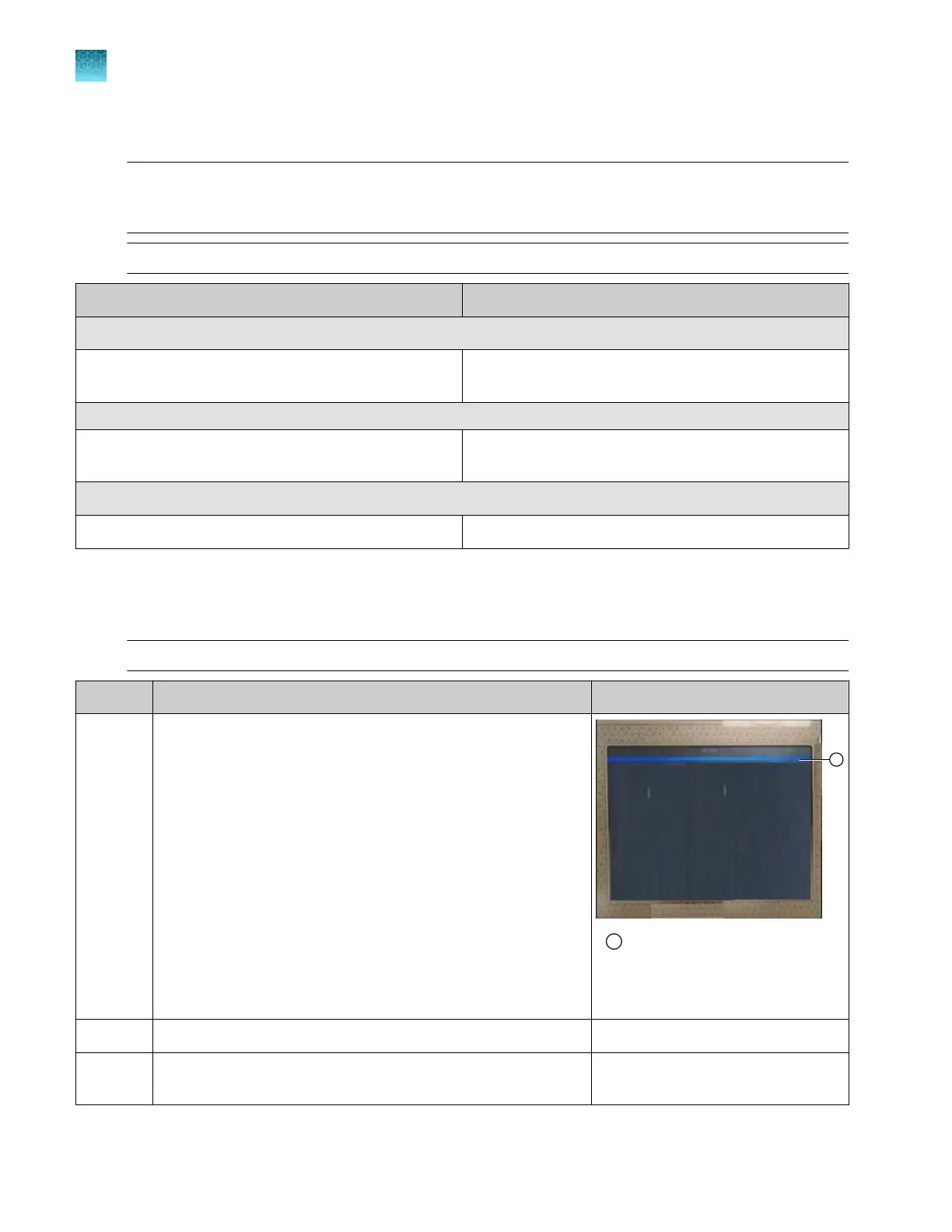
Note: If the blue bar is not displayed on the touchscreen, say Alexa. Wait until the blue bar is
displayed, then say Open flex instrument. When Alexa responds with How may I help, say a
command.
Note: To exit out of voice command mode at any time, say Alexa, stop.
Commands Result
Instrument status commands
Check consumables, Check buer, Check polymer,
Check array
The Consumables status screen is displayed.
Library commands
Go to plates (or the library name of interest), show me
plates
The first screen of the library is displayed.
Run history commands
Go to Run history, show me run history The Run History screen is displayed.
Interactive voice command—start run
The start run command prompts you through linking a plate file and start the run
Note: To exit out of voice command mode at any time, say Alexa, stop.
Step User command Instrument action and Alexa reply
1 Alexa
1
Blue bar at the top of the
touchscreen indicates that Alexa
can accept a command
How may I help you?
2
Open fle
x instrument
The home screen is displayed.
3 Start run Which plate do you want to
link?
Chapter 9 Use the instrument with Thermo Fisher
™
Connect
Use voice commands
9
234
SeqStudio
™
Flex Series Genetic Analyzer with Instrument Software v1.0 User Guide













 To Next Page