1
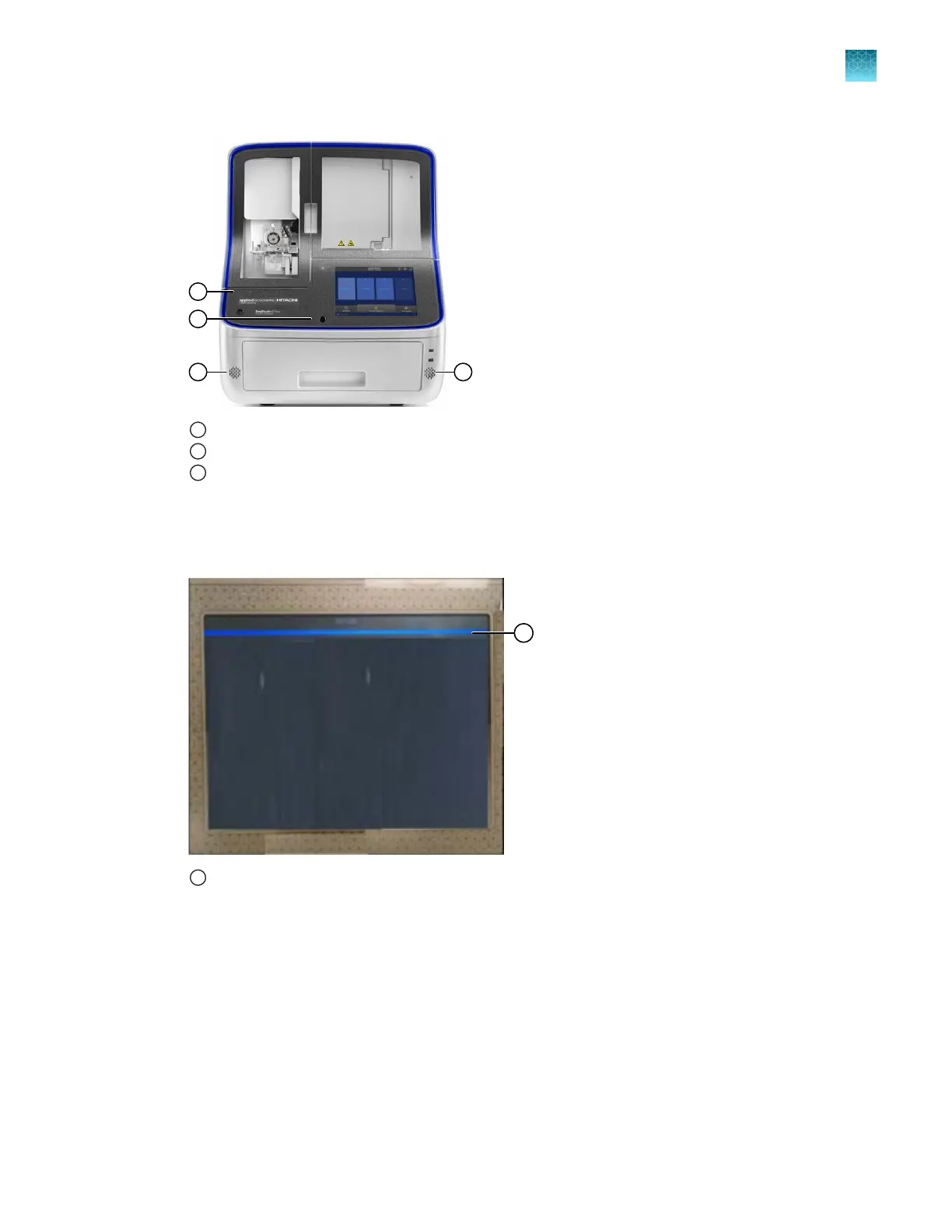
Microphone
2
Proximity sensor
3
Speakers
3.
Say "Ale
xa".
A blue bar is displayed on the touchscreen when Alexa can accept a command (see the following
figure).
1
Blue bar at the top of the touchscreen indicates that Alexa can accept a command
4.
Say "Open fle
x instrument".
Alexa responds with "How may I help".
5.
Use voice commands as needed. See “Basic voice commands” on page 234 and “Interactive
voice command—start run” on page 234.
For help with voice commands, see “Voice command troubleshooting” on page 525.
Chapter 9 Use the instrument with Thermo Fisher
™
Connect
Use voice commands
9
SeqStudio
™
Flex Series Genetic Analyzer with Instrument Software v1.0 User Guide
233













 To Next Page