Observation Possible cause Recommended action
Timeout error is displayed when you link to
Thermo Fisher
™
Connect
The Thermo Fisher
™
Connect
option is not enabled in the
software.
Check the home screen to
ensure that the (Cloud)
icon is displayed.
Contact the instrument
administrator.
Firewall settings are not
correctly set.
Contact Technical Support.
Voice command troubleshooting
Observation Possible cause Recommended action
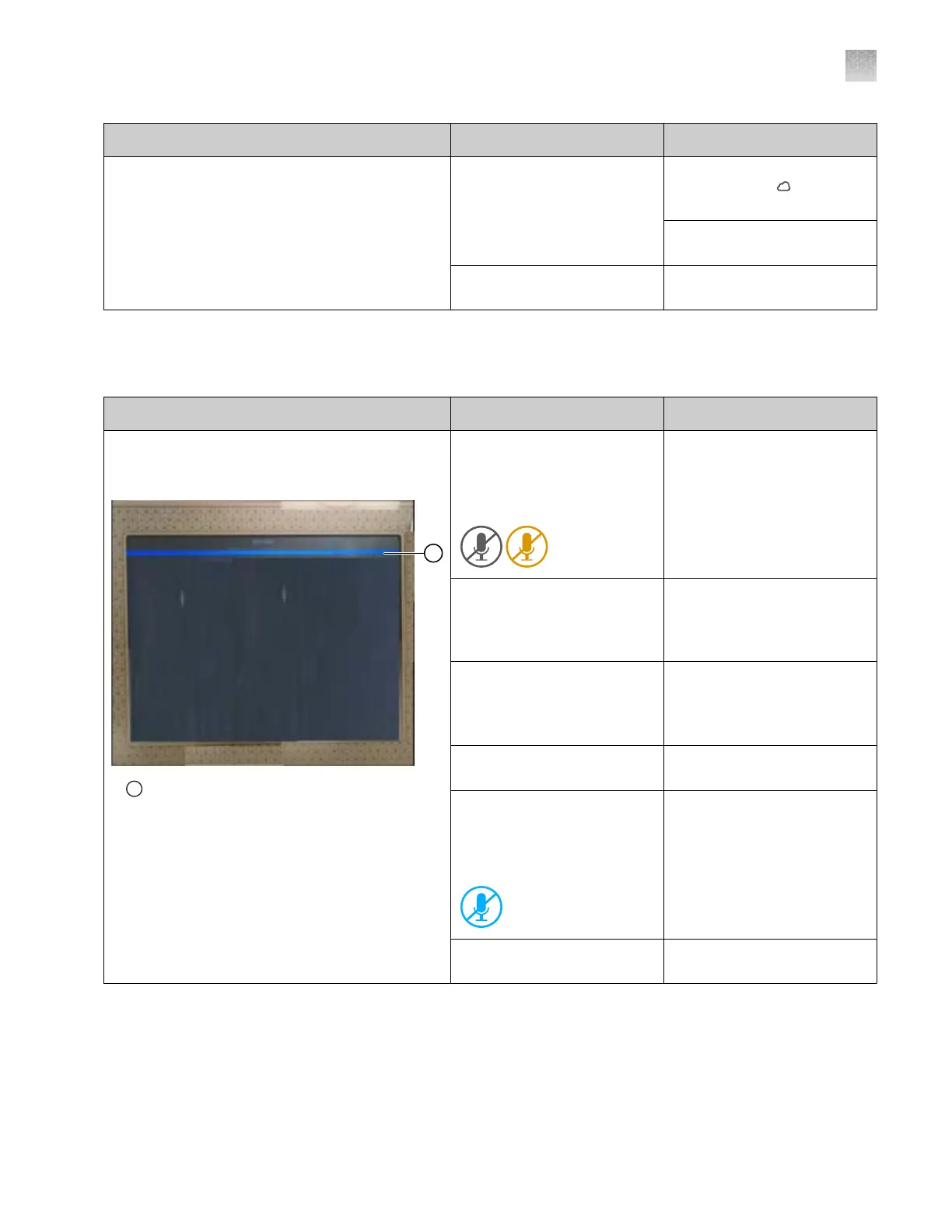
The blue bar indicating that Alexa can accept
a command is not displayed on the instrument
touchscreen
1
Blue bar at the top of the touchscreen indicates
that Ale
xa can accept a command
Voice commands are not
enabled. A gr
ay or amber
microphone icon is displayed
in the home screen.
Register voice commands.
See “Enable (register) the
voice command function” on
page 231.
You are signed in with a local
pr
ofile. The microphone icon
is not displayed in the home
screen.
Sign in with a cloud
profile. See “Sign in to
the instrument with a cloud
profile” on page 222.
Alexa is not active. Say Alexa.
When the blue bar is
displayed, say Open flex
instrument.
Alexa is active, but does not
respond.
Say Alexa stop, then start
again.
The microphone is muted. A
blue icon with a strikethrough
is displayed in the home
screen.
Unmute the microphone. See
“Micr
ophone icon indicators
for voice commands” on
page 235.
Alexa did not understand the
command.
Speak clearly and slowly
when you say commands.
Appendix A Troubleshooting
Voice command troubleshooting
A
SeqStudio
™
Flex Series Genetic Analyzer with Instrument Software v1.0 User Guide
525













 To Next Page