For more information, see Chapter 9, “Use the instrument with Thermo Fisher
™
Connect”.
Manage instrument settings
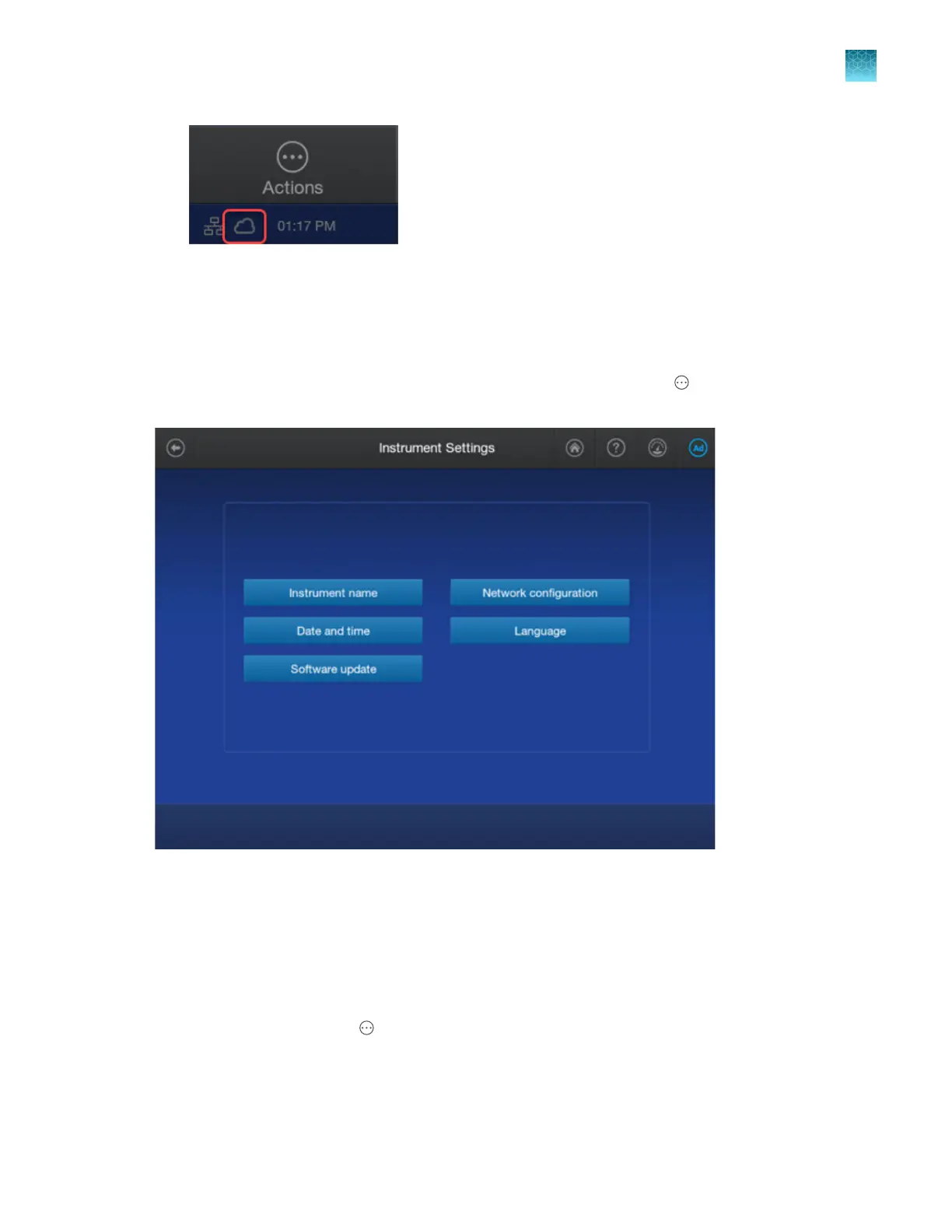
Access the Instrument Settings scr
een from the home screen by tapping
Actions4Settings4Instrument.
Figure 88 Instrument Settings screen
Change the instrument name (administrator only)
The instrument name can be changed on the instrument by a local administrator. The instrument name
can also be changed in the InstrumentConnect softwar
e by a cloud administrator. See “Change the
instrument name in the InstrumentConnect software (cloud administrator only)” on page 230.
1.
In the home screen, tap
Actions4 Settings4Instrument4Instrument name.
2.
T
ap the Instrument name field, enter an instrument name, then tap Done.
3.
Tap OK.
Chapter 14 Manage the softwar
e (instrument)
Manage instrument settings
14
SeqStudio
™
Flex Series Genetic Analyzer with Instrument Software v1.0 User Guide
461













 To Next Page