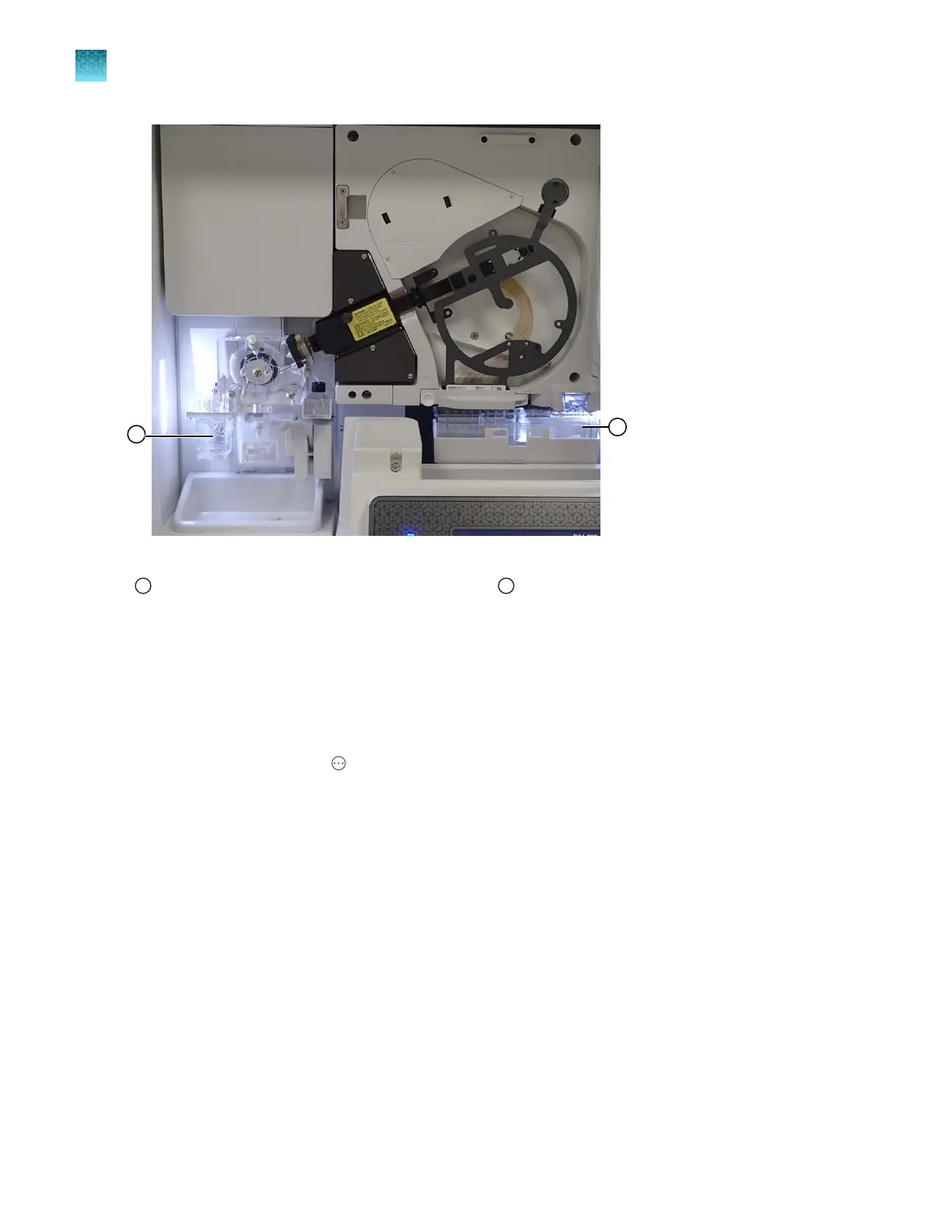
Figure 19 Location of ABC and CBC
1
Anode buer container (ABC)
2
Cathode buer container (CBC)
Install the anode buer container (ABC)
1.
Check the e
xpiration date on the ABC label to ensure that it is not expired and will not expire
during use.
2.
Allow the refrigerated ABC to equilibrate to room temperature (15–30°C).
3.
In the home screen, tap
Actions4Maint
enance4Maintenance wizards4Replenish buers.
4.
Follow the wizard instructions. See “Replenish Buers maintenance wizard” on page 413. When
instructed to install the ABC, refer to this procedure.
5.
Verify that the seal is intact. Do not use if the buer level is too low or the seal has been
compromised. A fill tolerance of ±1 mm is acceptable.
Chapter 13 Maintain the Instrument
Install buers (wizar
d)
13
364
SeqStudio
™
Flex Series Genetic Analyzer with Instrument Software v1.0 User Guide













 To Next Page