5.
For VA, NGC, or MSA cloud applications, select the name of a template that you created in the
secondary analysis software. Analysis templates are optional for QC and PS software.
6.
(Optional) Click Add Group to add additional cloud analysis groups. These groups allow you to
process data with dierent templates or dierent applications.
IMPORTANT! When you link the plat
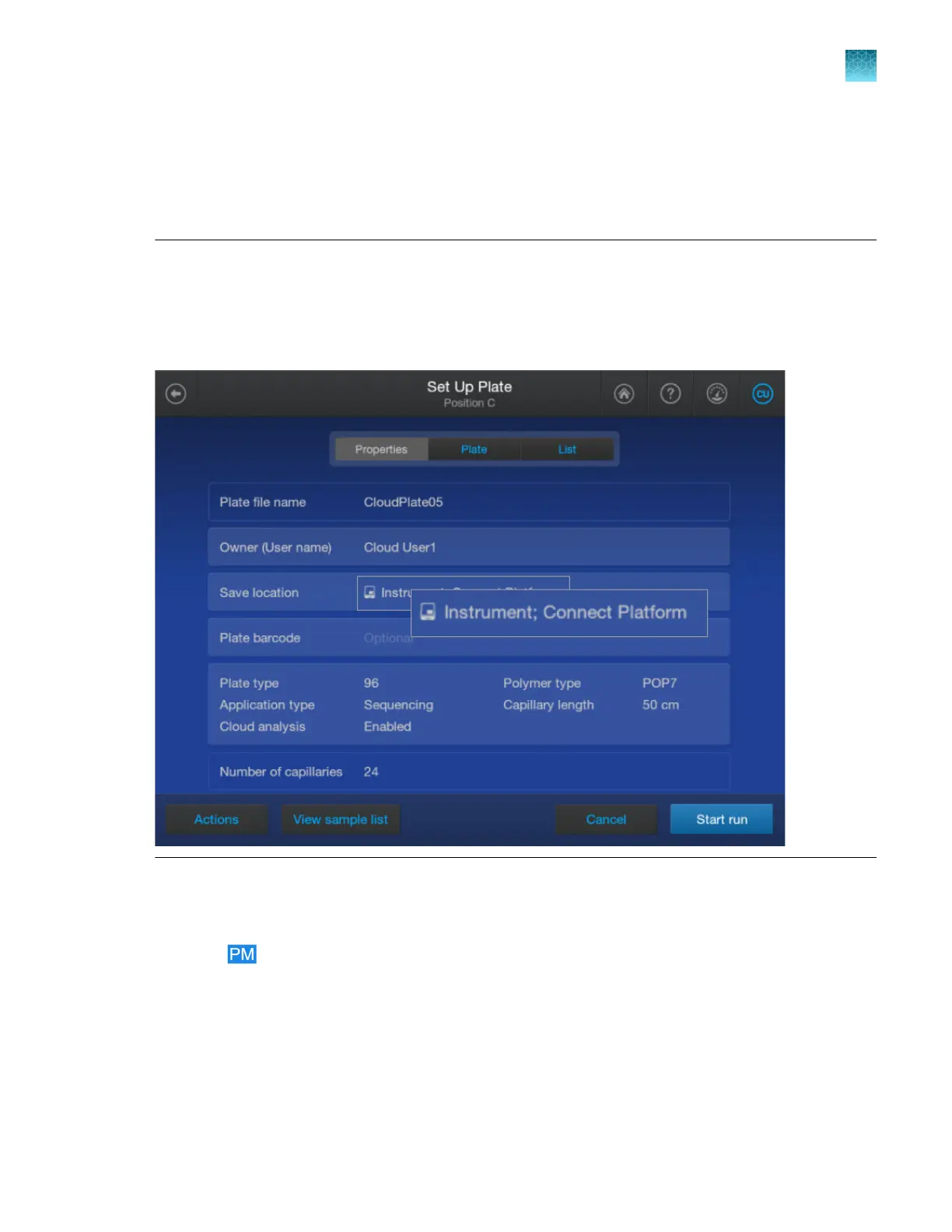
e file in the home screen on the instrument, edit the plate file to
add Connect Platform to the Save location.
If you link a plate file that has cloud analysis enabled, but does not specify Connect Platform for the
Save location, a warning message is displayed. You cannot start the run until you specify Connect
Platform for the Save location.
Print the plate layout
1.
Click
to display the home screen of the Plate Manager software.
2.
Open a plat
e file by selecting Open from computer or by clicking a plate file in the Recent plate
files list.
3.
Click the Plate tab.
Chapter 5 Cr
eate a plate file in the Plate Manager software
Print the plate layout
5
SeqStudio
™
Flex Series Genetic Analyzer with Instrument Software v1.0 User Guide
125













 To Next Page