Set up a plate file
As an alternative to creating a plate file in the Plate Manager software, you can create plate files in CSV
format. For information, see the following sections:
•
“Load or download an example plate file” on page 127
•
“Save a plate file in CSV format” on page 129
Create or open a plate file (PSM file)
1.
Click at the top left of any screen to display the home screen.
2.
In the home screen, create or open a plate file:
•
Click New to create a new plate file.
•
(Cloud only) Click Open from Connect to open a plate file that was saved to Thermo Fisher
™
Connect.
•
Click Open from computer to open a plate file in PSM or CSV format. If an error message
is displayed when you open a CSV file, see “PSM and CSV plate files for import into the
instrument” on page 86.
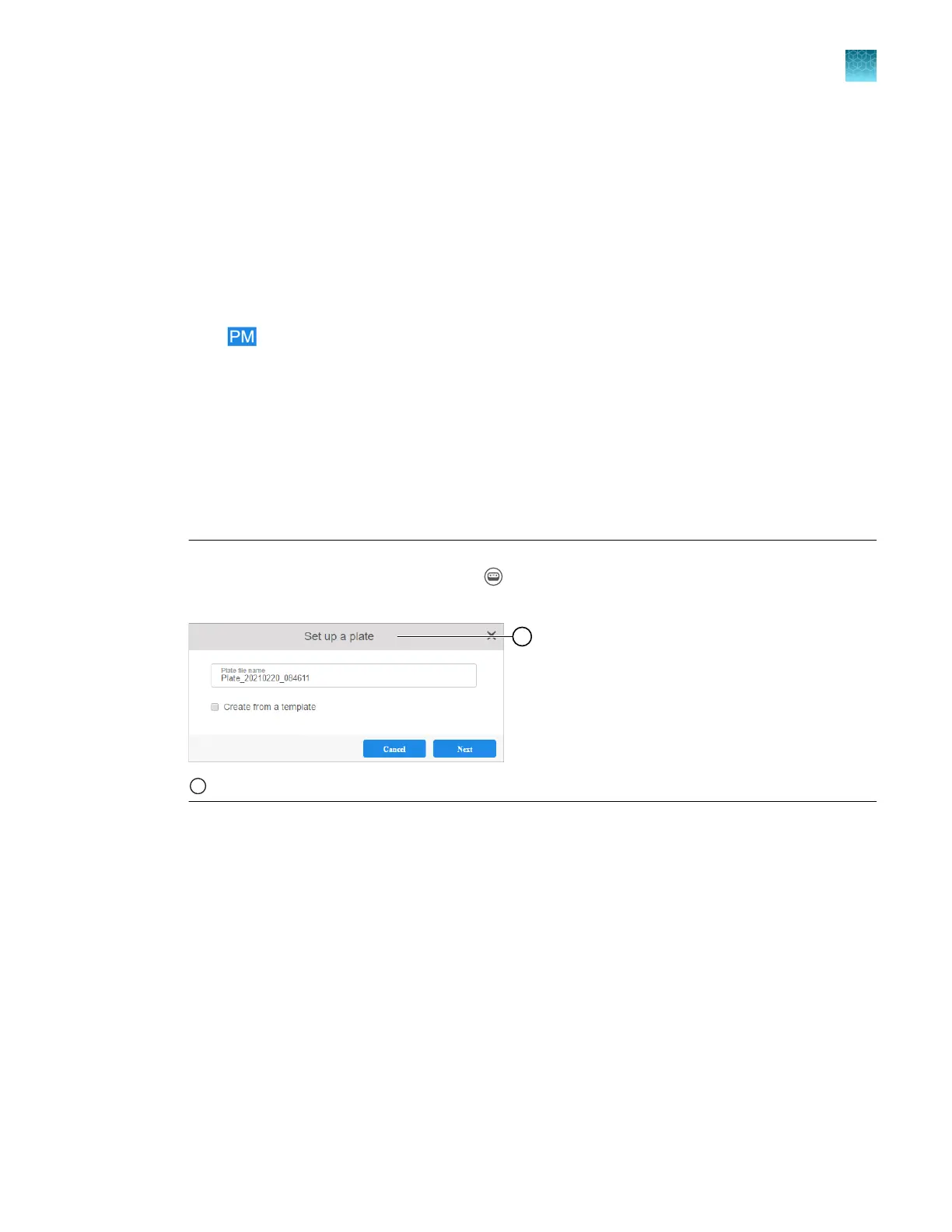
Note: If the Set up a plate dialog box is displayed when you click Create a plate file, the
instrument type is set to SeqStudio. Click (Switch instrument) at the t
op right of the screen,
then select SeqStudio Flex.
1
If the Set up a plat
e dialog box is displayed, the instrument type is not set to SeqStudio Flex.
Chapter 5 Create a plate file in the Plate Manager software
Set up a plate file
5
SeqStudio
™
Flex Series Genetic Analyzer with Instrument Software v1.0 User Guide
115













 To Next Page