Sequencing results
Result
Description
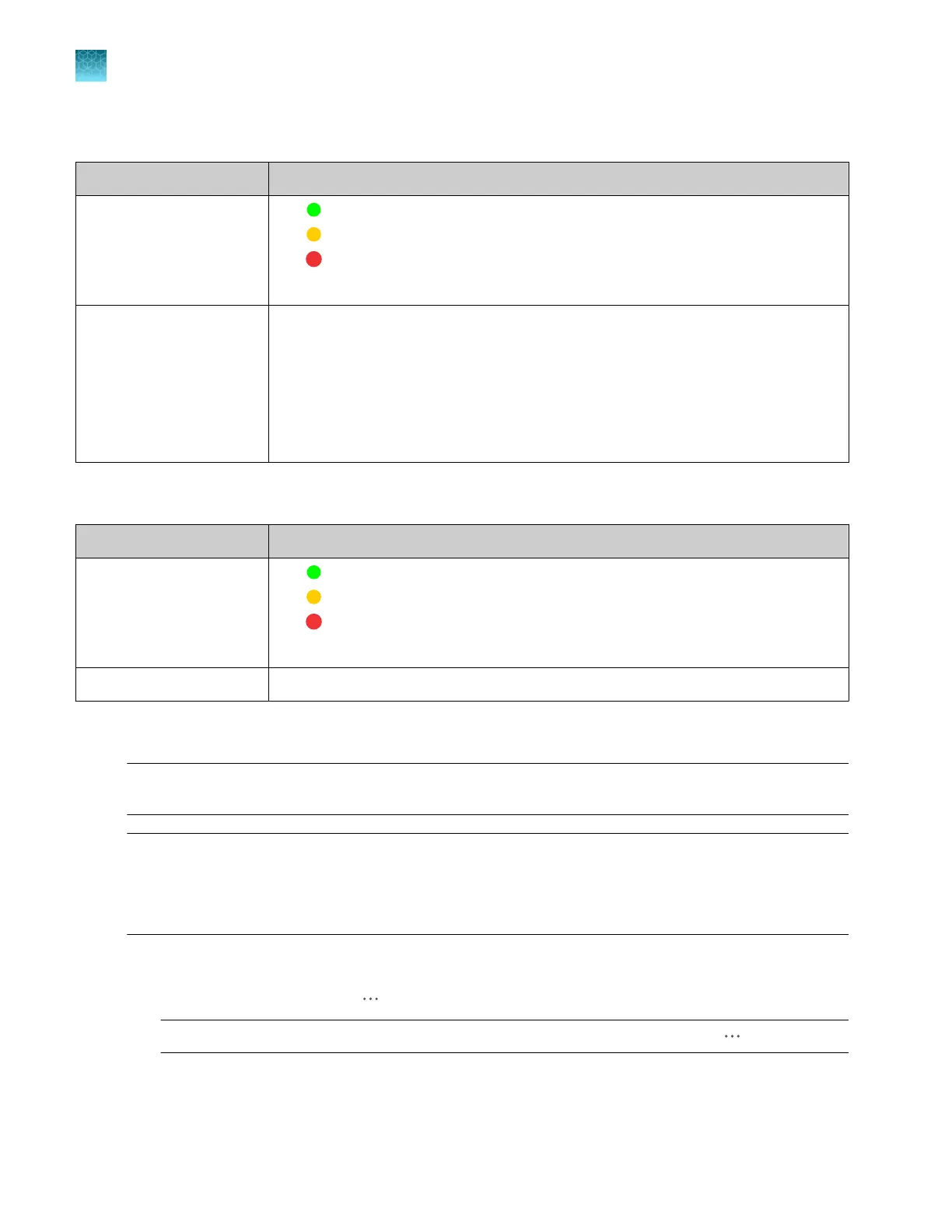
QC (Sample QC)
•
—All QC tests passed.
•
—At least 1 warning quality alert was triggered.
•
—At least 1 failing quality alert was triggered.
For more information see “Sample QC and quality alerts” on page 172.
CRL (Contiguous Read
Length)
The longest uninterrupted segment of basecalls with an average Quality Value (QV)
≥20.
In addition to evaluating the QV of a basecall, the software considers the QV of
adjacent basecalls within a 21-bp moving window to determine a contiguous read
length based on quality values: the software starts from the 5' end and calculates the
average QV across a moving window size of 21, sliding 1 bp at a time, to the 3' end.
The resulting longest contiguous segment is determined as the CRL.
Fragment analysis results
Setting
Description
QC (Sample QC)
•
—All QC tests passed.
•
—At least 1 warning quality alert was triggered.
•
—At least 1 failing quality alert was triggered.
For more information see “Sample QC and quality alerts” on page 172.
Sizing quality (SQ) For more information see “Sample QC and quality alerts” on page 172.
Cancel injections or specify re-injections in the Remote Monitoring software
IMPORTANT! You can cancel an injection in the Remote Monitoring software, but you cannot resume
the run. You can resume the run from the instrument only.
IMPORTANT! T
o cancel injections, re-inject, or pause the instrument, you must be signed in to the
instrument and to Thermo Fisher
™
Connect with the same cloud profile.
If another user is signed in to the instrument when you select any of these commands, a message is
displayed in the Remote Monitoring software indicating that the request was not sent to the instrument.
1.
In the Plat
es tab, select an injection in the Injection list pane.
2.
In the Sample QC field, click
(Actions).
Not
e: If more than one injection is selected, nothing is displayed when you click
(Actions).
3.
Select the Re-inject or C
ancel injection options.
Chapter 8 Use the Remot
e Monitoring software to monitor runs, view results, and use cloud analysis
Monitor a run from the Remote Monitoring software
8
192
SeqStudio
™
Flex Series Genetic Analyzer with Instrument Software v1.0 User Guide













 To Next Page