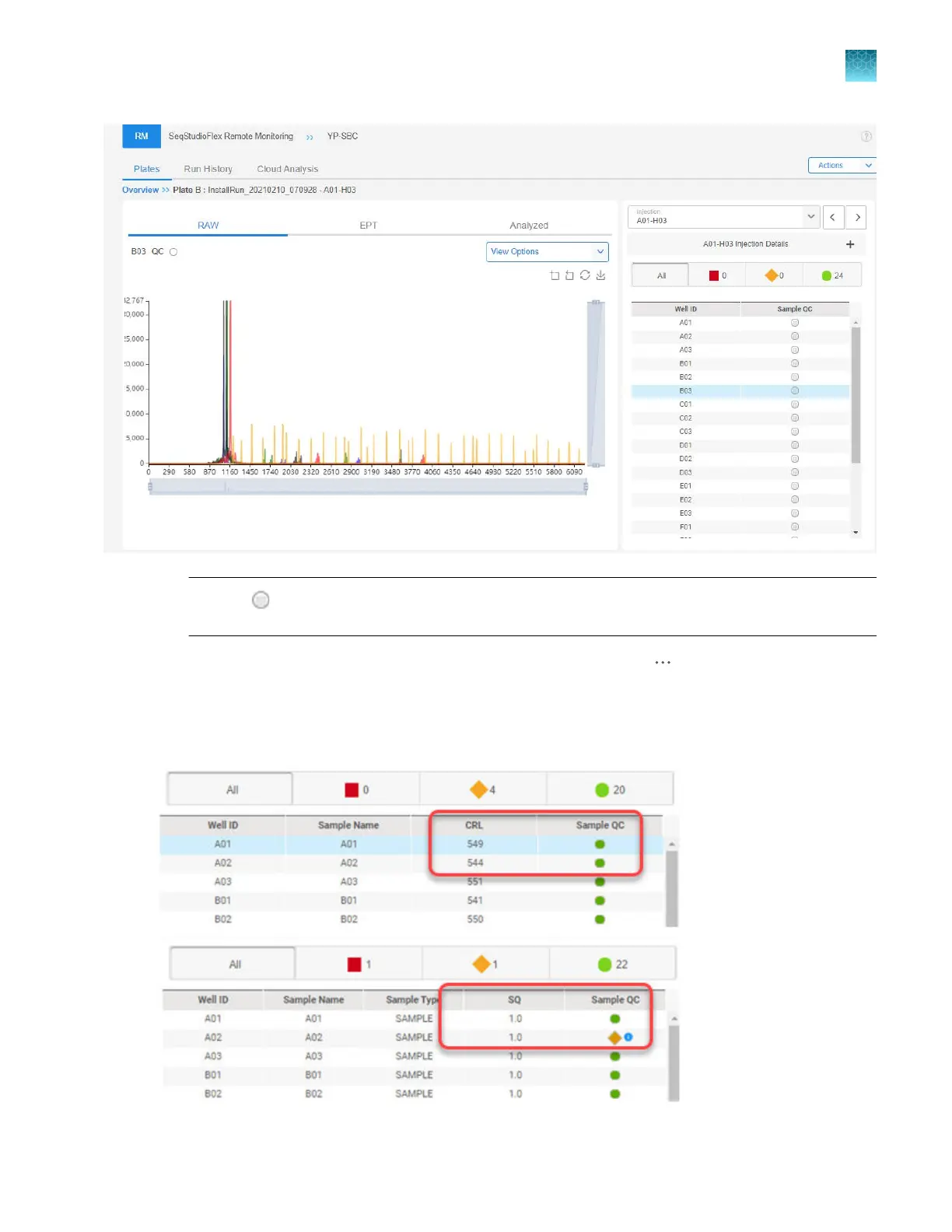
Note: A gray symbol in the Sample QC field indicat
es that the data files are being exported
from the instrument to the Remote Monitoring software.
3.
Alt
ernatively, you can select an injection in the Injection List, click
(Actions), then click V
iew
details.
Results are displayed in the sample list at the right of the screen. For more information, see “Sample
QC and quality alerts” on page 172.
Chapter 8 Use the Remote Monitoring software to monitor runs, view results, and use cloud analysis
Monitor a run from the Remote Monitoring software
8
SeqStudio
™
Flex Series Genetic Analyzer with Instrument Software v1.0 User Guide
191













 To Next Page